On this page
A note on what you're about to seePart 1 — The dispatch formPart 2 — What lands on the pull requestPart 3 — What the agent actually drivesPart 4 — Where the evidence goesFeature Tour
A note on what you're about to see
This PR's own interface lives on GitHub — the workflow dispatch form, the AI's pull-request comments, the story issues. Those screens could not be captured for this document. The environment that generated these docs has no authenticated GitHub session, and the repository is private, so there is no honest way to produce a screenshot of them. Rather than fake a mockup, this page does two things instead:
- Reproduces the workflow's GitHub output exactly, rendered from the
template strings in the code. Where you see a comment or issue below, every character of its structure comes from .github/workflows/sandbox-qa.yml — only the AI-authored prose and the numbers are illustrative.
- Shows real screenshots of the surface the agent actually drives — the
live sandbox for this very branch, ci-qa-composable, captured with the same kind of browser automation the test action uses.
The second half is the more useful one anyway. The workflow is plumbing; what it does is walk a real clinic system.
Part 1 — The dispatch form
Actions tab → Sandbox QA → Run workflow. Two dropdowns, defined at .github/workflows/sandbox-qa.yml:23-44:
Use workflow from
  Branch: ci/qa-composable          ← the branch that gets reviewed

QA action to run                    (required, default: test)
  ○ review
  ○ plan
  ● test
  ○ fix
  ○ full-auto

Test scope (test action only)       (required, default: all)
  ● all
  ○ failed-only
Three things to notice, all visible in the code:
testis the default (:30) — the default button does not commit to your
branch.
scopeis shown for every action, including the four it doesn't apply to
(:37-44). GitHub Actions has no conditional inputs; the description carries the caveat.
- The branch selector is the real target. The workflow runs on the ref you
pick, not on whichever PR you have open in another tab.
Part 2 — What lands on the pull request
After review
One comment. Structure verbatim from .github/workflows/sandbox-qa.yml:131-138:
<!-- sandbox-qa-review -->            ← invisible; do not delete when editing
### 🔍 QA code review (AI — edit freely; `plan` builds on your edits)

_2026-07-20 16:40 UTC · [run](…/actions/runs/12345) · branch `ci/qa-composable`_

…the agent's technical and business review…
The header text is not a paraphrase — that string is at line 132. The invitation to edit is part of the product.
This is the artifact that did not exist before. Previously the earliest thing a human could correct was the test plan, already built on an unseen understanding of the code.
After plan
Same shape, different marker and header (:127, :133):
<!-- sandbox-qa-plan -->
### 🧪 QA test plan (AI — edit freely; `test` runs exactly this)

_2026-07-20 16:52 UTC · [run](…) · branch `ci/qa-composable`_

…user stories, each with a role and a priority…
Edit this comment, dispatch test, and your edited text is what runs — the workflow reads the comment body back from the API at :76-82.
After test
One issue per story. Title and body from :191-200:
[QA-7] ❌ Receptionist can move an appointment into a fully booked slot

**Result: ❌ FAIL** · role `receptionist` · priority normal
PR: #241 · tested 2026-07-20 17:31 UTC · [run](…)

## User story
As a receptionist, I open the calendar, drag an existing appointment onto a
slot that already has two bookings, and expect to be warned before it saves.

## Test result
No warning appeared; the appointment saved silently. Screenshot attached in the
run artifacts.
Labels: ai-automated, pr-241, plus critical if the story is critical-priority (:199).
Passing, fixed, and skipped stories are created and then immediately closed (:176, :203-205) — so the open issues are "what needs attention", with the caveat that a skipped story closes too.
Plus one summary comment (:230-239):
<!-- sandbox-qa-report -->
### 🧪 QA review

_2026-07-20 17:31 UTC · [run](…) · mode **test** · 12 stories: 9 ✅ · 2 ❌ · 0 🔧 · 1 ⏭️_

Full story-by-story results: [`ai-automated` + `pr-241` issues](…) (open = needs attention)

…the agent's short prose summary…

<details><summary>Story issues</summary>

❌ #310 QA-7 · ✅ #311 QA-8 · ⏭️ #312 QA-9 · …

</details>
That tally line is the number to trust — it is the only place skipped stories are visible.
After fix
No new issues. Each existing one gets a comment and a retitle (:179-187):
**Re-test: 🔧 FIXED** · 2026-07-20 18:10 UTC · [run](…)

The overbooking guard was not applied to the drag-and-drop path, only to the
create-appointment form. Applied it to both; the warning now appears.
…and the issue is retitled [QA-7] 🔧 Receptionist can move an appointment… and closed.
Part 3 — What the agent actually drives
Everything above is bookkeeping. This is the system the test action walks: the live sandbox built from this branch, at ci-qa-composable.sandbox.anastawfik.com. These screenshots were captured through browser automation against that environment — the same route the agent takes.
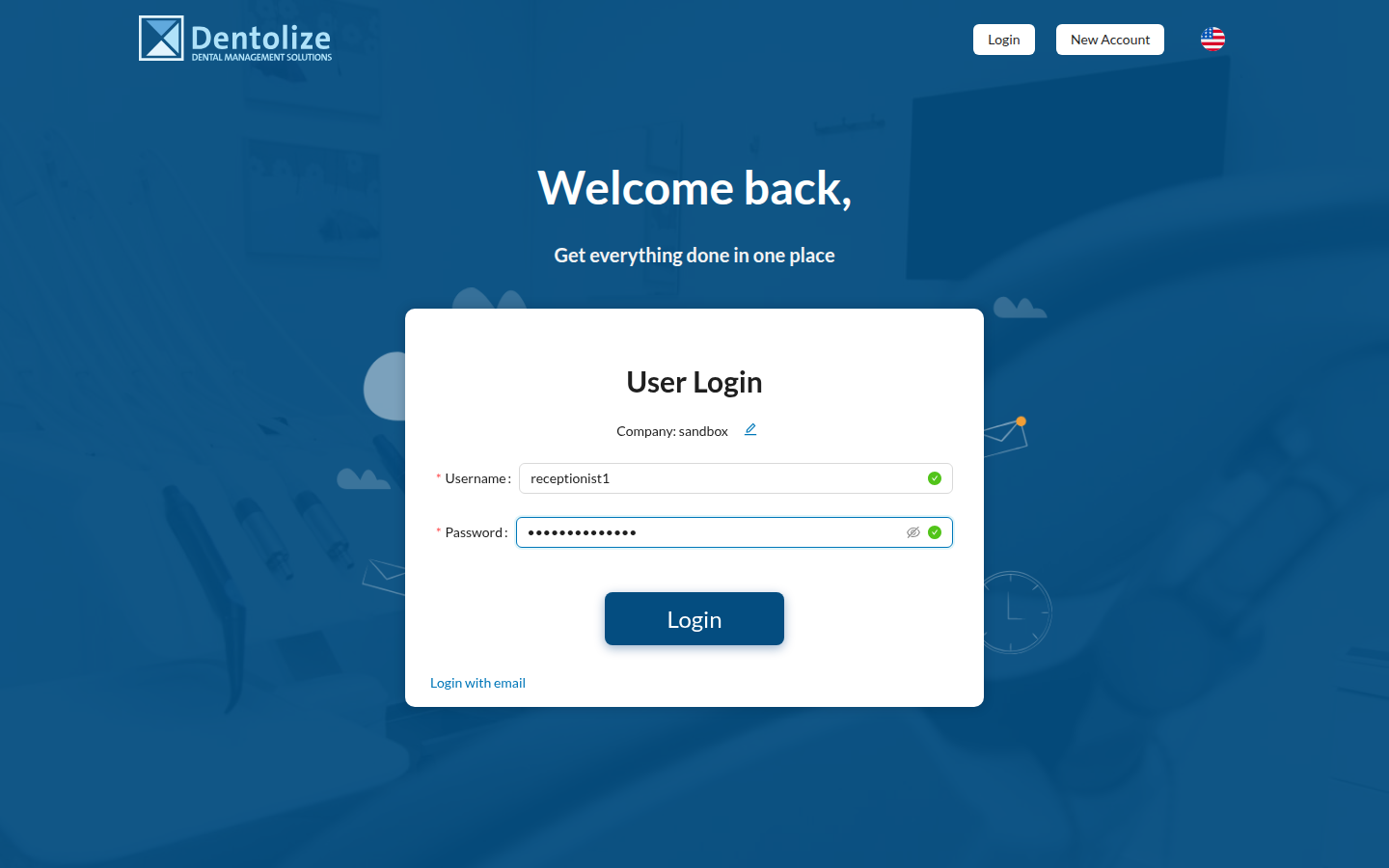
It starts where any user starts
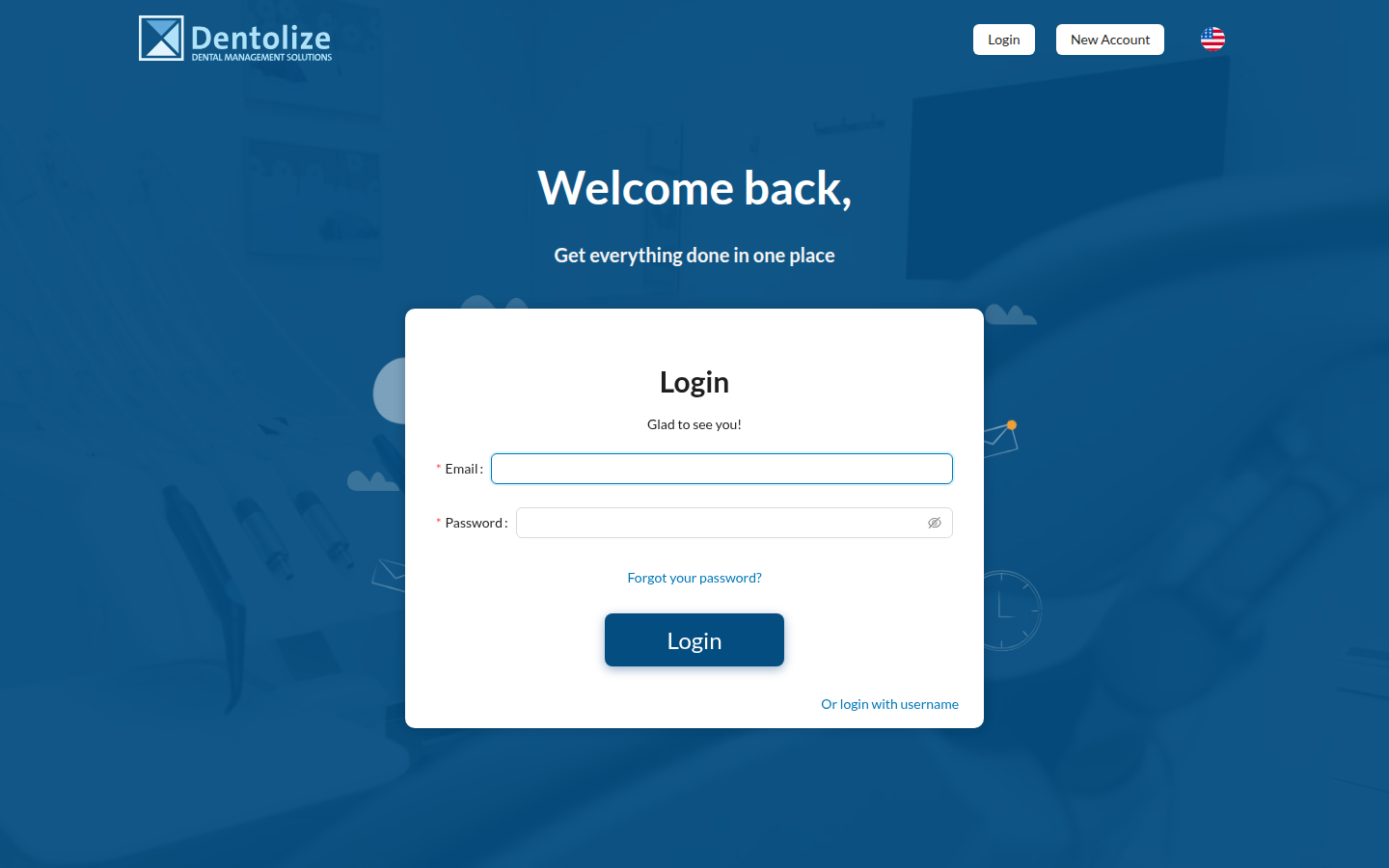
Every pull request gets one of these: a full stack — API, web app, database — routed at its own hostname and destroyed when the PR closes. The QA agent receives credentials for it and logs in like a person would.
The clinic the agent sees
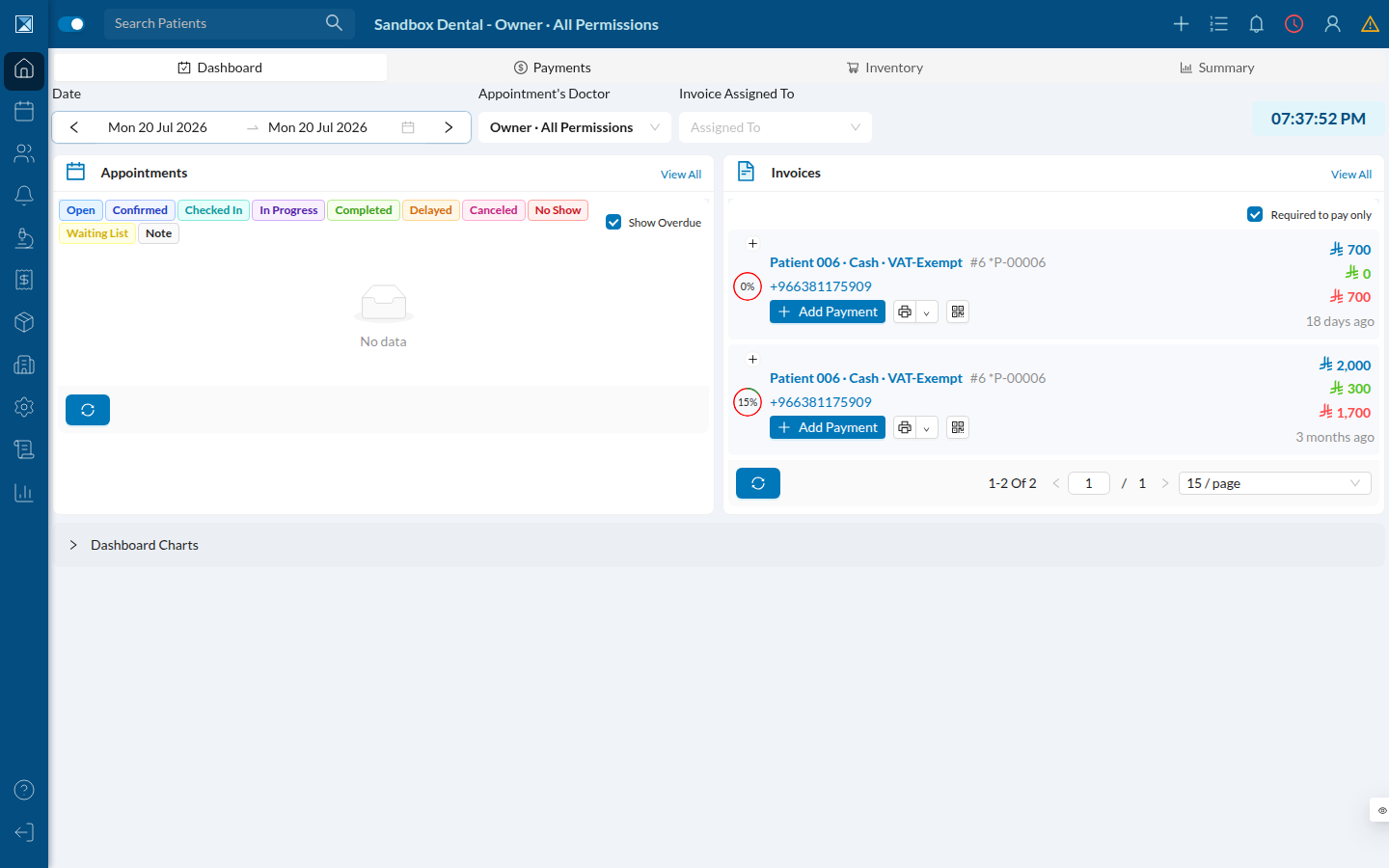
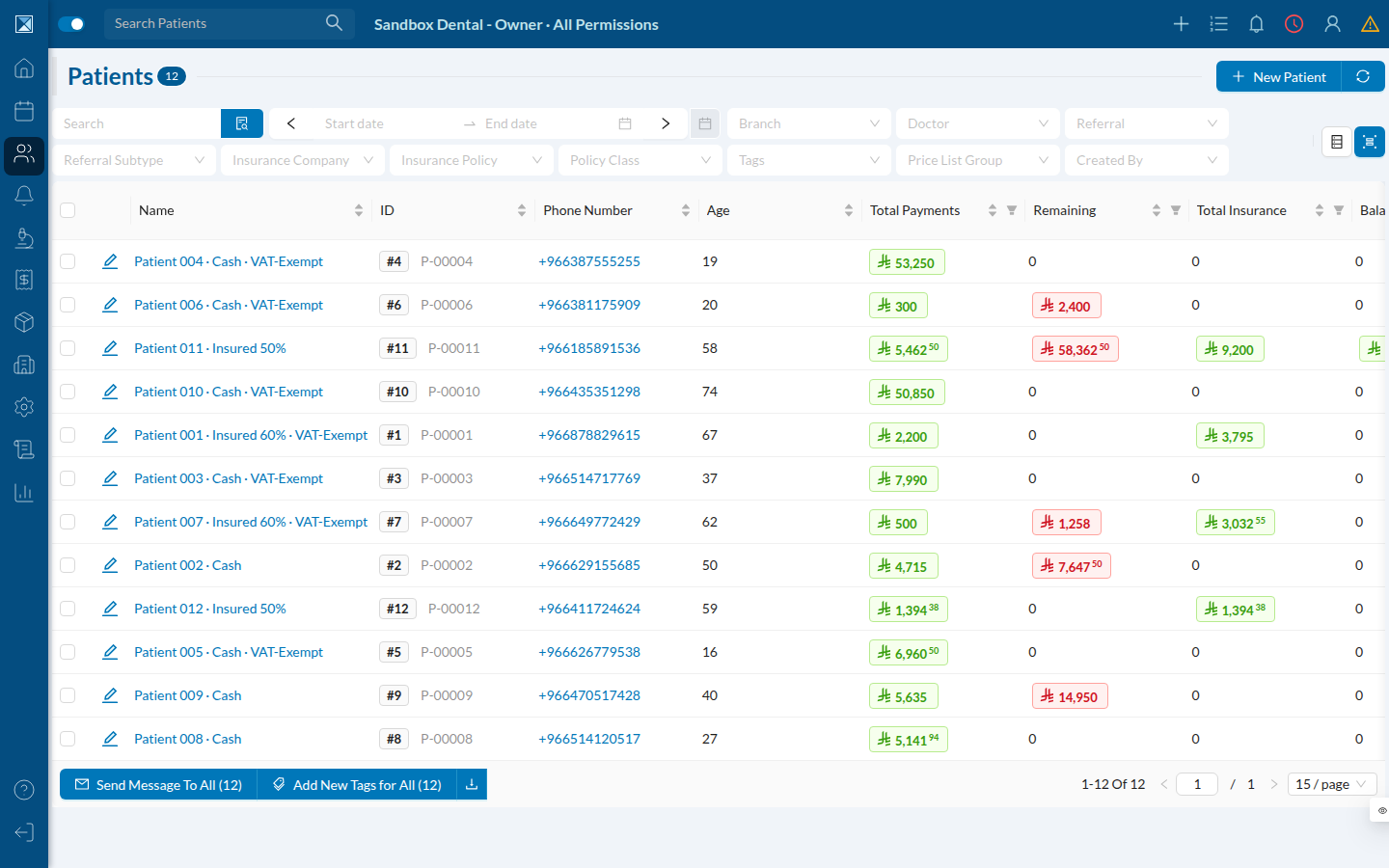
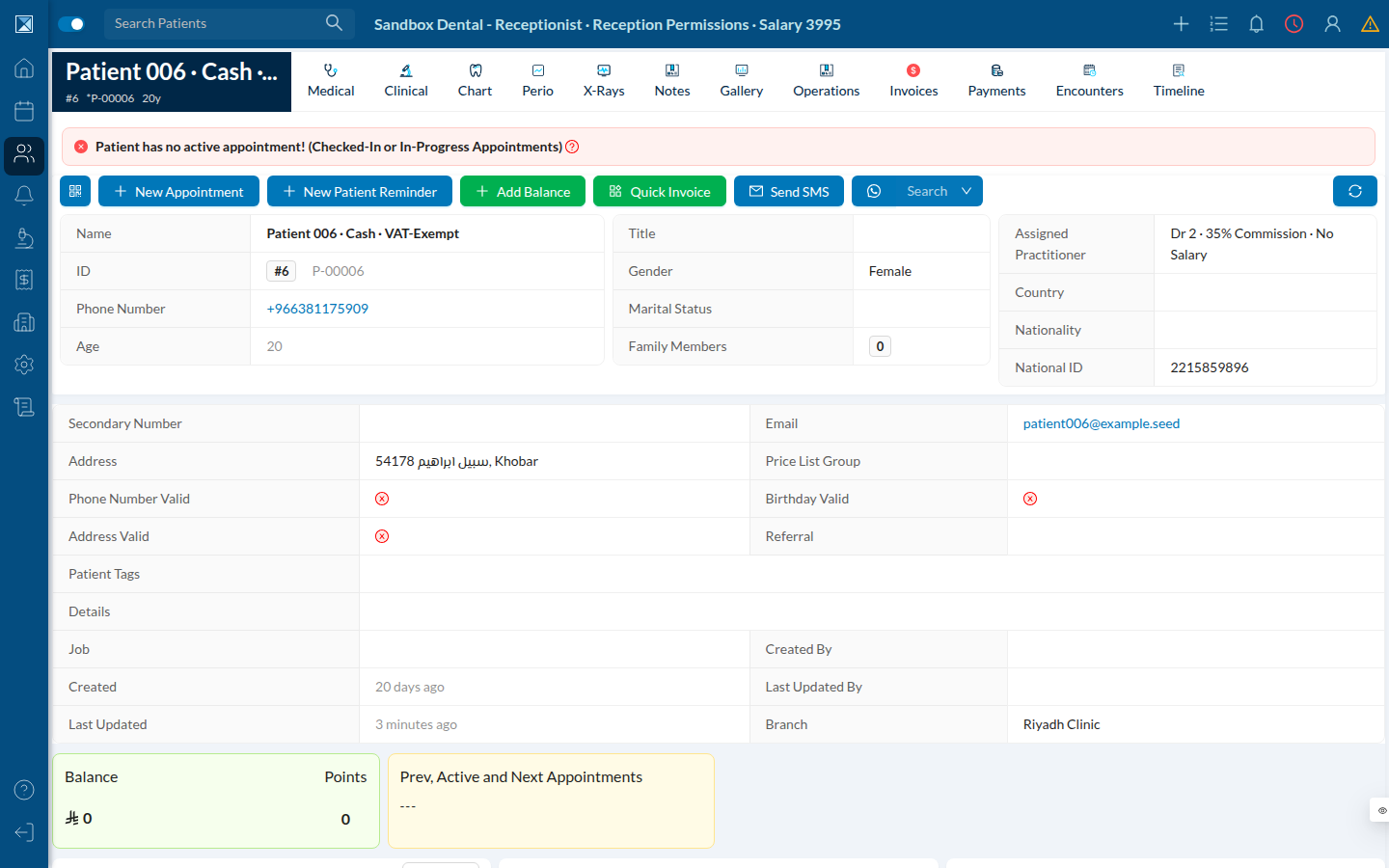
This is the owner account — all permissions. The data is entirely synthetic (you'll see "Patient 006" throughout), seeded fresh into every sandbox. The two invoices visible here, at 0% and 15% paid, are the kind of state a story like "an accountant records a partial payment" would act on.
Patients
The calendar
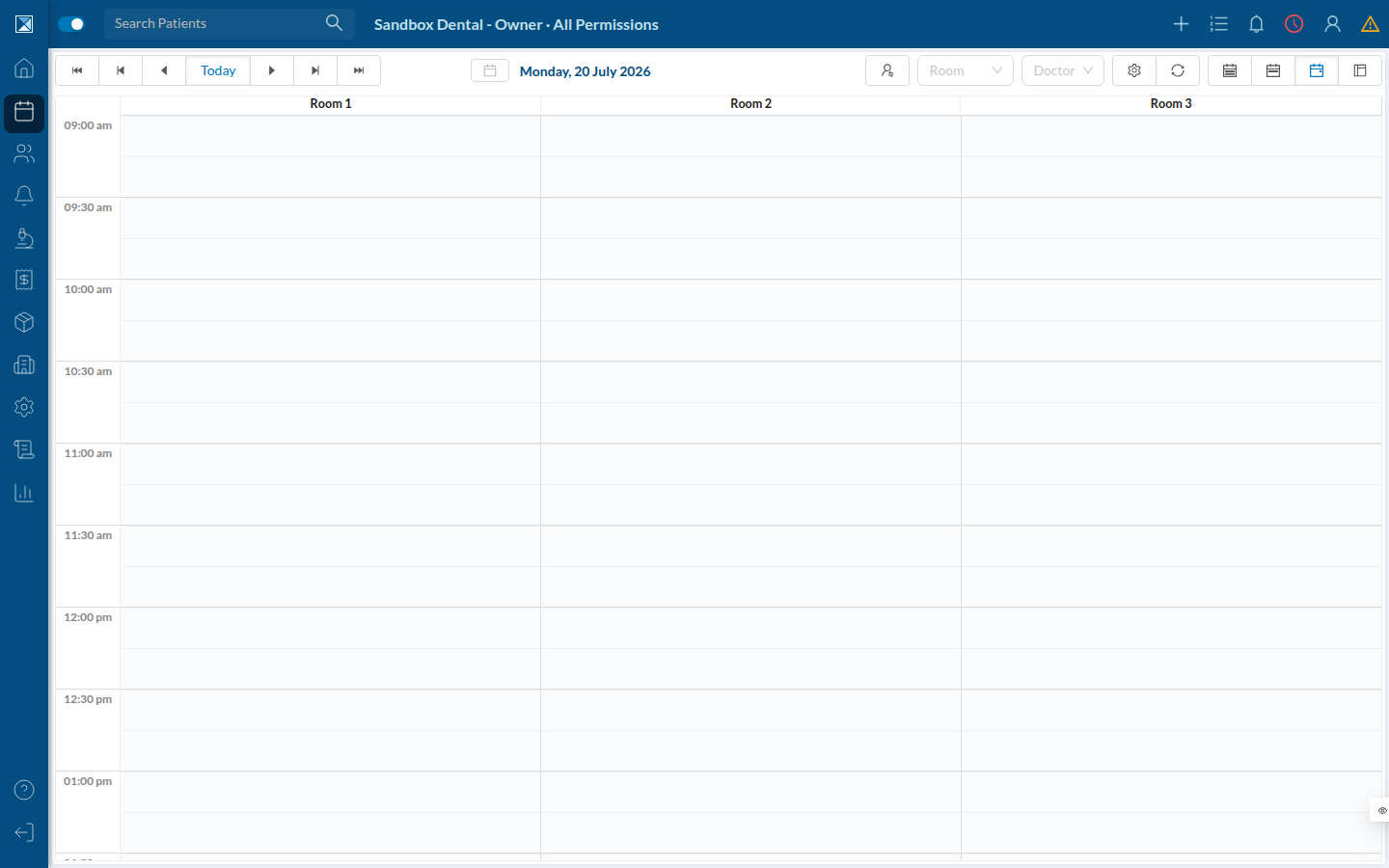
Scheduling stories are where the agent spends much of its time: booking, rescheduling, double-booking, no-shows, waiting lists. The dashboard's appointment panel exposes ten statuses — Open, Confirmed, Checked In, In Progress, Completed, Delayed, Canceled, No Show, Waiting List, Note — and each is a transition a story can assert on.
Invoices
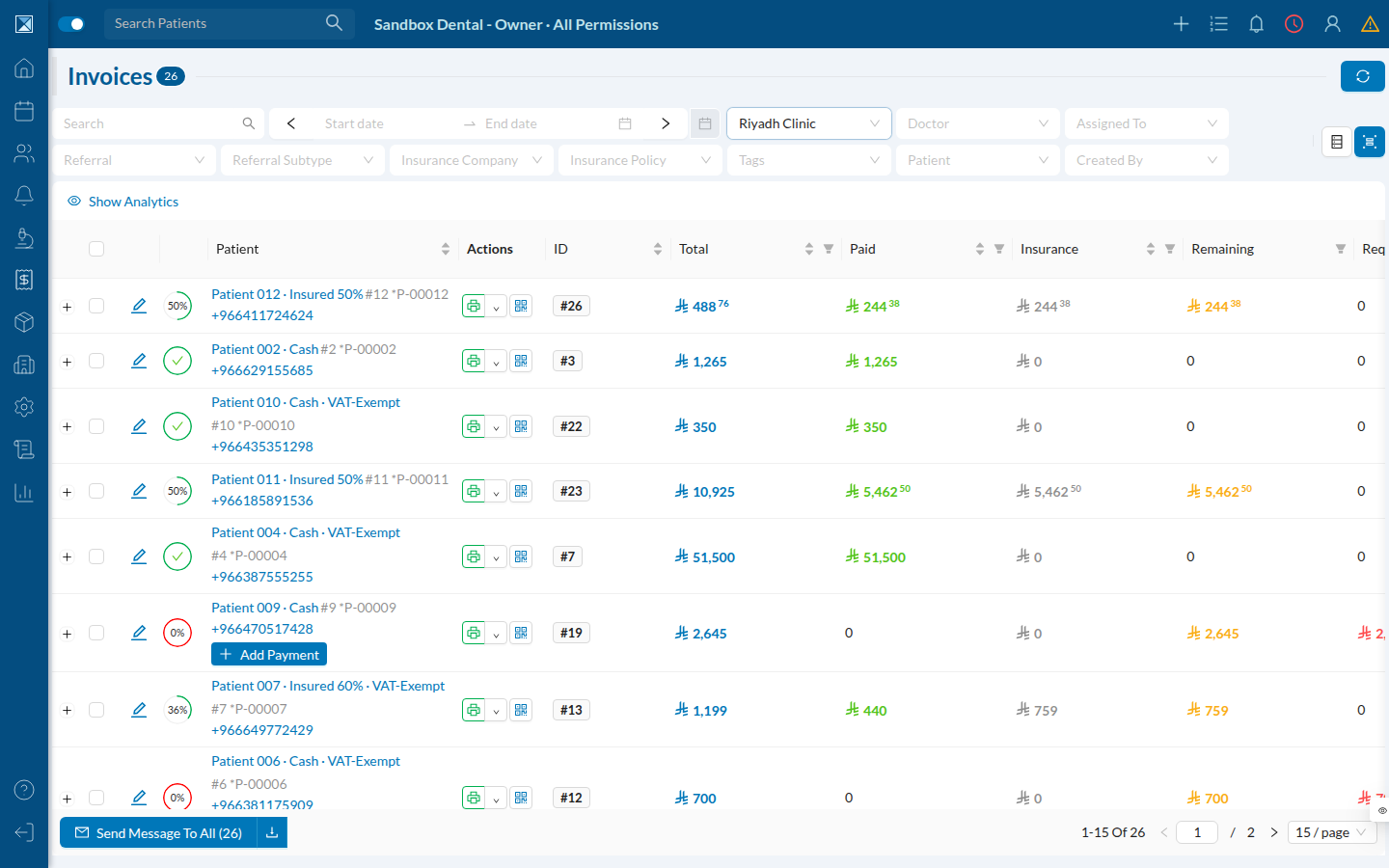
Financial flows are the highest-stakes area the agent touches, which is why the plan's priority field matters — critical stories get an extra critical label on their issue (.github/workflows/sandbox-qa.yml:199).
Roles are part of the test, not a detail
Every user story carries a role (.github/workflows/sandbox-qa.yml:195), because what a receptionist can reach is not what an owner can reach. The sandbox seeds a full roster — owner, two doctors on different commission structures, a receptionist, an accountant, an HR manager — all sharing one password so the agent can switch between them.
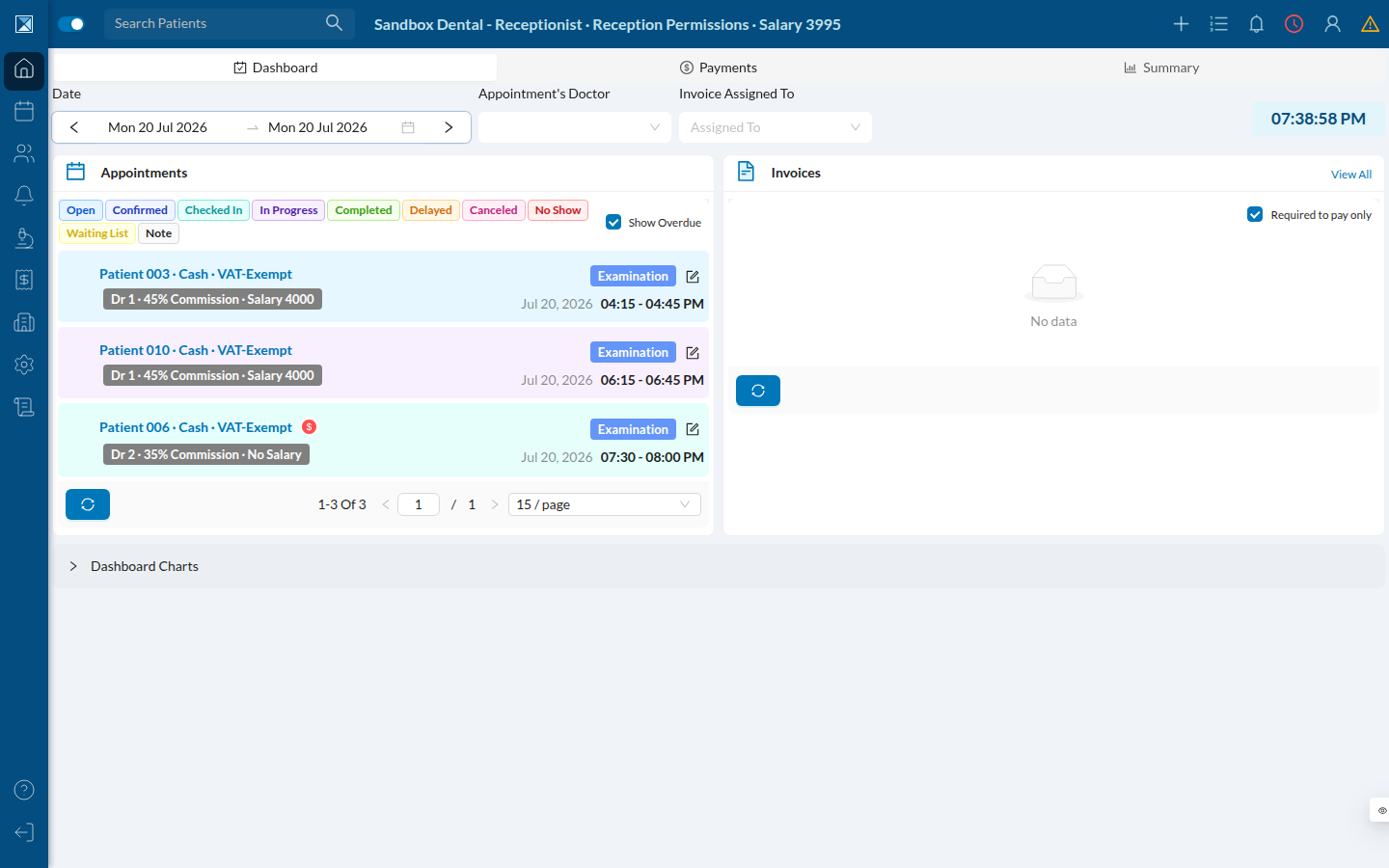
Compare that sidebar to the owner's earlier in this page. The owner has Inventory and Analytics; the receptionist does not. A story that says "a receptionist cannot reach inventory" is asserting on exactly this difference — which is why the plan's role field is one of the fields most worth correcting by hand before dispatching test.
And down into the detail
Part 4 — Where the evidence goes
Every run attaches an archive to itself: the agent's full log, the untruncated review and plan, the raw stories.json, and the rest of the branch's QA state directory. Kept 14 days (.github/workflows/sandbox-qa.yml:241-250).
This is where the fix in this PR shows up. The archive used to be named after the raw branch name — and GitHub forbids / in artifact names. On ci/qa-composable, or any feat/… branch, the upload silently failed and the evidence for that run was lost. The workflow now names it from a sanitized slug the agent emits (:247), which is the same slug the sandbox hostname uses: ci-qa-composable.
One caveat worth knowing before you go looking: the upload only runs if the agent got far enough to report its state directory (:242). An agent that crashes on startup produces no artifact at all — including the log that the error message tells you to read. In that case, the raw job log in the Actions tab is what you have.