On this page
1. The sandbox login — where every phase begins2. The dashboard — the seeded world under test3. A representative screen a Story would navigate — Patients4. The feature's own artifacts (described, not shown)What the tour shows vs. tellsSee alsoFeature Tour
What you can and can't see here. This PR's real outputs — a GitHub Actions dispatch screen, a Jira epic of test Stories, a Confluence review page — live behind private Atlassian and GitHub-org logins that this walkthrough can't reach. What it can show you is the thing the pipeline actually drives: the per-branch sandbox — a live copy of Dentolize seeded with demo data — that thetestandretestphases click through with Playwright. The screenshots below are captured live from this branch's sandbox athttps://ci-qa-jira-confluence.sandbox.anastawfik.com. Think of them as "the surface the QA agent tests," not as the QA feature's own UI.
For the feature's own artifacts (Actions dropdown, Jira board, Confluence page), the annotated descriptions below stand in for screenshots.
1. The sandbox login — where every phase begins
Each phase runs against a disposable environment deployed for the branch. This is its front door.
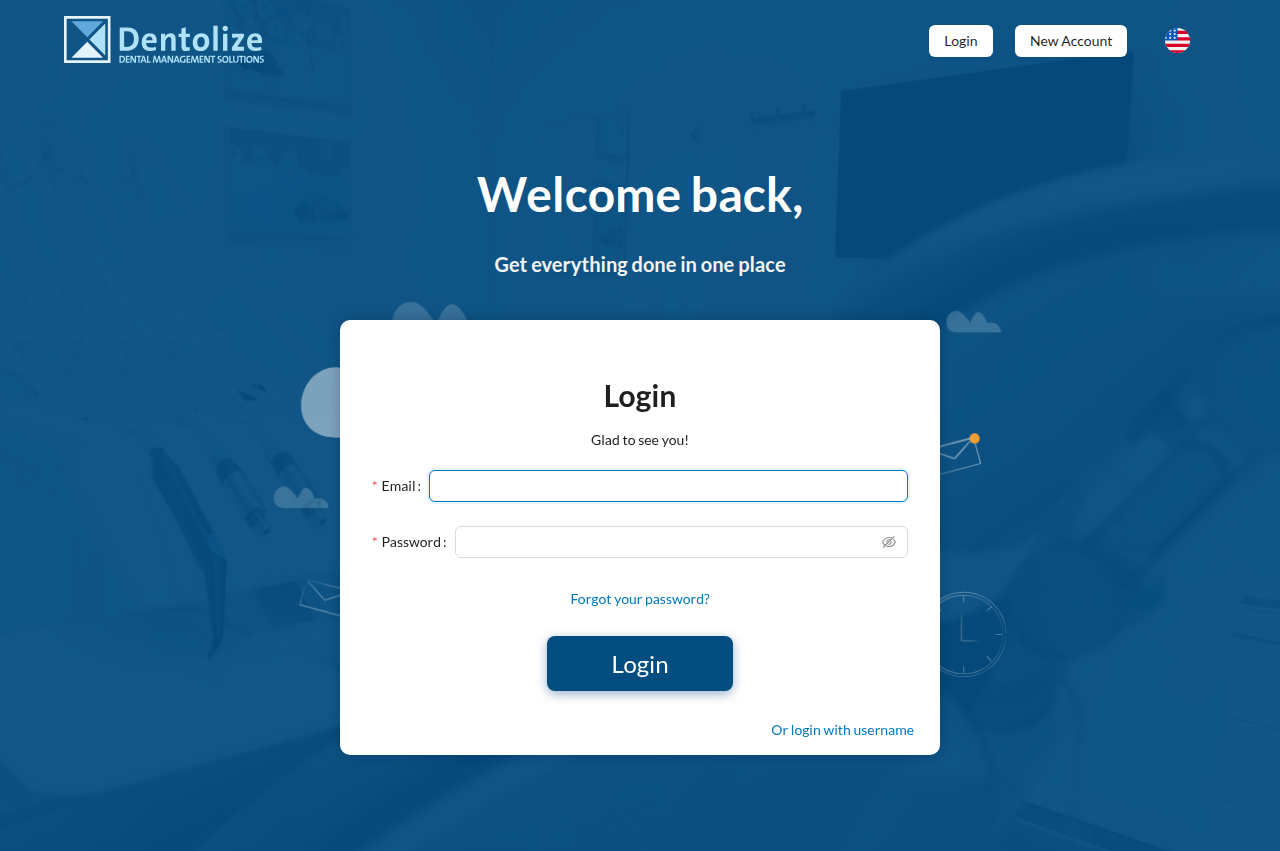
The pipeline drives this with a real browser. In these captures we signed in via "login with username" as owner on company sandbox — the roster from sandbox-info.env. A test Story's preconditions ("as a Receptionist…") map directly onto which roster user the agent logs in as.
2. The dashboard — the seeded world under test
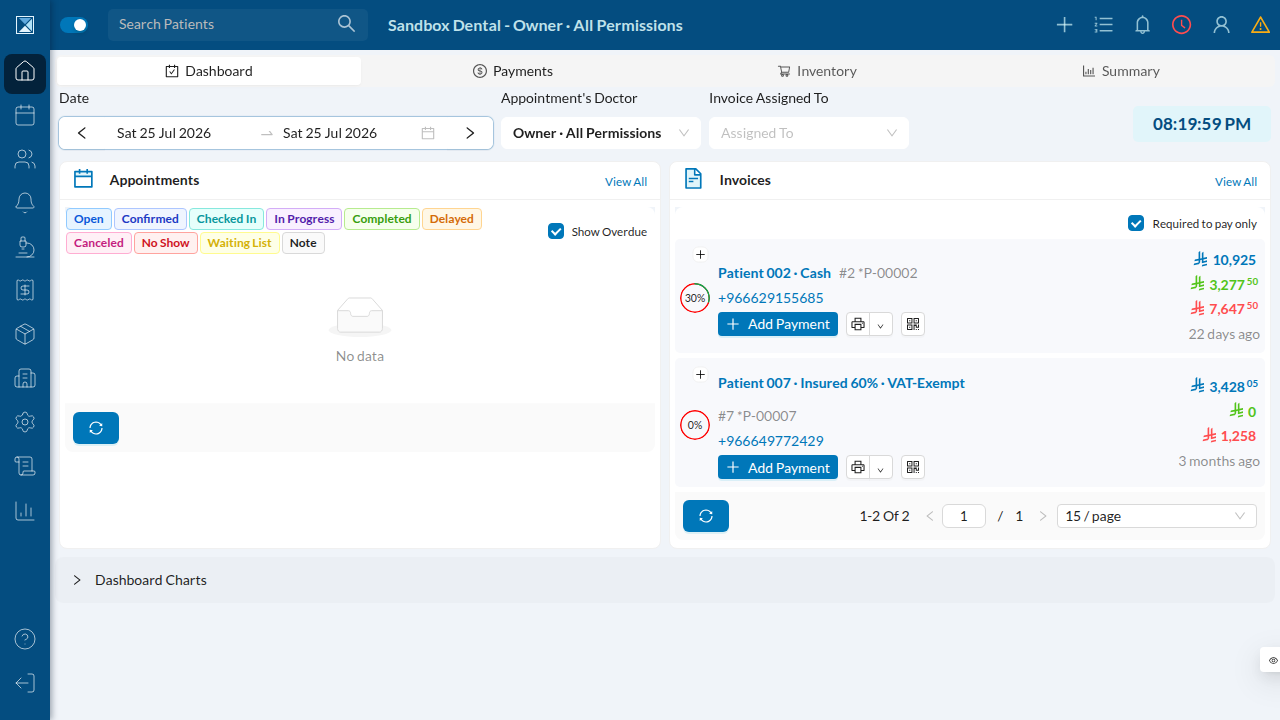
This is why the QA is meaningful: the sandbox isn't empty. The rich seed (SEED_MODE=rich) populates patients, invoices, insurance cases, and payments, so a Story like "add a payment to an outstanding cash invoice" has real data to act on. The number badges (30%, 0%), the invoice totals, and the appointment status chips are all things a test case can assert against.
3. A representative screen a Story would navigate — Patients
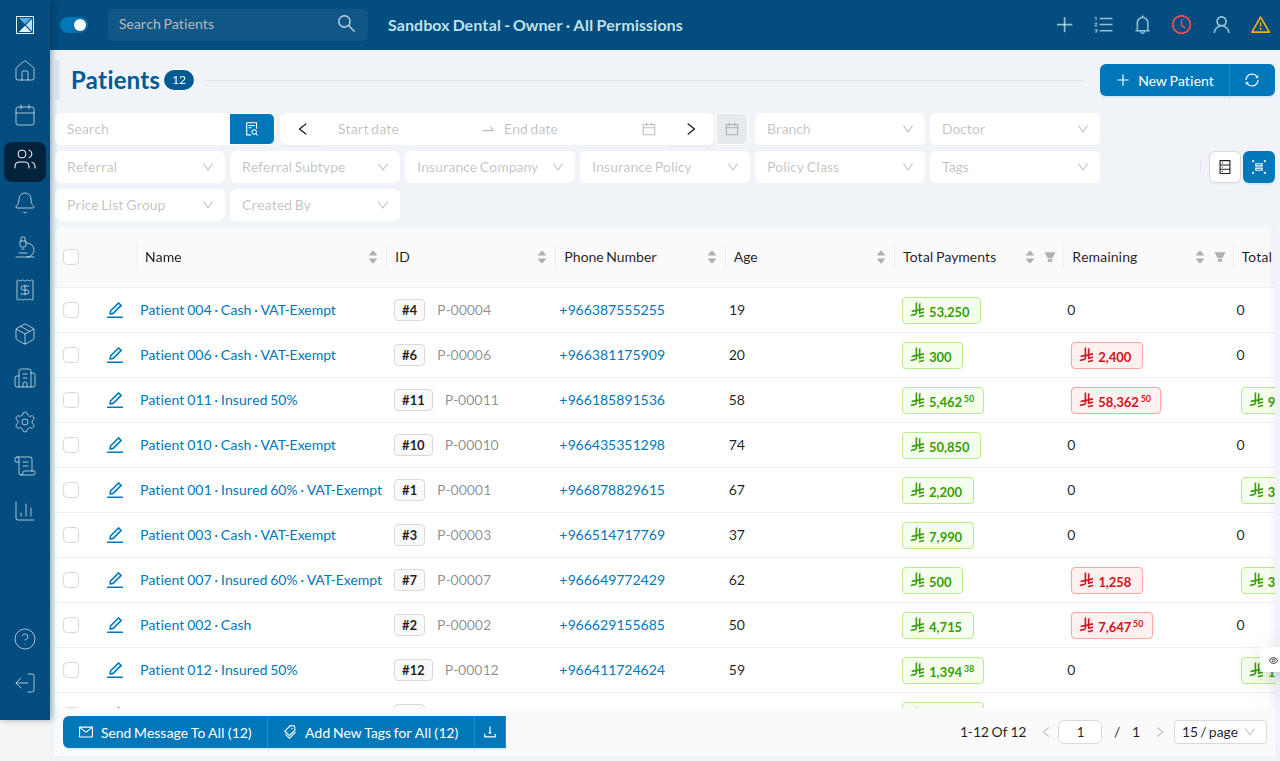
When prepare writes a Story such as "open a patient record and verify the medical history tab renders," the test phase drives exactly this surface. Every clinic area in the left nav — Calendar, Patients, Reminders, Lab Orders, Finances, Inventory, Associates, Settings — is fair game for a Story, which is why prepare aims for exhaustive coverage before a human trims it at the gate.
4. The feature's own artifacts (described, not shown)
These are produced by the off-repo agent (sandbox-qa / qa-agent/atlassian-qa.py) and can't be screenshotted from here. Here's what to expect:
GitHub Actions — dispatch. Actions tab → Sandbox QA → Run workflow → pick the branch → a phase dropdown offering prepare, test, retest, fix (default prepare). Source: .github/workflows/sandbox-qa.yml:33-42.
The PR summary comment — the one thing the workflow itself posts. It looks like:
### 🧪 Quality Review

_2026-07-25 17:20 UTC · phase prepare · [run](…)_

**Jira epic:** https://…/browse/QA-123  (the QA workspace — edit stories there)
**Confluence:** https://…/wiki/…       (review + living test report)

Stories are ready for the QA team's review in Jira. Delete, refine or add
stories on the epic, then dispatch test.

<agent summary text>
Built at .github/workflows/sandbox-qa.yml:88-102. After a test/retest/fix run, the call-to-action line switches to "Results are on the Jira tickets…".
The Jira epic — titled [PR #N Quality Review] in the QA project, with one Story per test case (role, preconditions, repro steps, expected result). After test: PASS Stories → Done; FAIL → In Progress + failed label, with a result comment and screenshots attached. This is the QA team's actual workspace — the place you edit at the gate.
The Confluence page — titled [PR #N] <title> — Quality Review in the Docs space: the readable review, and a results table that fills in as tests run (a "living test report").
_(All four described per the workflow header, .github/workflows/sandbox-qa.yml:1-26, and the PR description. They are implemented off-repo — see Workflow Internals for exactly how much of this the diff itself contains.)_
What the tour shows vs. tells
| Shown (live capture) | Told (off-repo, described) |
|---|---|
| Sandbox login, dashboard, patients | GitHub Actions dispatch dropdown |
| The seeded data a Story asserts on | The Jira epic + Story tickets |
| The roster/roles a Story logs in as | The Confluence review + results table |
| — | The PR summary comment (built in-repo, but needs a live run to render) |
See also
- The Four Phases — what happens between these screens.
- For Training — a hands-on run-through using this exact sandbox.