On this page
The demo sandbox, as it deploys todayWhere the gap shows up: WhatsApp Bot settingsWhat this PR adds, conceptuallyTurning WhatsApp on formain (the operational sequence)Walkthrough
This PR has no new screens of its own — it's a CI workflow change, not a product feature. What follows is a guided look at the effect it exists to enable: flipping a feature like WhatsApp on for the main demo sandbox without a PR.
The demo sandbox, as it deploys today
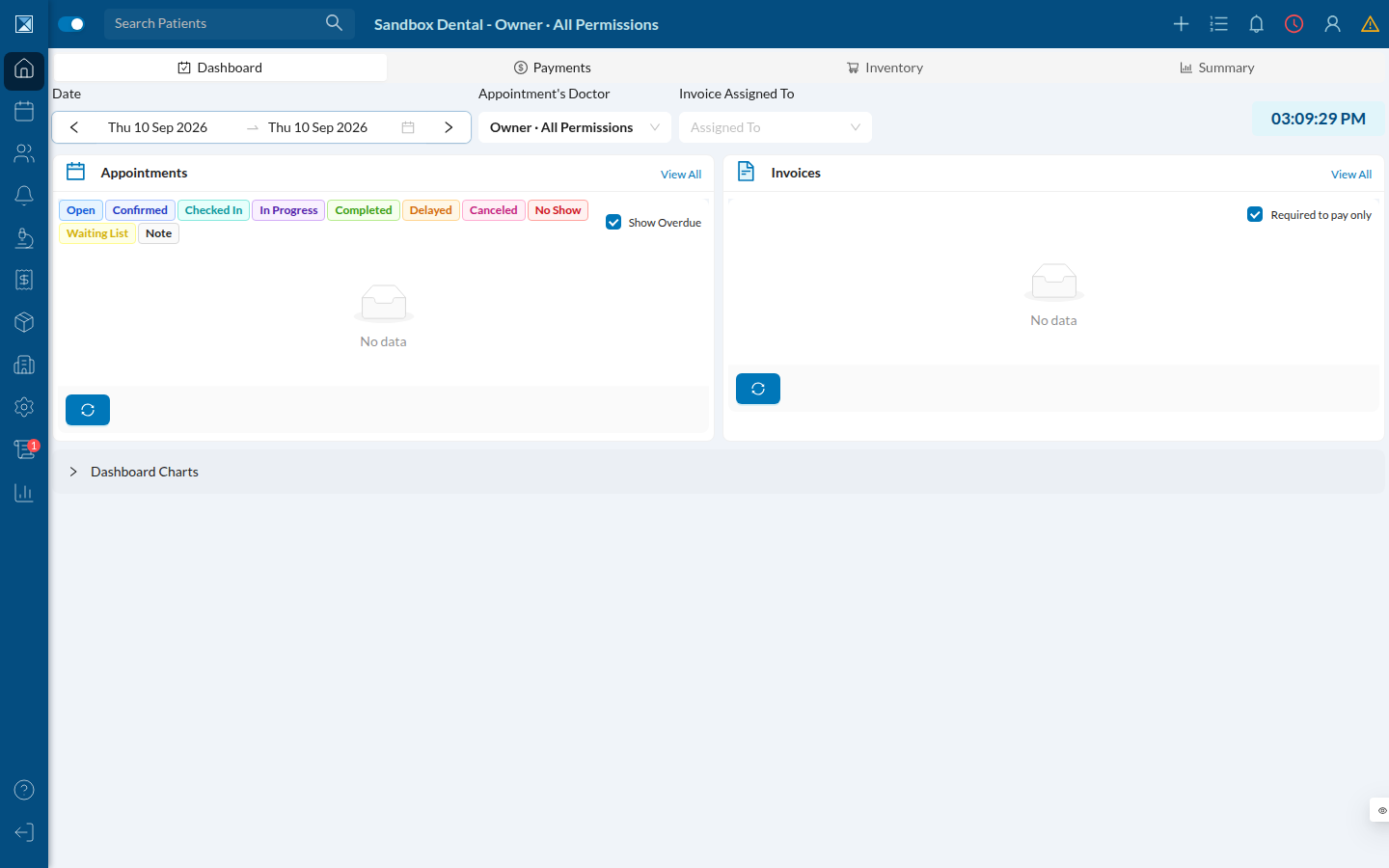
This is main's dashboard, logged in as the owner seed user (Sandbox Dental - Owner · All Permissions). This is the environment sandbox-main.yml redeploys on every push to main, and the one this PR's config mechanism targets:
Where the gap shows up: WhatsApp Bot settings
Under Settings → Integrations → WhatsApp Bot, a sandbox deployed without whatsapp: true shows this:
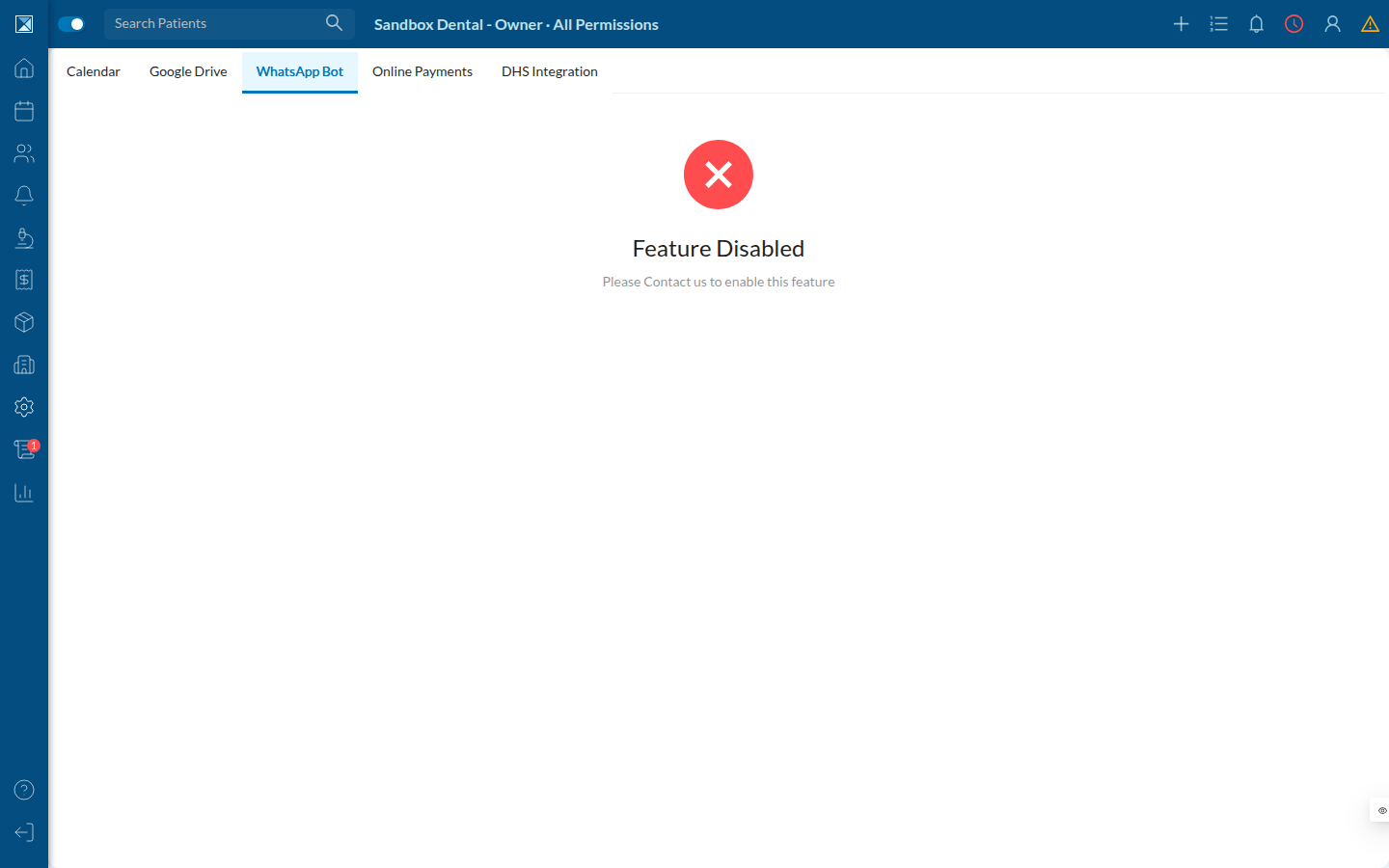
Before this PR, that "Feature Disabled" state was permanent for main — there was no PR description to write a ## 🧪 Sandbox block into, so main always deployed with every profile flag at its default (whatsapp: false among them). A PR sandbox can flip this by editing its description; main had no equivalent lever.
What this PR adds, conceptually
Before                                   After
──────────────────────────────────────   ──────────────────────────────────────
PR sandbox   → PR body "## 🧪 Sandbox"   PR sandbox   → PR body block (unchanged)
                block → settings.json                    → settings.json
main sandbox → (nothing) → defaults      main sandbox → `sandbox` GitHub
                                                            Environment vars/secrets
                                                            (SANDBOX_MAIN_*) →
                                                            settings.json
Both paths converge on the same settings.json shape and the same deploy step — see Environment-sourced settings for exactly how the new path builds that file.
Turning WhatsApp on for main (the operational sequence)
- In the repository's Settings → Environments → sandbox, add variable
SANDBOX_MAIN_WHATSAPP=true. Optionally add a secret likeSANDBOX_MAIN_FACEBOOK_APP_SECRETfor real Meta credentials. - Run Actions → Sandbox Ops, pick branch
main, actionredeploy. - The new "Compose sandbox settings from the
sandboxenvironment" step builds{"whatsapp": true, "env": {"FACEBOOK_APP_SECRET": "..."}}and hands it to the same deploy path a PR sandbox uses. - Re-visiting Settings → Integrations → WhatsApp Bot on
mainafter the redeploy would show the feature wired up instead of "Feature Disabled" — the same screen shown above, minus the disabled state.
This repository's sandbox GitHub Environment did not have SANDBOX_MAIN_WHATSAPP set at the time this doc was generated, so the "Feature Disabled" screenshot above reflects the current, pre-this-PR default — which is also still exactly what a PR sandbox without a whatsapp: true override looks like today.