On this page
1. Login still looks the same2. Logging in with a clinic login name resolves the region live3. The profile menu can now hold more than one logged-in account4. The internal admin dashboard gains a region selectorWalkthrough
Screenshots below are from the live PR sandbox (STACK=regional), logged in with the seeded demo clinic ("Sandbox Dental") and the seeded admin account. They show the two places a regular user or an admin actually sees this PR: the login flow, the multi-account switcher, and the admin dashboard's regional controls.
1. Login still looks the same
Nothing about the login screen itself changed. A user still lands on /auth/login and enters an email and password.
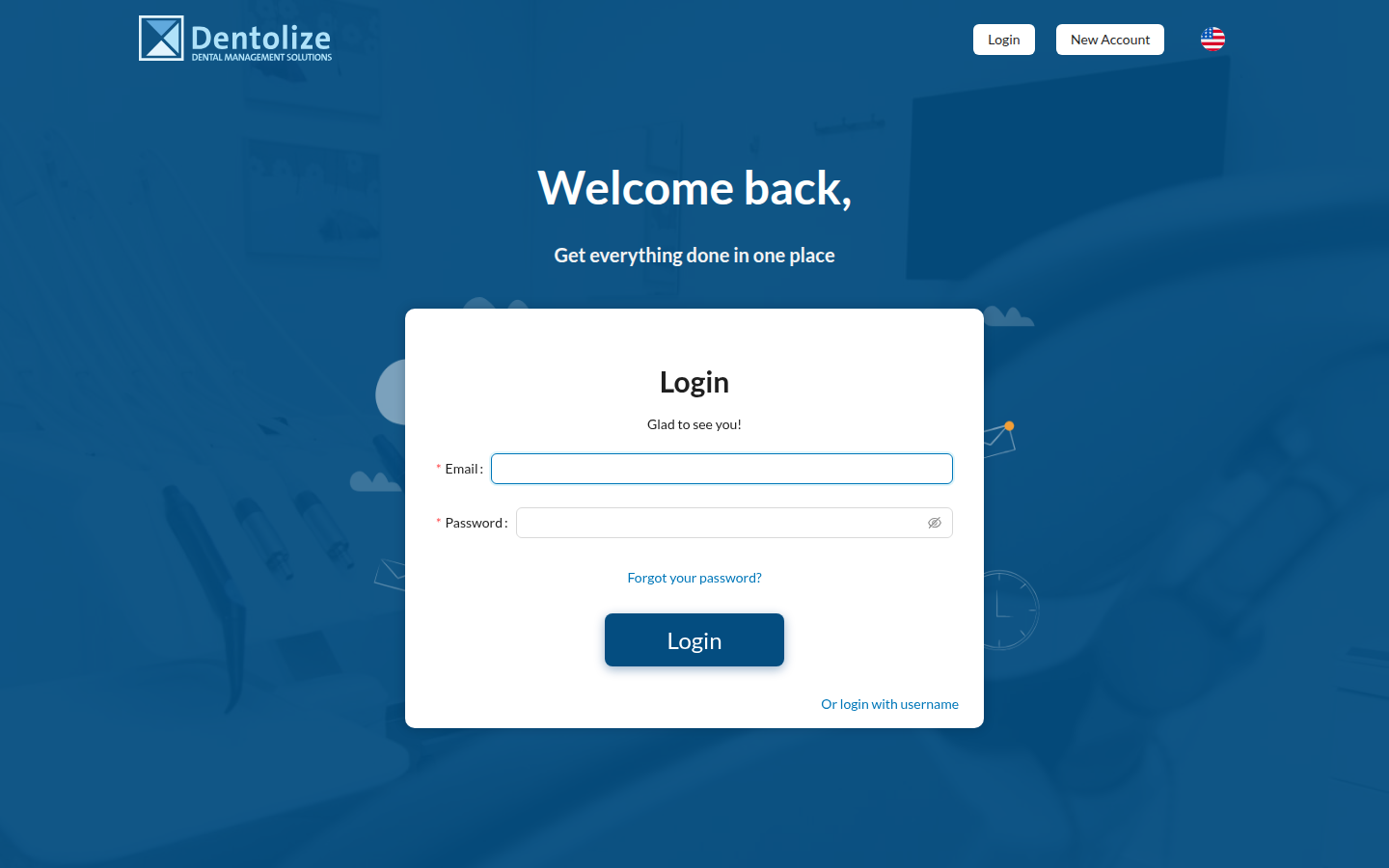
What's different is invisible at this point: before the password is even checked, the app has already asked the new Auth Server which region this email belongs to, and has pointed itself at that region's API. See Region-Aware Login & Multi-Account for exactly how that lookup works.
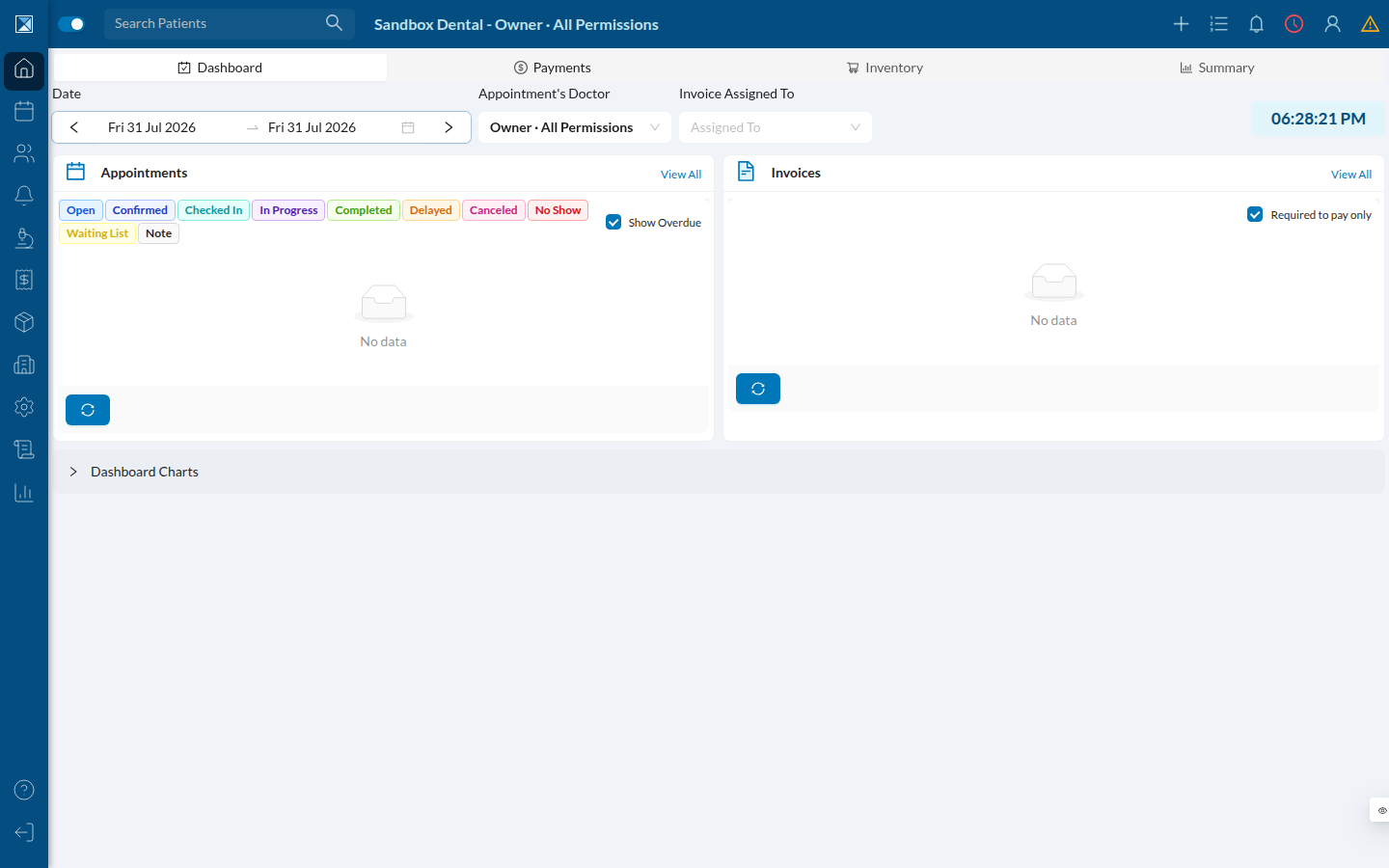
After a successful login, the dashboard itself is unchanged:
2. Logging in with a clinic login name resolves the region live
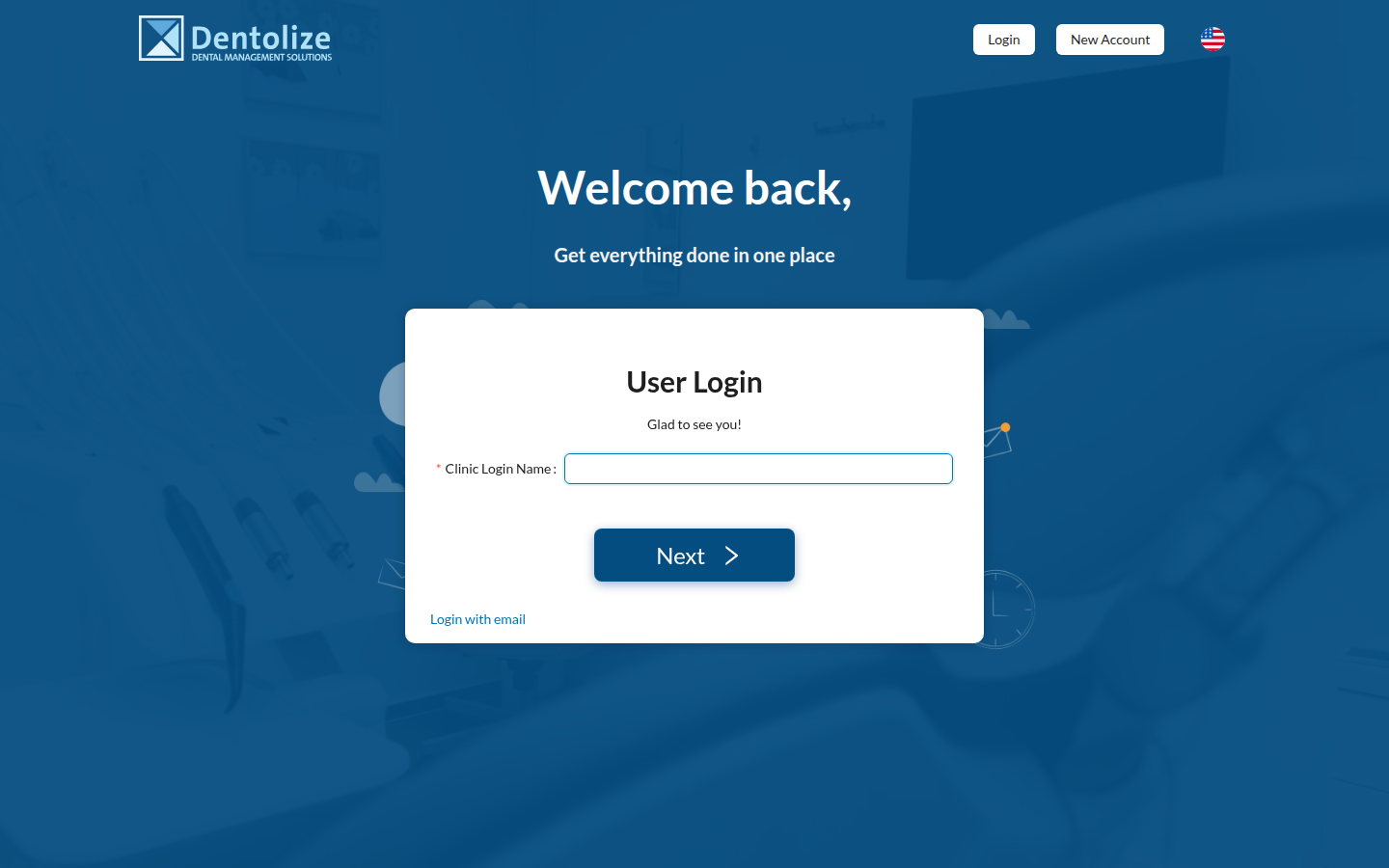
Clinics can also log in with their clinic's login name instead of an individual's email (/auth/loginCompany). This is a two-step form, and the region lookup now happens visibly between the steps.
Step 1 — enter the clinic login name:
Step 2 — after the app resolves which region "sandbox" lives in, it shows the company name back to the user (with an edit pencil to go back) and asks for a username/password:
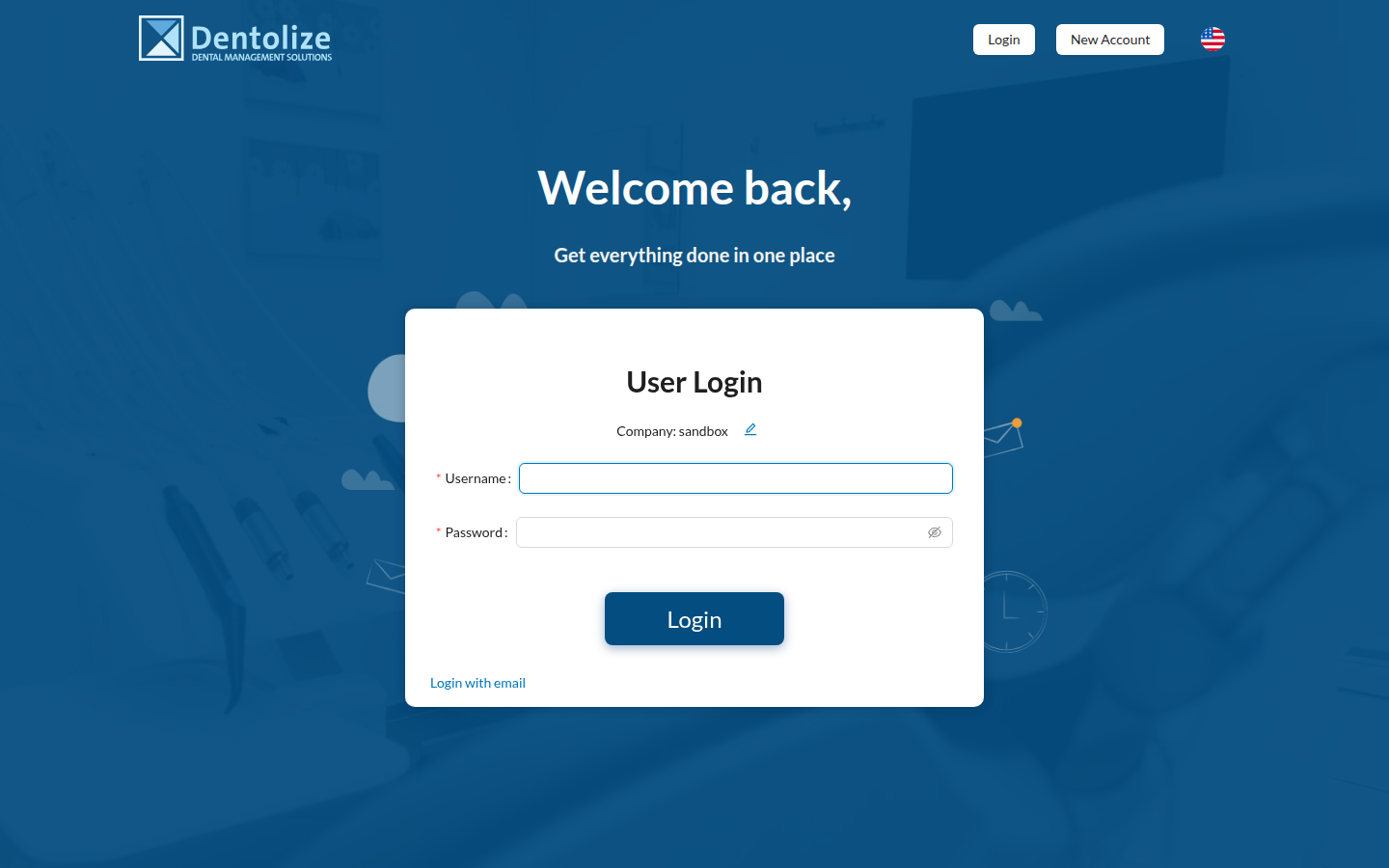
If the lookup can't find the company, this same step 2 form still appears, but shows a "company not found" error under the field — the app never reveals whether the lookup itself failed vs. the account doesn't exist.
3. The profile menu can now hold more than one logged-in account
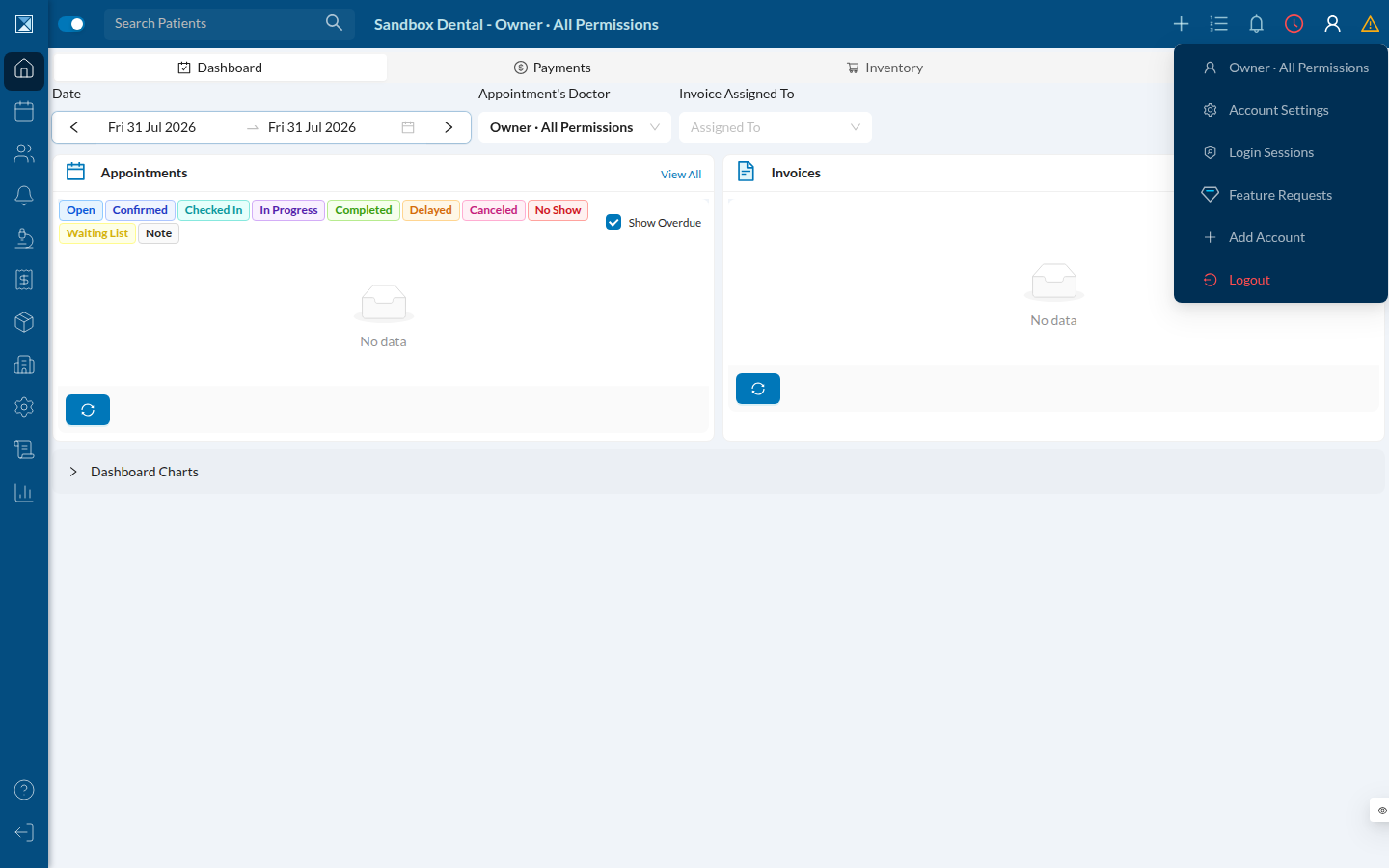
Once logged in, opening the profile menu (top-right user icon) shows a new Add Account option:
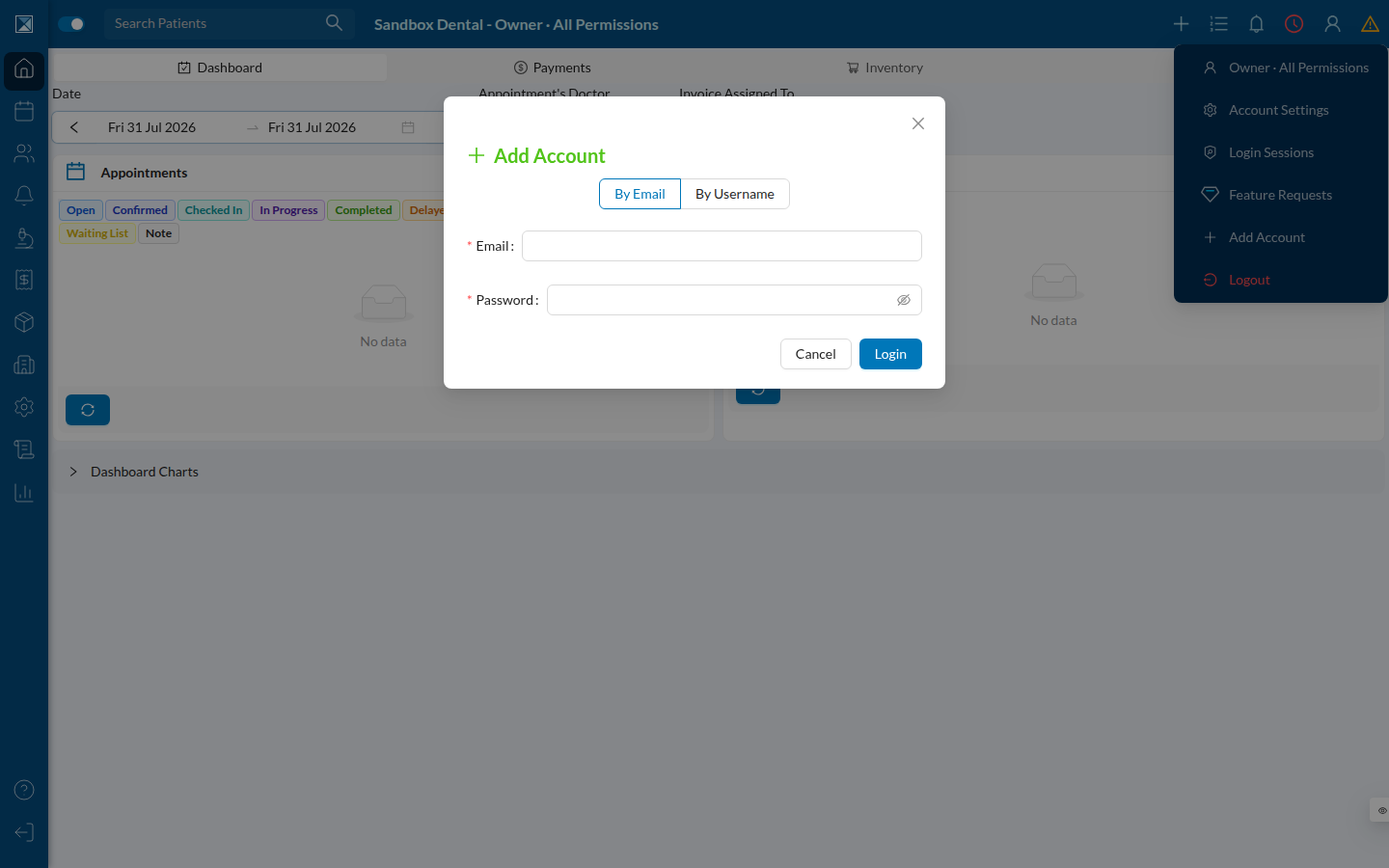
Clicking it opens a small login form that supports either email or clinic-username login, without logging the current session out:
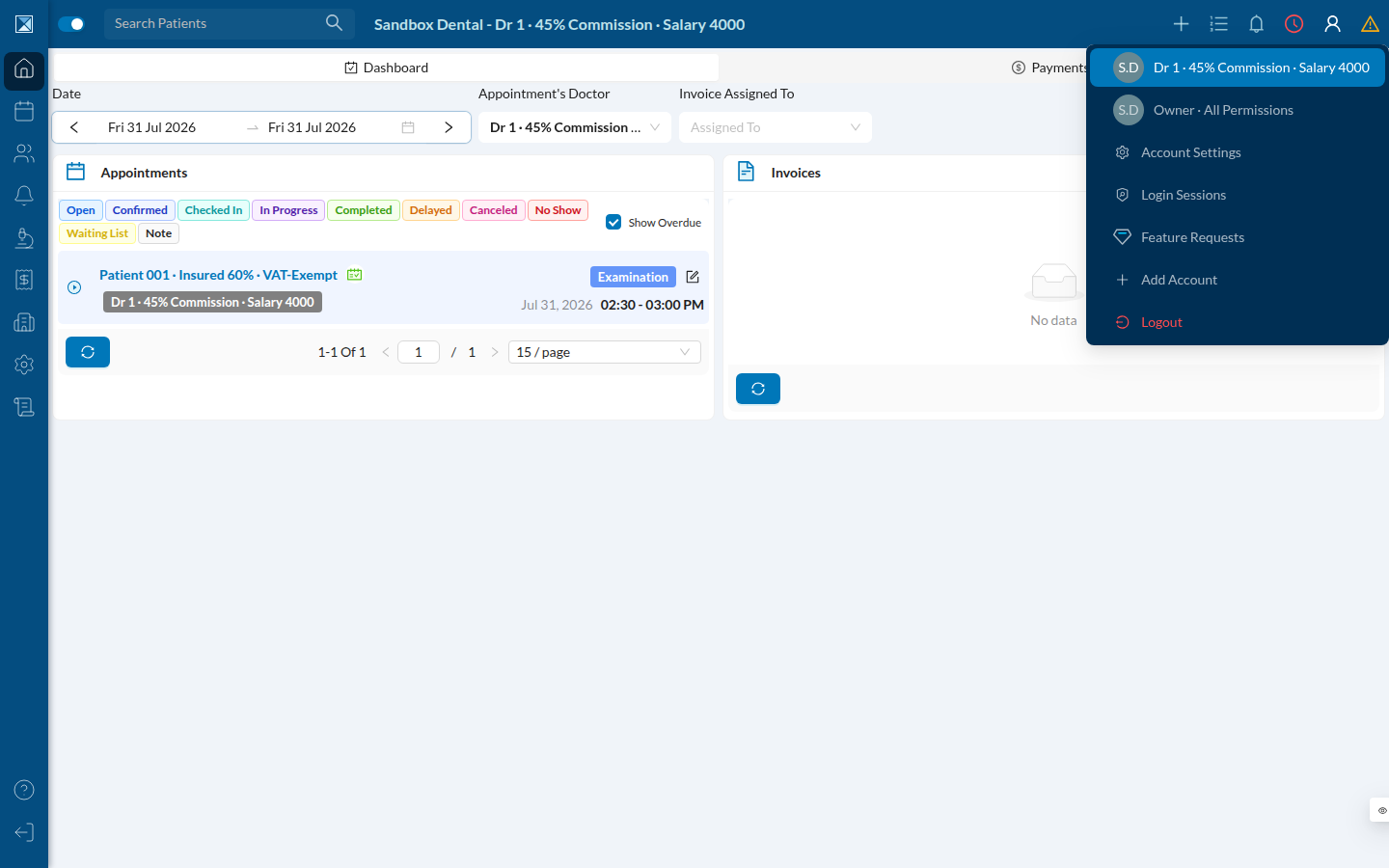
After adding a second account (here, a doctor's login on the same clinic), the profile menu becomes a switcher: both accounts appear with avatars, and clicking either one swaps to it immediately.
This works across regions, too — an account added from a different region is stored locally and, when selected, does a full client swap to that region's API. See Region-Aware Login & Multi-Account for the mechanics.
4. The internal admin dashboard gains a region selector
The admin dashboard (/ZROYKuKEVCvQykPlS4kP, internal use only) still shows all companies across every configured region in one list:
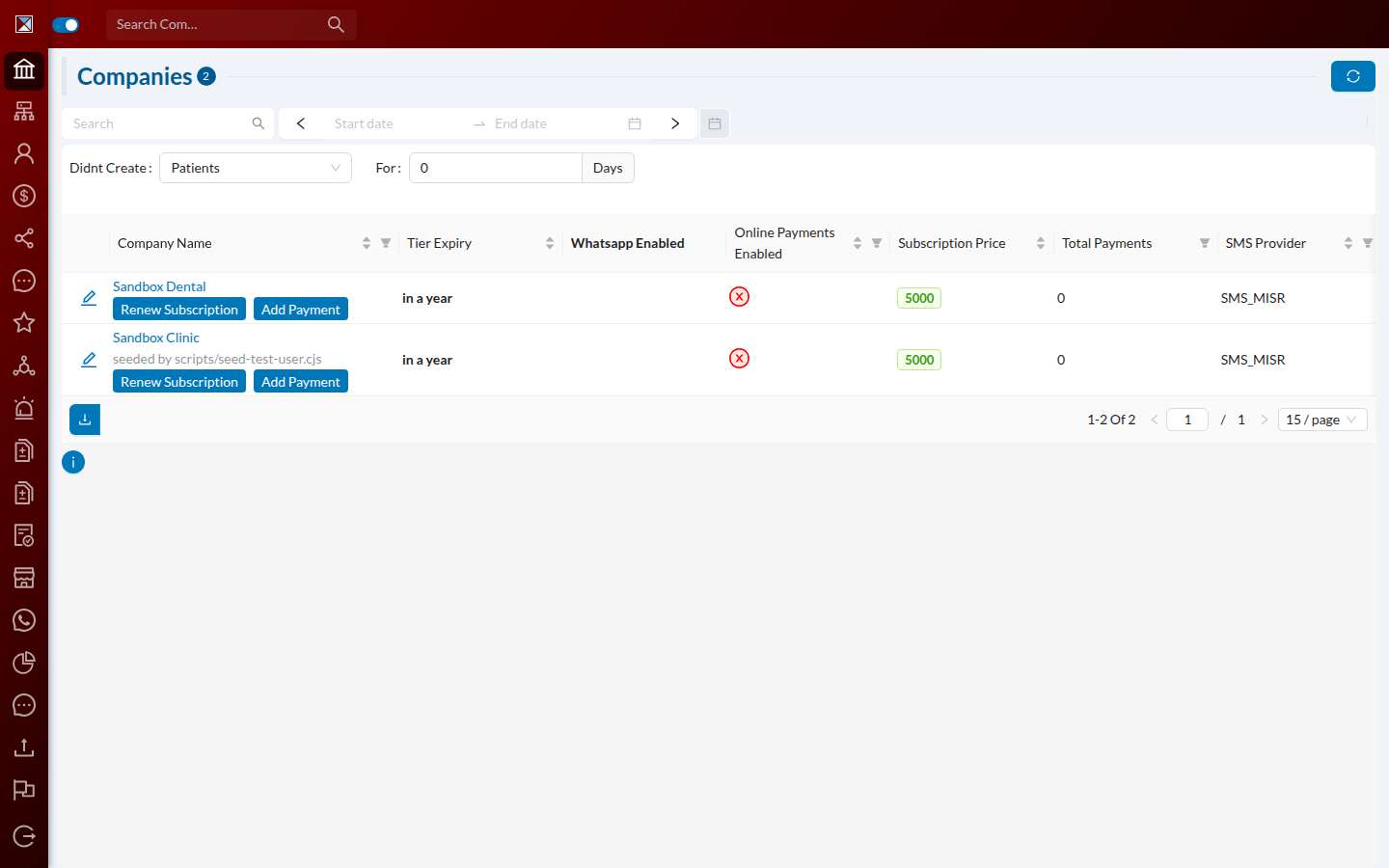
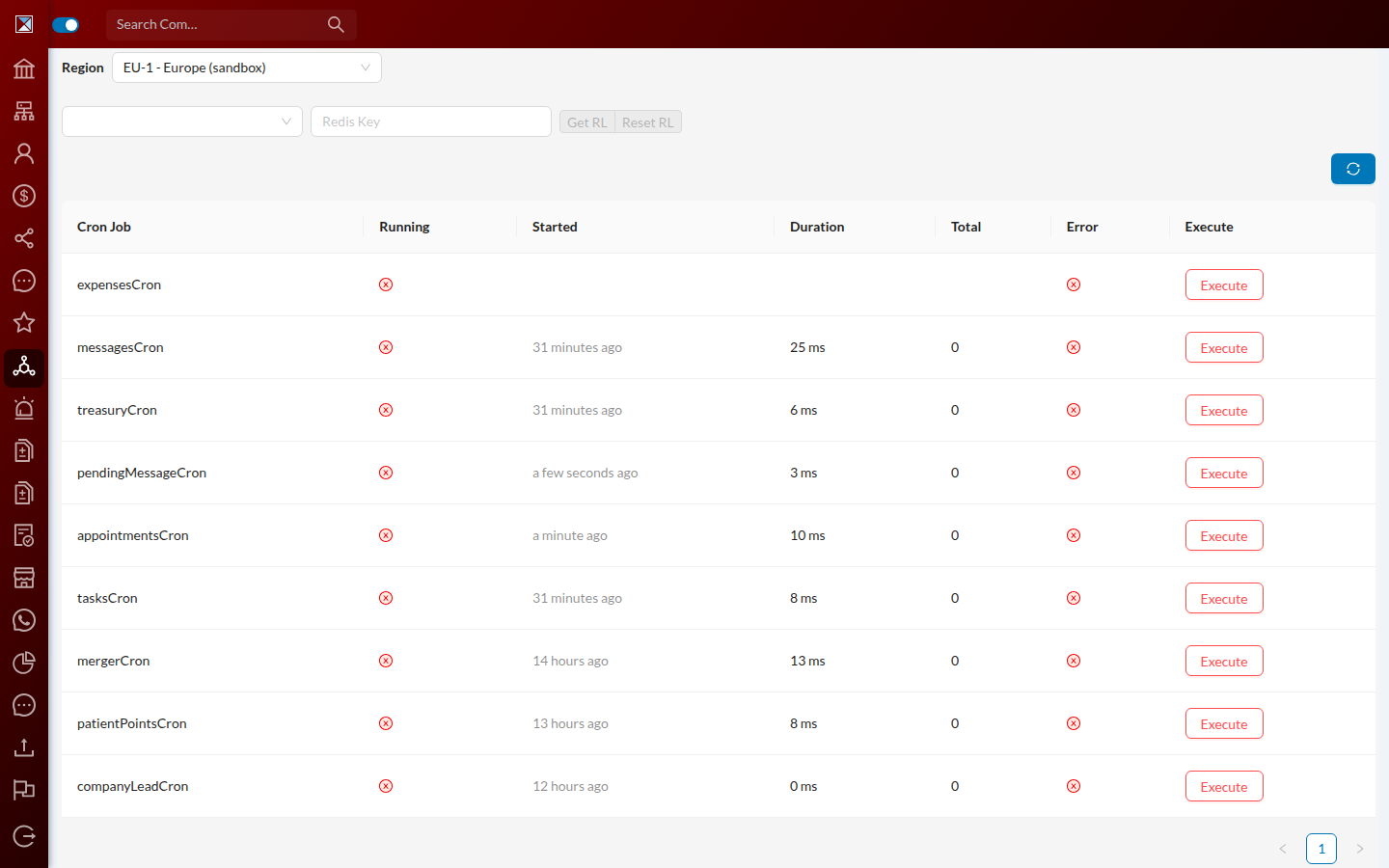
But operational tools that used to talk to a single database now need to know which region to act on. The Cron Jobs screen (/ZROYKuKEVCvQykPlS4kP/jobs) adds a Region dropdown at the top; the cron job table, the "Execute" buttons, and the Redis key lookup/reset tools all scope to whichever region is selected.
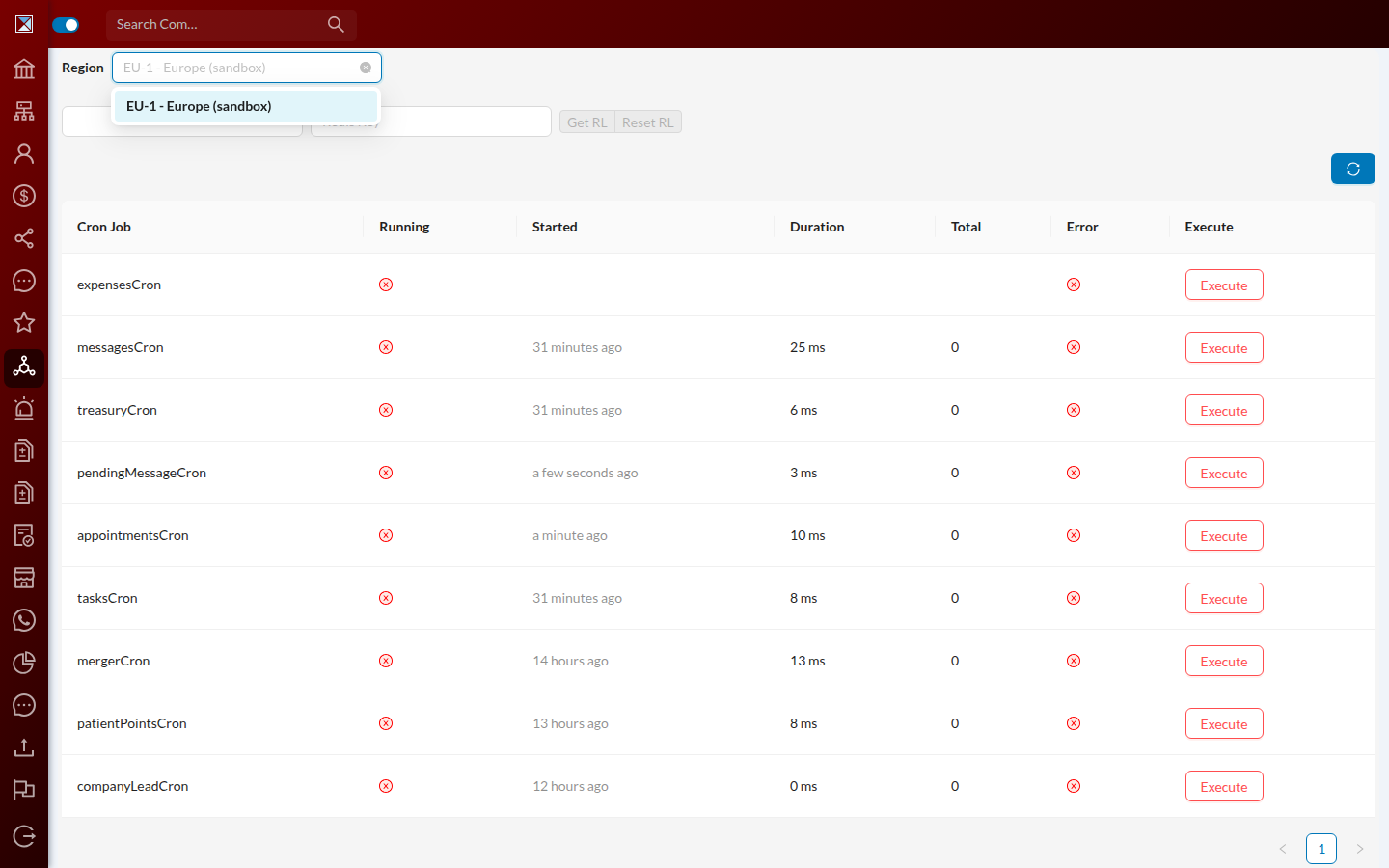
The dropdown itself lists every region the deployment knows about (this sandbox only has one region configured, EU-1, so it shows a single option — in production this list grows as more regions come online):
See Admin: Cross-Region Controls for how an admin action gets routed to the right region behind the scenes.