On this page
1. The clinic dashboard2. The invoices list3. An invoice's totals — the number that must match4. The invoice's line items5. Where ZATCA reporting is configured6. The seller details that ride along on every e‑invoiceWalkthrough (screenshots)
This change lives deep in the invoice → ZATCA pipeline; it has no screen of its own. The tour below shows the real surfaces the fix touches — where invoice totals are shown, and where ZATCA reporting is configured — captured from the live branch sandbox.
All screenshots are from the fix/rounding-money-in-zatca-invoice sandbox, signed in as Owner · All Permissions on the Sandbox Dental company.
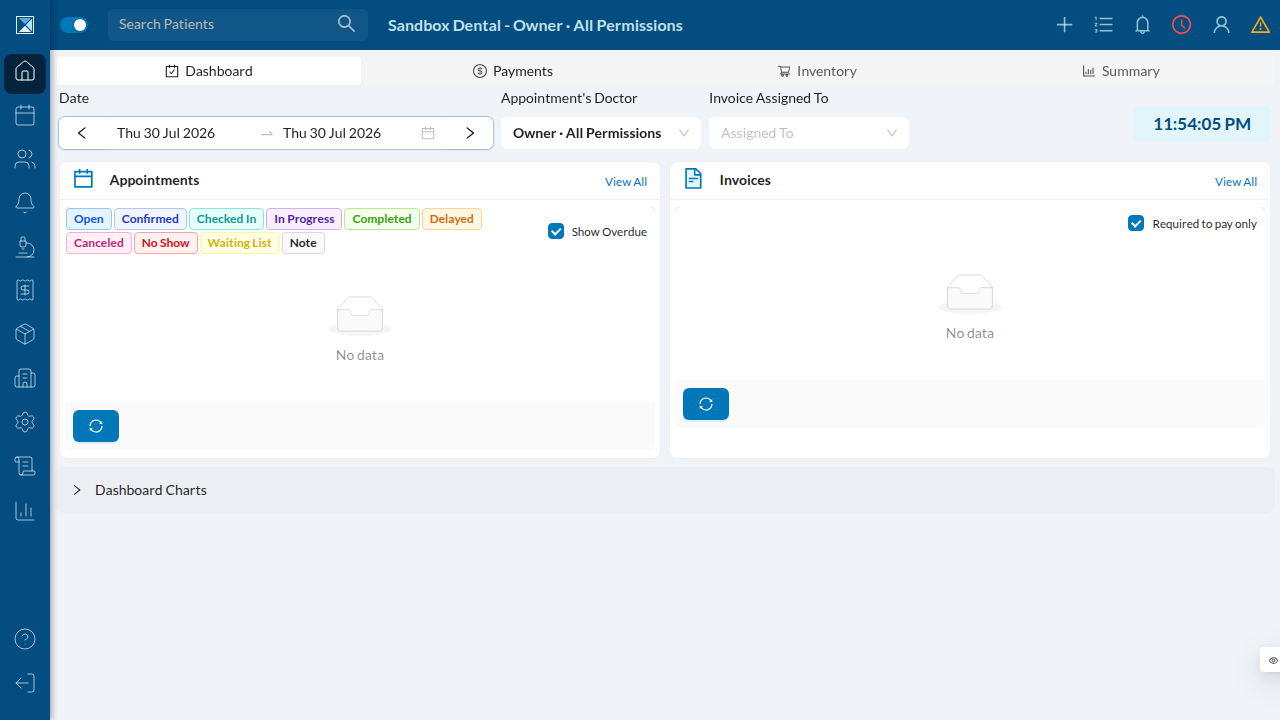
1. The clinic dashboard
Where a clinic user lands after signing in. Invoices and payments are first‑class citizens of the daily workflow — the totals shown throughout are the ones this fix keeps consistent with the government record.
2. The invoices list
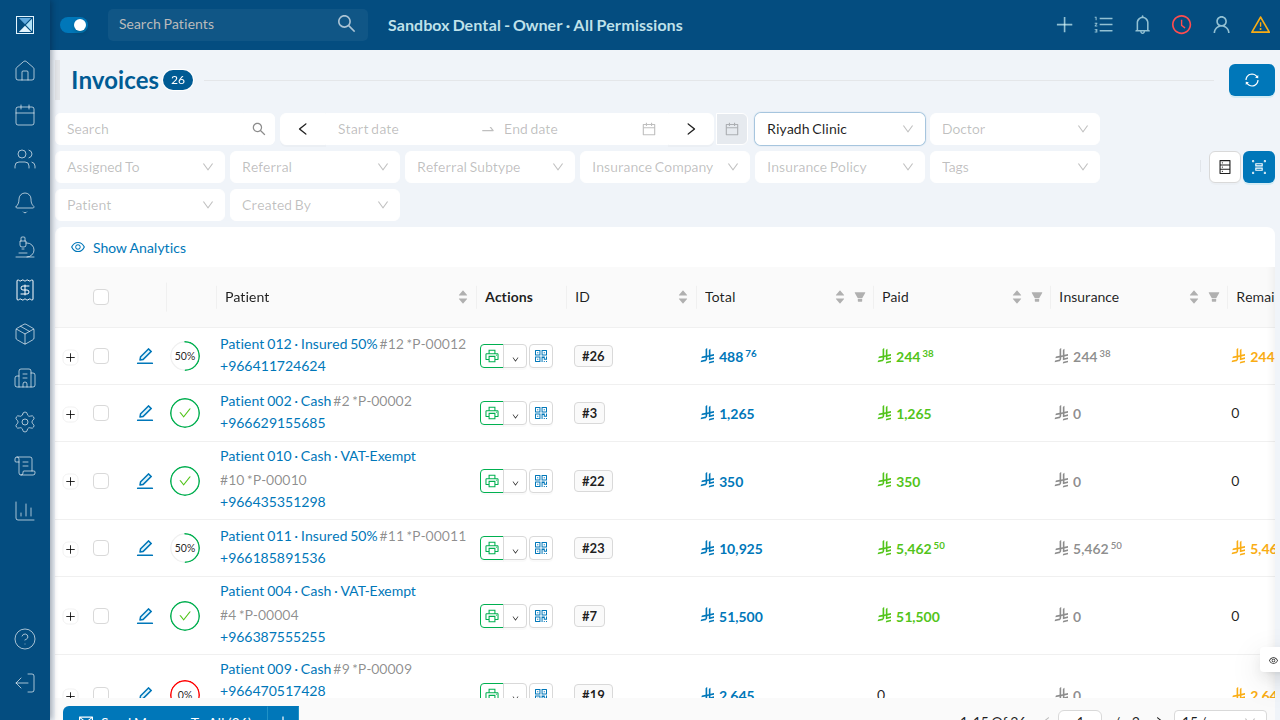
Finances → Invoices. Every invoice carries a Total (e.g. 488.76), a paid amount, insurance, and — off to the right — an E‑Invoice Reported status column with a QR / sign action per row.
Two things to notice:
- Totals like 488.76 are ordinary fractional amounts — exactly the kind of number where a stray cent would show up in the ZATCA copy.
- The right‑hand status reads "E‑Invoice Not Reported" for these rows. In this sandbox the company's ZATCA connection isn't onboarded (see step 5), so nothing has been transmitted yet — which is the honest state to document here.
3. An invoice's totals — the number that must match
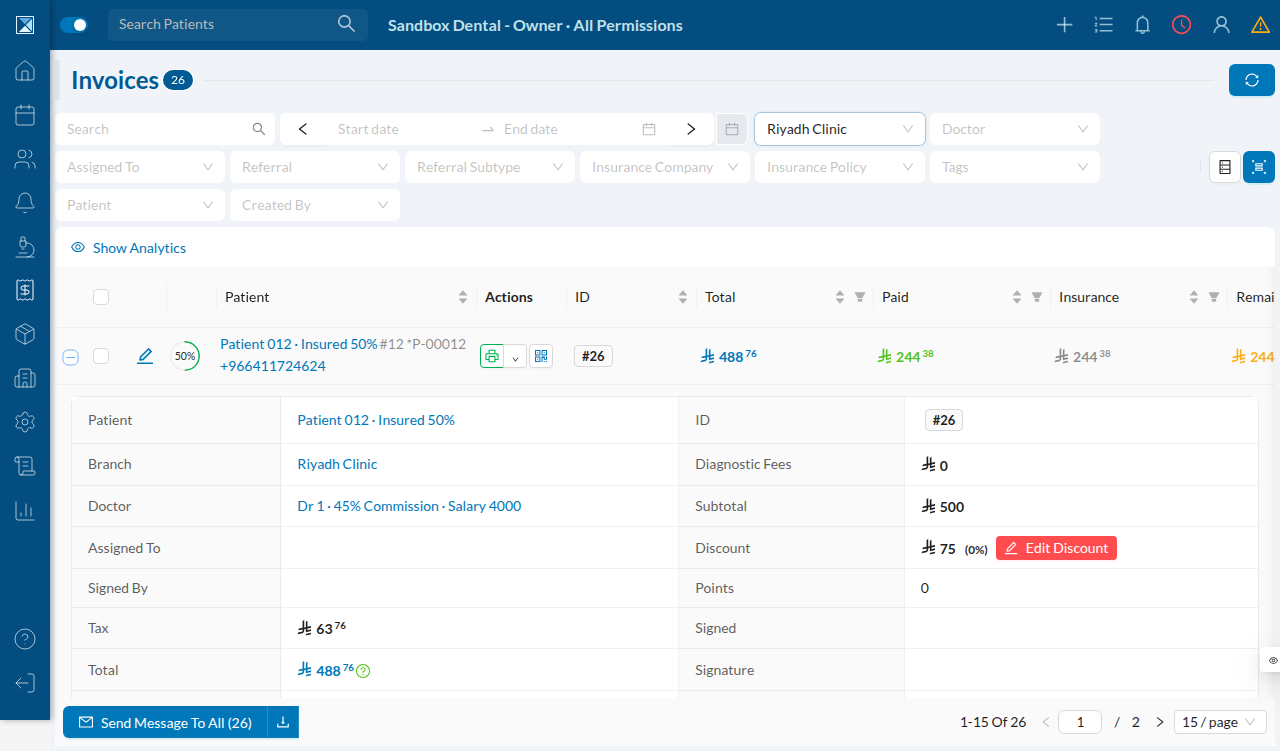
Expanding invoice #26 (Patient 012, 50% insured) shows the totals block that produces the customer‑facing figure:
Reading the block:
- Subtotal
500· Discount75→ taxable base425 - Tax
63.76· Total488.76
This 488.76 is the authoritative number — stored on the invoice, shown to the patient, and posted to the ledger. The whole point of the fix is that the amount reported to ZATCA equals this, to the cent. (Note the small ? icon beside the Total — the app itself flags where rounding is in play.)
4. The invoice's line items
The same invoice, its Operations tab — here a single procedure (Periodontal Pocket treatment, 500):

Why this matters: the old ZATCA bug only appeared on multi‑line invoices, where each line's VAT was rounded separately and then summed. A single‑line invoice like this one was always safe. The seed data here is mostly single‑line, so the drift isn't reproducible click‑by‑click in this sandbox — the Feature breakdown page walks through the exact multi‑line arithmetic instead, using the numbers from the PR's own reproduction.
5. Where ZATCA reporting is configured
Settings → Zatca Integration. This is the per‑company onboarding surface: an OTP step to activate the connection, and Counter Configuration (the last submitted invoice hash and the invoice counter number that chain each e‑invoice to the previous one).
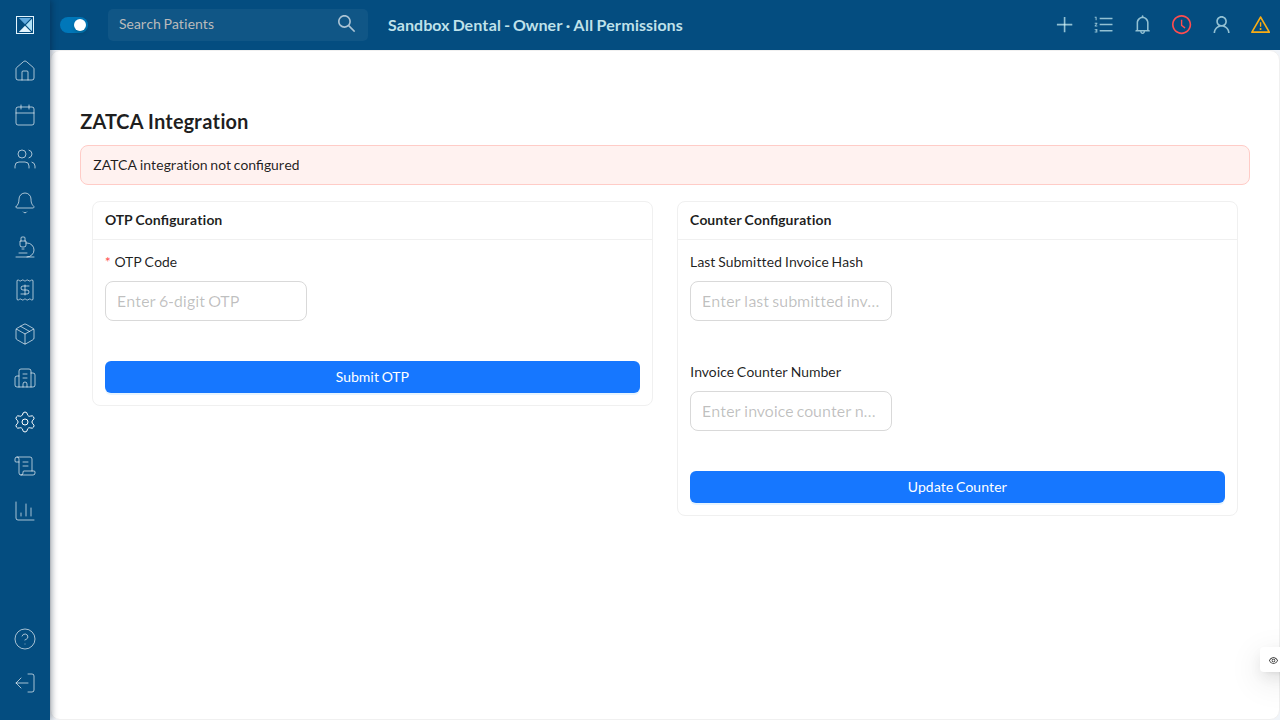
The banner reads "ZATCA integration not configured" — this sandbox company hasn't completed onboarding, which is why the invoice rows show Not Reported. When a real clinic completes this, invoices flow through the exact calculation this PR corrects.
6. The seller details that ride along on every e‑invoice
Settings → Business Registration. The CRN, VAT Number, legal/commercial names, and full national address are embedded in every ZATCA document alongside the totals.
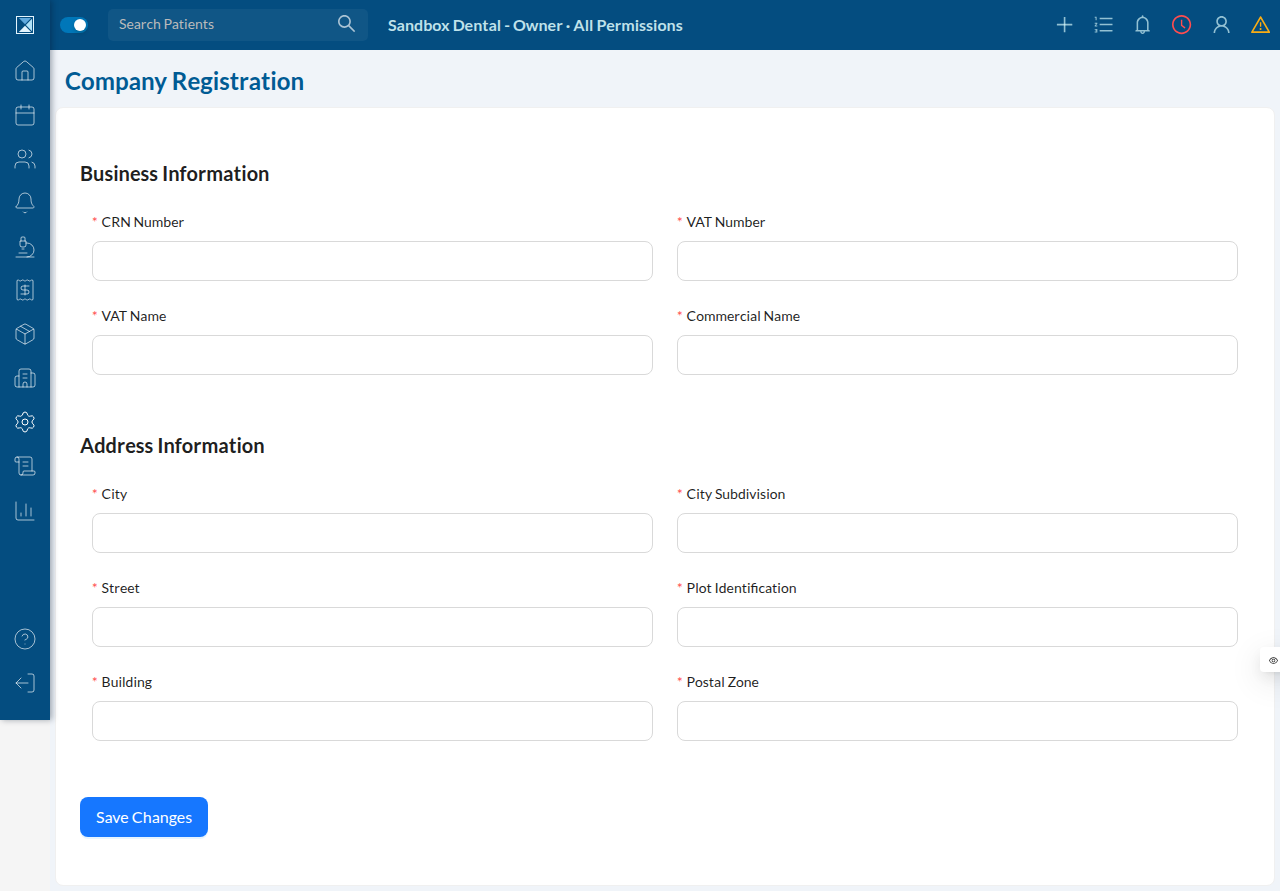
These identify who is invoicing; the fix in this PR governs how much — and ensures the "how much" matches the invoice the patient holds.
Tour takeaway
The fix is invisible in the UI by design: no new button, no new setting. Its effect is that the Total on screen (step 3) and the amount inside the ZATCA document are now the same number, every time — including the multi‑line invoices where they used to drift a cent apart.