On this page
1. The crawler policy:robots.txt2. The login screen — still fully reachable3. Signed in — the tag travels with every routeWalkthrough (screenshots)
This change has no visible UI — no new button, no new screen, no behavior change for anyone clicking around the app. The entire feature lives in the page's metadata and in a text file (robots.txt) that crawlers read, not people. So this walkthrough shows what a crawler (and a curious developer) would actually see, captured live from the PR's sandbox deploy.
1. The crawler policy: robots.txt
Fetching /robots.txt at the clinic-web domain root now returns an explicit policy instead of the old blank one:
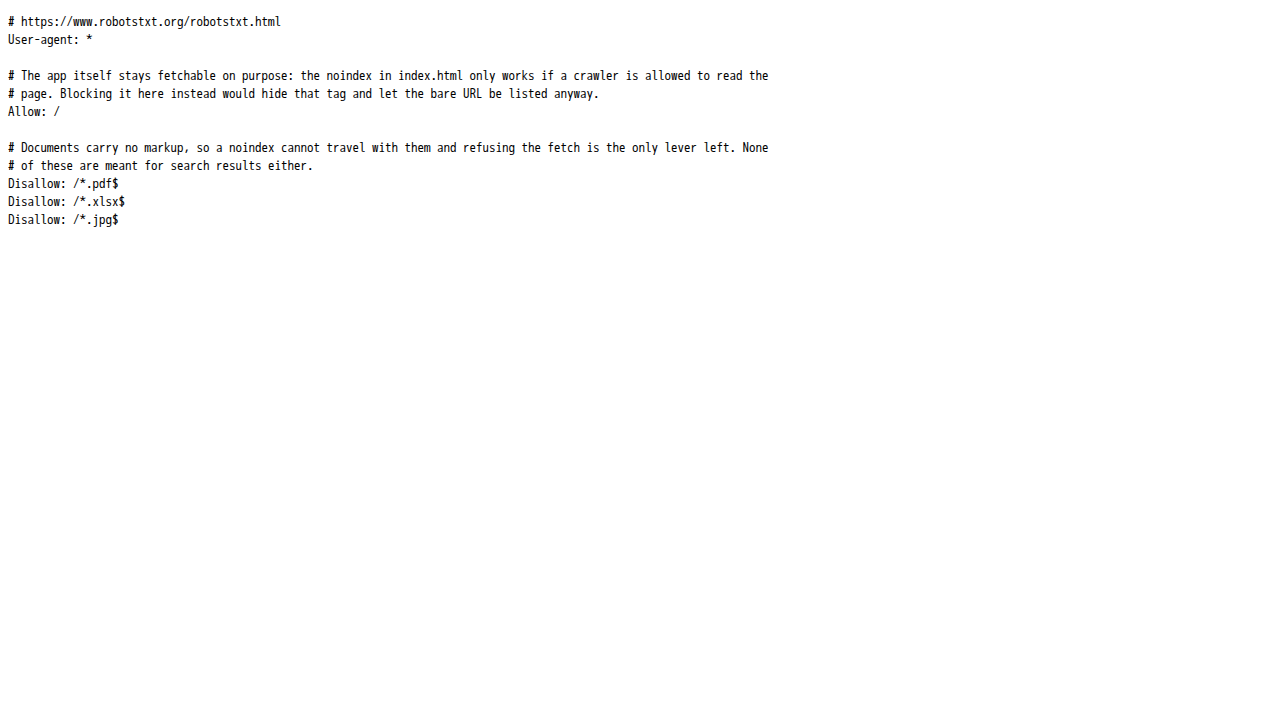
Read top to bottom: crawlers are allowed to fetch every page (Allow: /) — that's what lets them see the noindex tag described below — but are told not to fetch three document extensions that get linked from inside the app (exported invoices, spreadsheets, uploaded photos).
2. The login screen — still fully reachable
The app itself is unchanged for humans and for crawlers alike: nothing is blocked, nothing 404s. This is the login screen for the sandbox tenant, loaded normally:
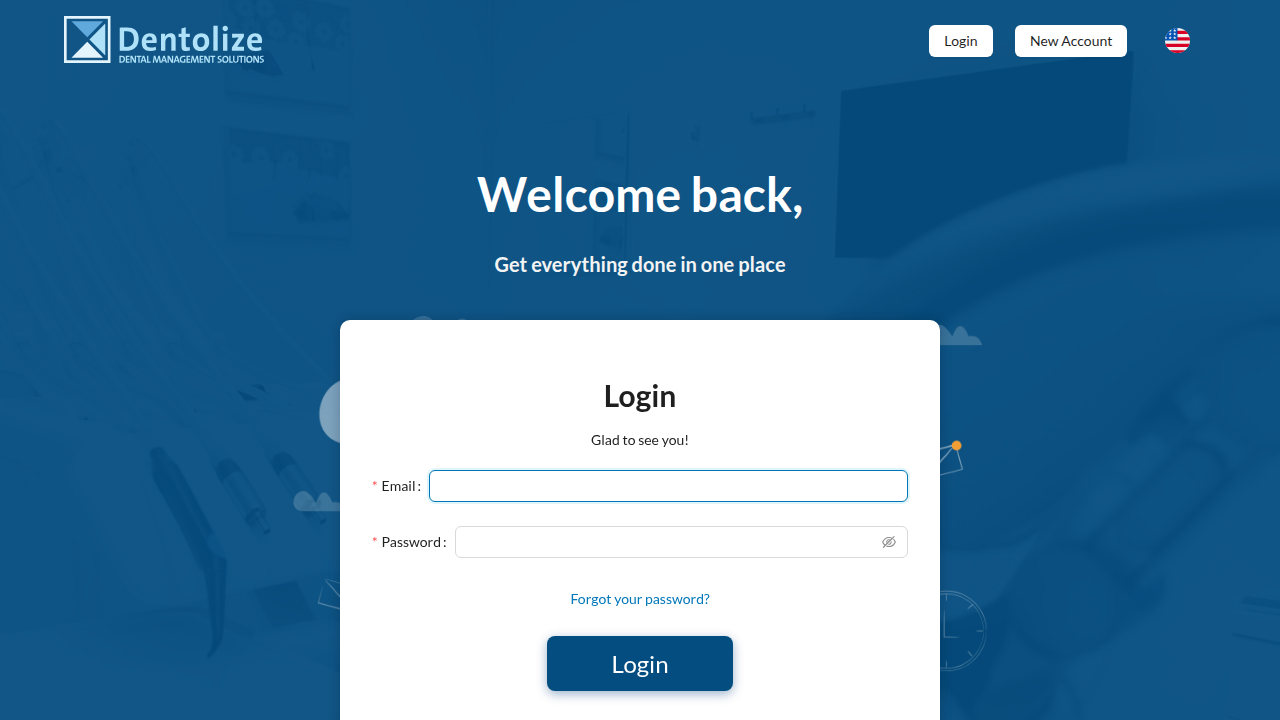
Under the hood, this page's <head> now includes:
<meta content="noindex, nofollow, noarchive" name="robots" />confirmed live in the sandbox via document.querySelector('meta[name="robots"]'), which returned exactly that tag.
3. Signed in — the tag travels with every route
Logging in as the owner seed user (full permissions) and landing on the dashboard:
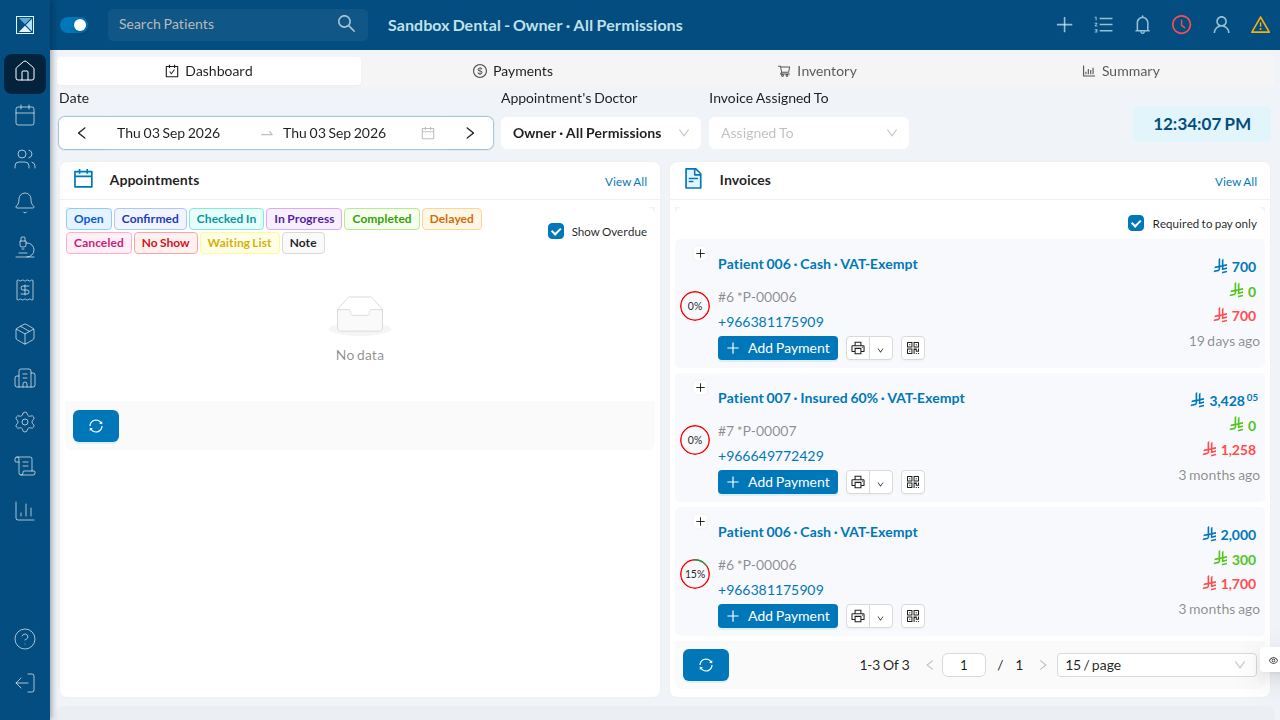
Querying the page's <head> again on this authenticated dashboard route returns the identical noindex tag. That's expected and is the whole point of the fix: because clinic-web is a single-page app, every route — public login screen or a signed-in patient chart — is served from the same index.html, so one tag in one file covers all of them. There was no way to apply this route-by-route even if that had been desirable.