On this page
1. Settings → Integrations → DHS Integration2. Patient profile — where Check Insurance and Check Eligibility live3. Patient chart — where approval submission and manual updates liveWhat isn't shownWalkthrough
This PR doesn't add a screen a clinician hasn't seen described before — it makes screens that were already built actually load. The tour below is captured from the sandbox running this branch, logged in as the owner role (full permissions) on the seeded "Sandbox Dental" tenant.
1. Settings → Integrations → DHS Integration
This is the clearest proof the fix works: the DHS Integration tab is one of the six canary features whose production bundle used to ship empty. On this branch it loads and renders its full 3-step setup wizard — Add Client Secret → Load Branches → Confirm & Save.
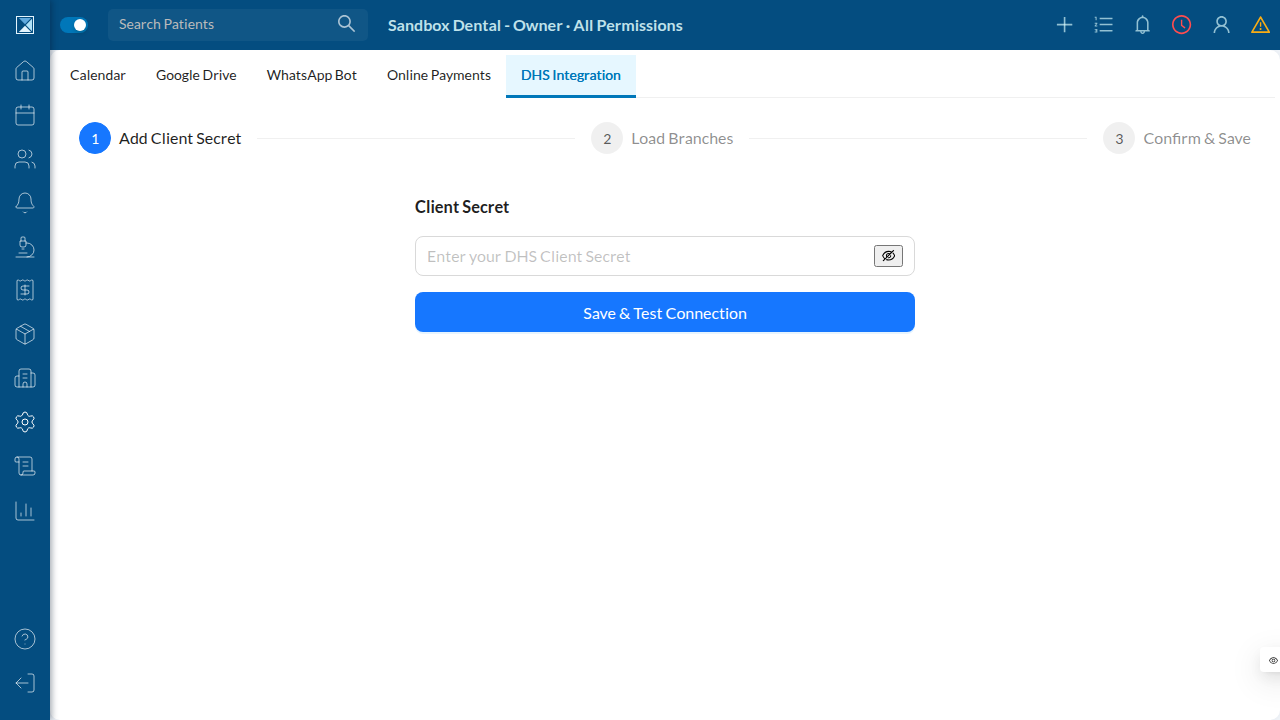
This is the entry point clinic admins use to connect a clinic's DHS account: paste the client secret DHS issues, test the connection, then map the clinic's branches to their DHS branch codes. The sandbox tenant here isn't connected to a real DHS account, so step 1 is as far as this walkthrough can go without live DHS credentials — but that's exactly the component this PR fixed, rendering exactly as coded.
2. Patient profile — where Check Insurance and Check Eligibility live
The patient profile page is one of the five places clinic-web mounts a DHS canary component (DHSCheckEligibility and DHSCheckInsurance, both now taking user as a prop instead of importing useUser from clinic-web's source tree).
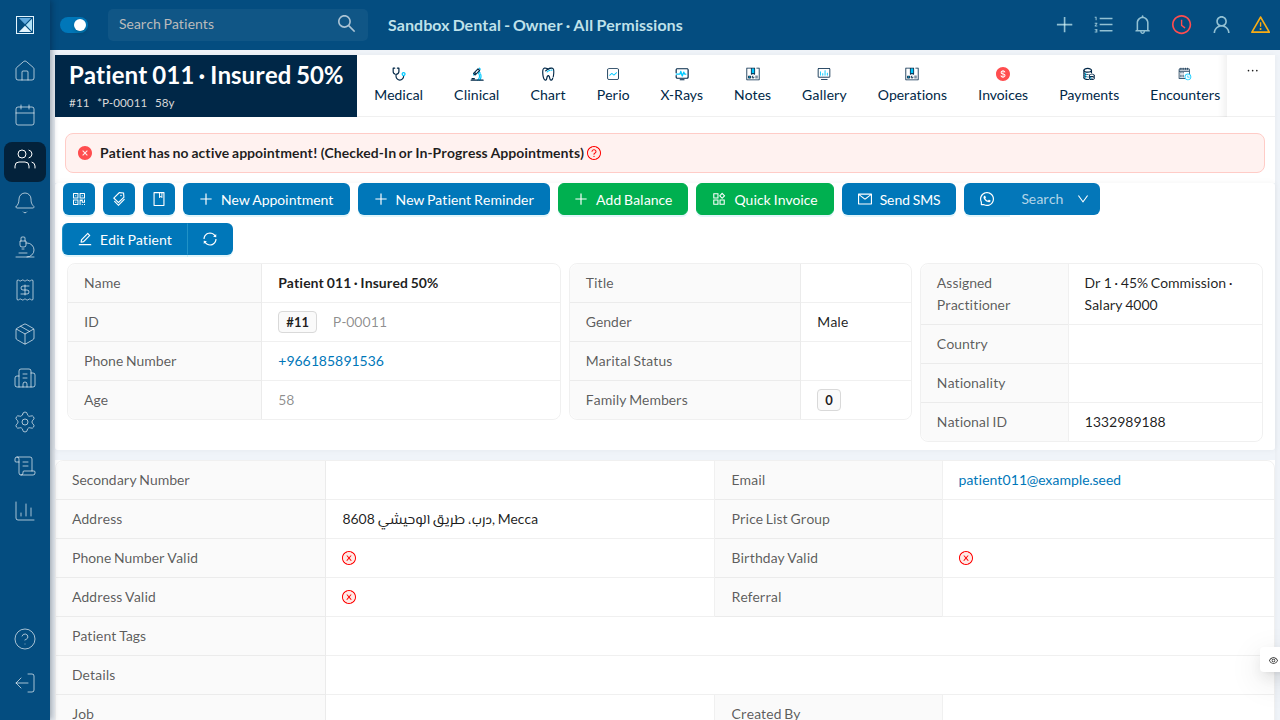
Both buttons are conditionally rendered: they only appear once the branch has a DHS branch code (nphiesCode) assigned via the settings wizard above, and the current user holds the checkDhsInsurance / checkDhsEligibility permission. Neither condition is met on this sandbox tenant, so the buttons are correctly absent here — the same gating logic applies before and after this PR.
3. Patient chart — where approval submission and manual updates live
The chart page hosts the other two patient-facing DHS surfaces: DHSApprovalSubmission (a "Get Approval" action in the operations table footer, for sending selected procedures to DHS for pre-authorization) and DHSManualUpdate (a per-row "update manually" action for operations with a pending DHS submission).
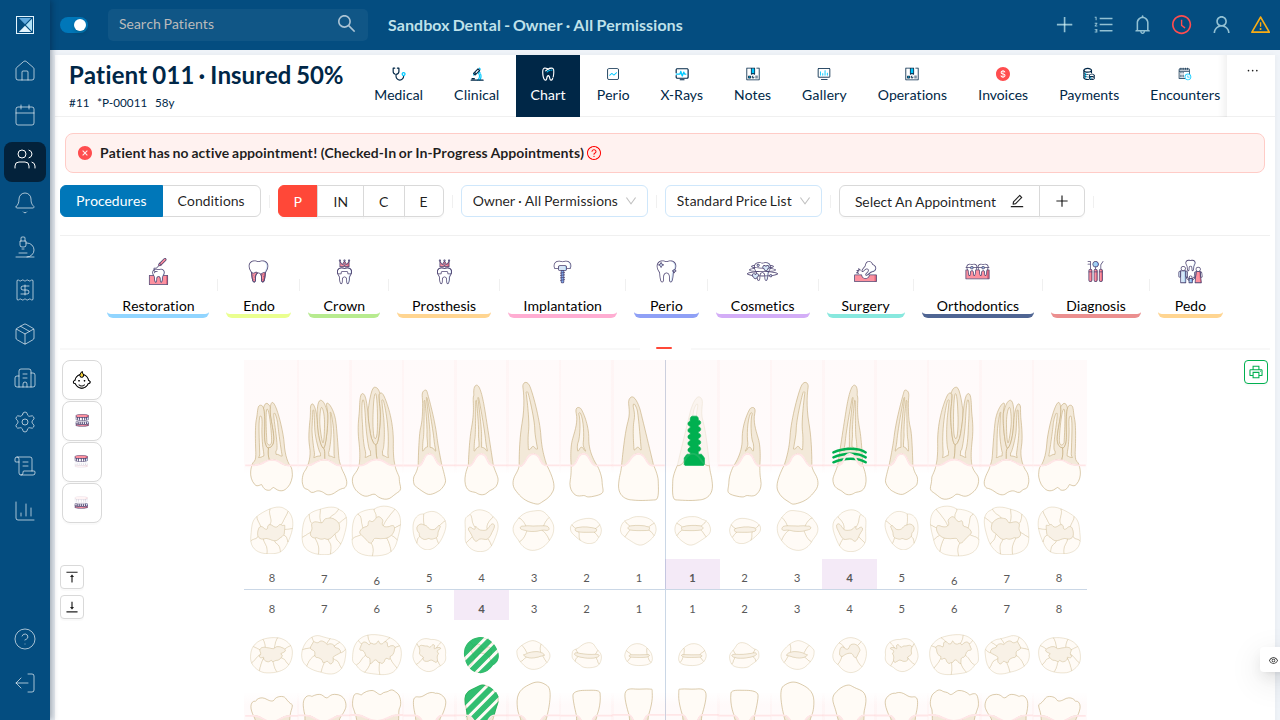
Like the profile-page actions, both require a DHS-mapped branch and the relevant permission (createDhsApproval or createManualDhsApproval) before they render.
What isn't shown
Fully exercising the four patient-facing DHS surfaces (check insurance, check eligibility, approval submission, manual update) requires a clinic branch that has completed the DHS setup wizard against a real DHS account — something this sandbox doesn't have credentials for. The DHS Screens page describes what each of those screens does based on the source code; the For Quality page lists what a tester with real DHS credentials should verify.