On this page
A note on the screenshots on this pageWhere these screens live on the web sideWhat actually changes on the mobile screensWalkthrough
A note on the screenshots on this page
This PR only changes packages/clinic-mobile — the React Native / Expo app used by clinic staff on phones and tablets. It does not touch clinic-web, and the sandbox this walkthrough was built against only deploys clinic-web (there is no mobile build running anywhere in the sandbox to point a browser at). On top of that, the upload rewrite behind this feature calls expo-file-system's createUploadTask, which is a native-only API with no web implementation — so even a hypothetical expo start --web build of clinic-mobile would not be able to run this code path in a browser.
That means the actual progress UI (the spinner with a percentage and a "12.4 MB · Speed: 1.8 MB/s" line) cannot be captured as a real screenshot from this sandbox. To stay honest about that rather than fake a screenshot, this page does two things instead:
- Shows real, sandbox-captured screenshots of the web equivalents of the three
screens this PR touches, so you can see where the same data lives on the desktop side clinic staff also use.
- Describes exactly what changes on the mobile screens, with a plain-text mock of the
spinner's layout, grounded in AppSpinner's actual render code.
Where these screens live on the web side
Every mobile screen this PR touches has a web counterpart showing the same underlying data. These are real screenshots taken by logging into the sandbox as the owner user (all-permissions role) via SEED_USERS.
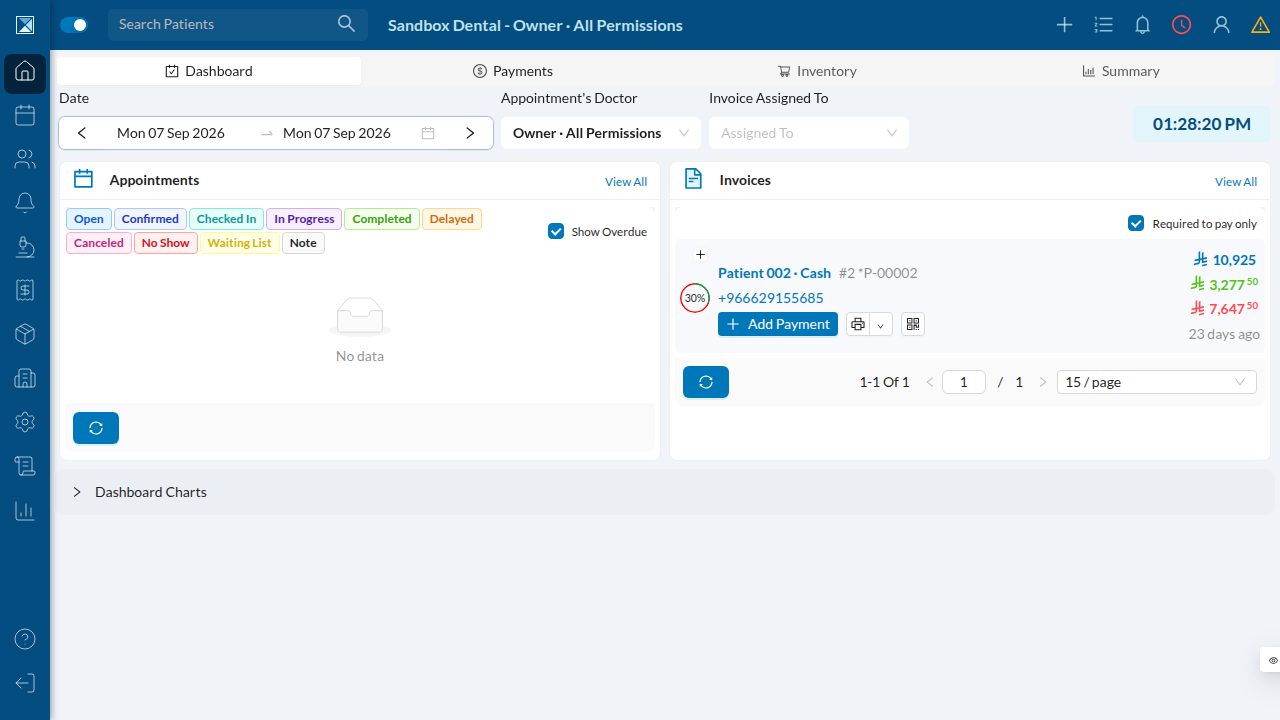
The clinic dashboard, logged in as the clinic owner:
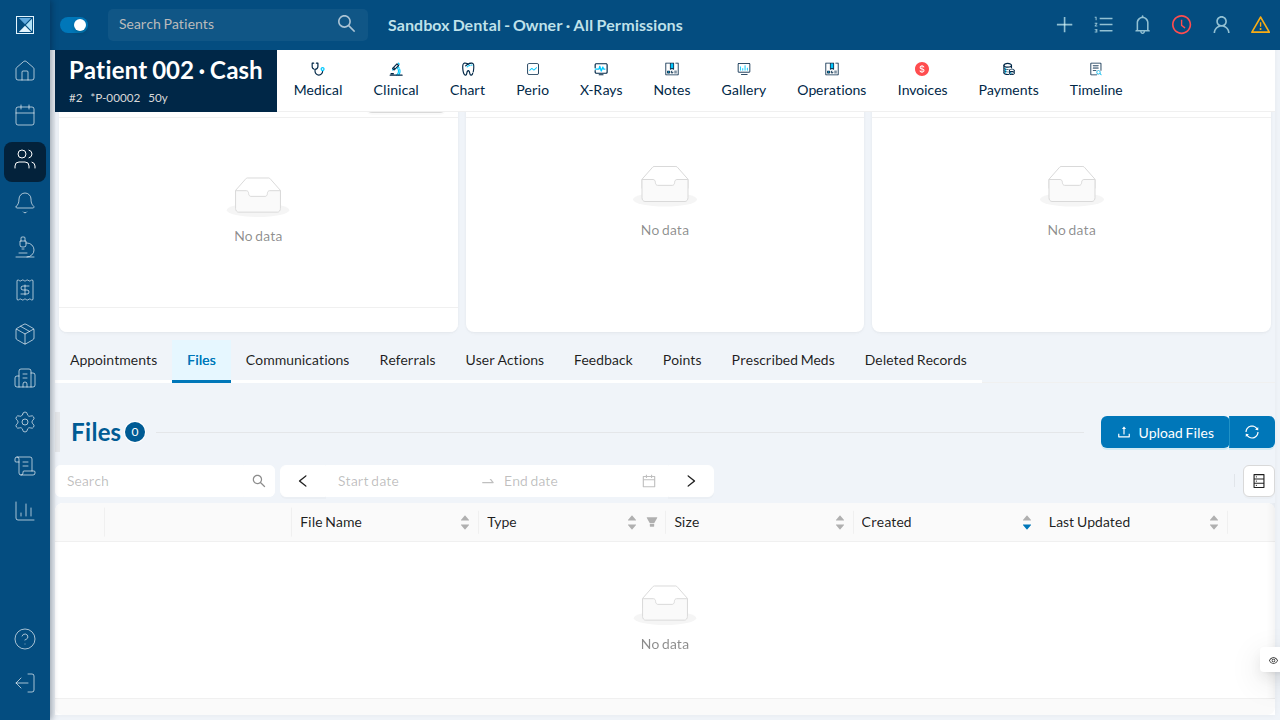
The patient Files tab — the web equivalent of the mobile "add a file" screen (NewFileScreen.js) this PR adds a progress bar to:
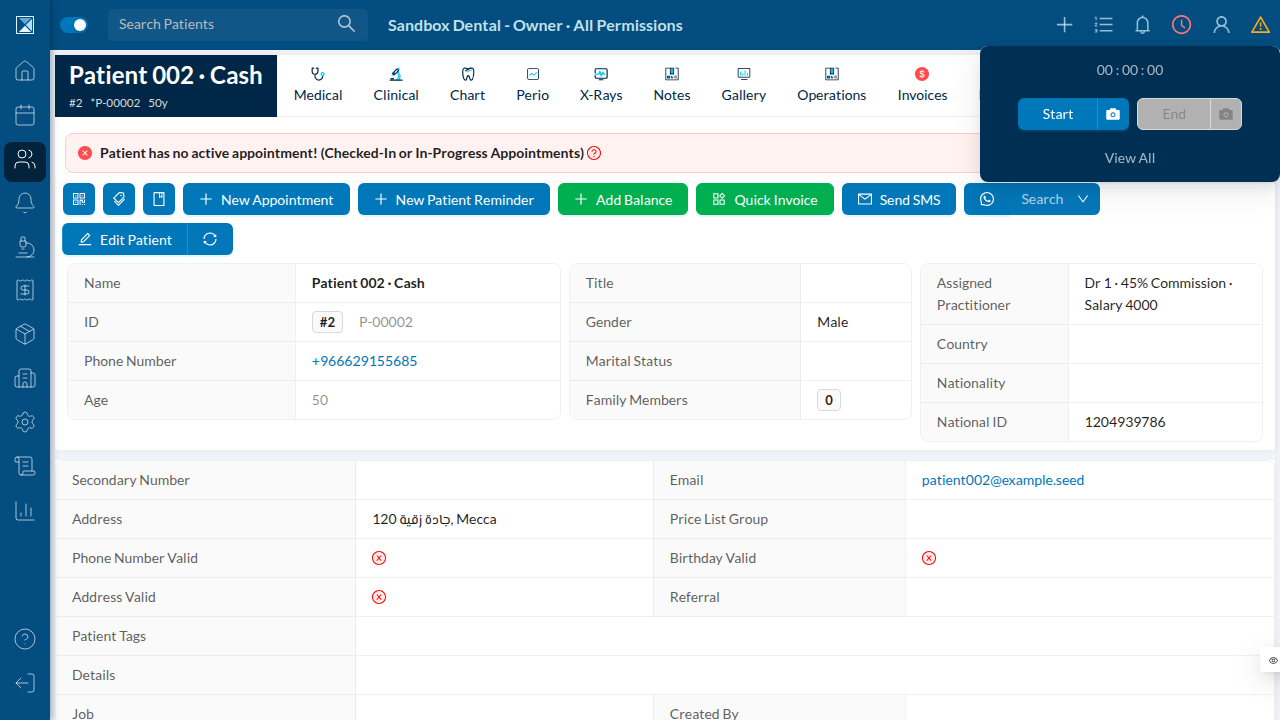
The clock-in/clock-out popover — the web equivalent of the mobile ClockScreen.js that now shows upload progress for the clock-in photo:
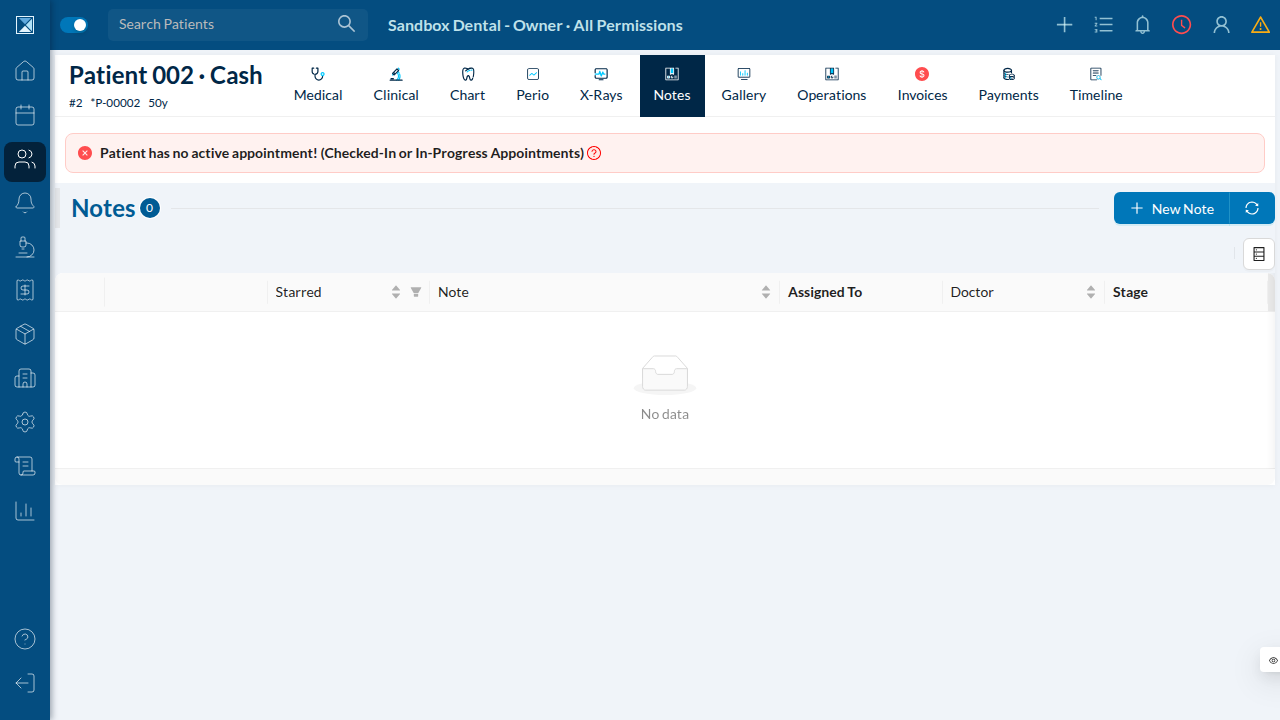
The patient Notes tab — the web equivalent of NewNoteScreen.js, where a mobile user can attach a dictated voice note:
What actually changes on the mobile screens
Before this PR, all four screens above showed the same generic AppSpinner while an upload was in flight — a spinning wheel with no other information (packages/clinic-mobile/src/common/AppSpinner.js:5-21 before this change only ever rendered a progress percentage, and none of the four screens ever passed one in for uploads).
After this PR, the same spinner is handed a live percent and a detail string computed by the new useUploadProgress hook. Rendered, the overlay looks like this:
        ◐  (spinning indicator)

           64%

     12.4 MB · Speed: 1.8 MB/s
The percentage line only appears once a total byte count is known (it's undefined until then — useUploadProgress.js:85), and the detail line only appears once totalBytes is greater than zero (useUploadProgress.js:86-88). On the small inline spinner used inside the system chat's voice-message button (AudioRecordingButton.js:188), only the percentage is passed — there's no room for a second line on that button-sized spinner.
Screen by screen:
- Clock in/out (
ClockScreen.js:243) — full percent + detail under the spinner
while the clock-in photo uploads.
- New patient file (
NewFileScreen.js:265) — full percent + detail while a
photo, document, or screenshot uploads.
- New patient note (
NewNoteScreen.js:326) — full percent + detail while a
dictated voice recording uploads.
- System chat voice message (
AudioRecordingButton.js:188) — percent only, shown
inside the small send button while the recording uploads.