On this page
1. Where an expired conversation currently ends2. Why the sandbox has no live conversation to show3. The messages this feature reuses4. The new screens (from the code)Walkthrough
A note on these screenshots. The sandbox for this PR deploys withwhatsapp: false(its "🧪 Sandbox" block in the PR description turns off the whatsapp-official service), and the Meta/Facebook connection was never linked in this environment either — so there is no seeded WhatsApp conversation data to open. The screens below are real captures from the live sandbox showing the surrounding, already-shipped UI (the empty Conversations list, the disconnected WhatsApp settings, and the underlying message/variable system the new feature reuses). Where the walk -through needs to show the new screens themselves (the Send Template button, screen, and modal), it describes them from the code with exactfile:linereferences instead of guessing at a screenshot — see Sending a Template for those.
1. Where an expired conversation currently ends
Official WhatsApp conversations live under WhatsApp → Conversations in the clinic web app. This is the real, empty state of that screen in the sandbox — no conversation has been created here because the sandbox's WhatsApp service isn't running:
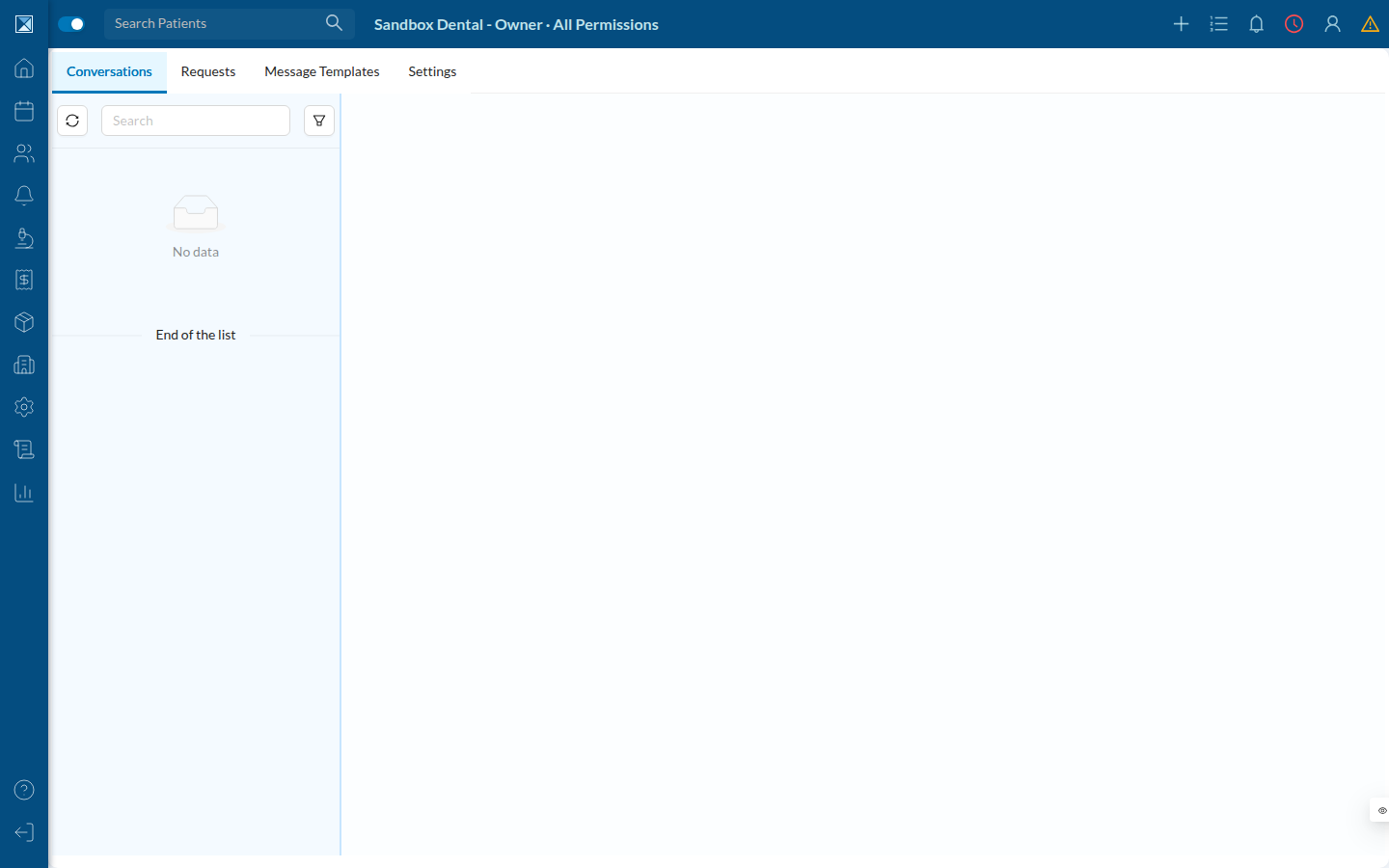
In a clinic that is connected, this list holds every ongoing patient conversation, each with its own 24-hour countdown once the patient's last message ages past the window. That countdown, and the "Conversation Expired" banner, are what WhatsAppChatHeader (mobile) and Chats.js (web) both watch (packages/clinic-web/src/components/dashboard/officialWhatsapp/conversations/Chats.js:56).
2. Why the sandbox has no live conversation to show
The same "WhatsApp → Settings" tab confirms the connection state: this sandbox has never completed the Meta OAuth flow, so there's no officialWhatsApp config, no phone number, and no inbound webhook traffic to create OnlineConversation rows.
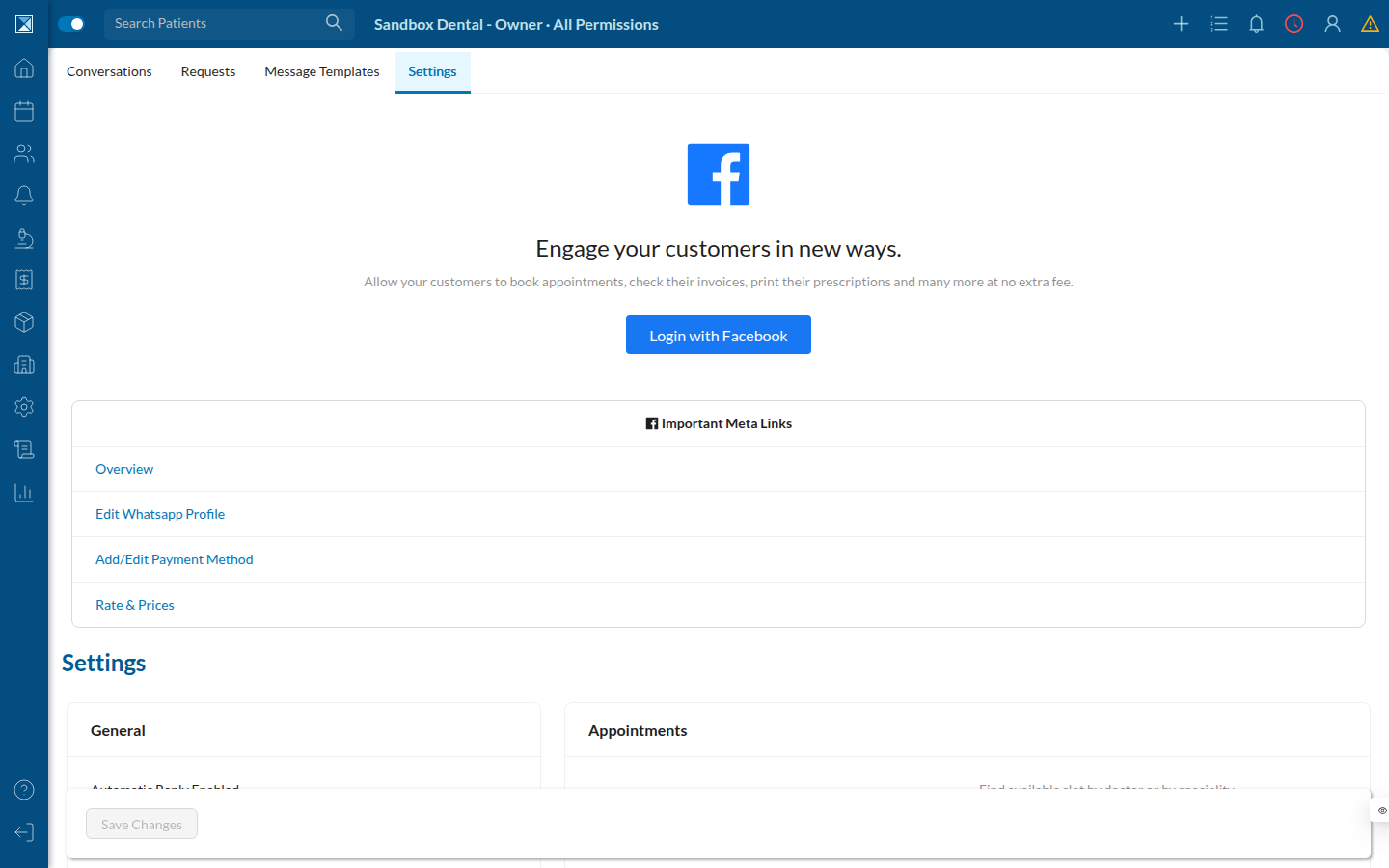
This is also exactly the condition the new mutation checks first — before anything else, sendWhatsappTemplate looks up the company's officialWhatsApp config and refuses to run if there's no phoneId (packages/server/src/resolvers/mutations/actions/officialWhatsApp/sendWhatsappTemplate.js:23-30).
3. The messages this feature reuses
The picker in the new Send Template screen searches the clinic's existing Messages — the same canned, variable-driven messages already used for SMS/WhatsApp/email reminders. Here's the real "Create New SMS" form from this sandbox, showing that system: a message body built from @VARIABLE placeholders, and a "Message Channels" list that only offers SMS because WhatsApp isn't connected in this environment.
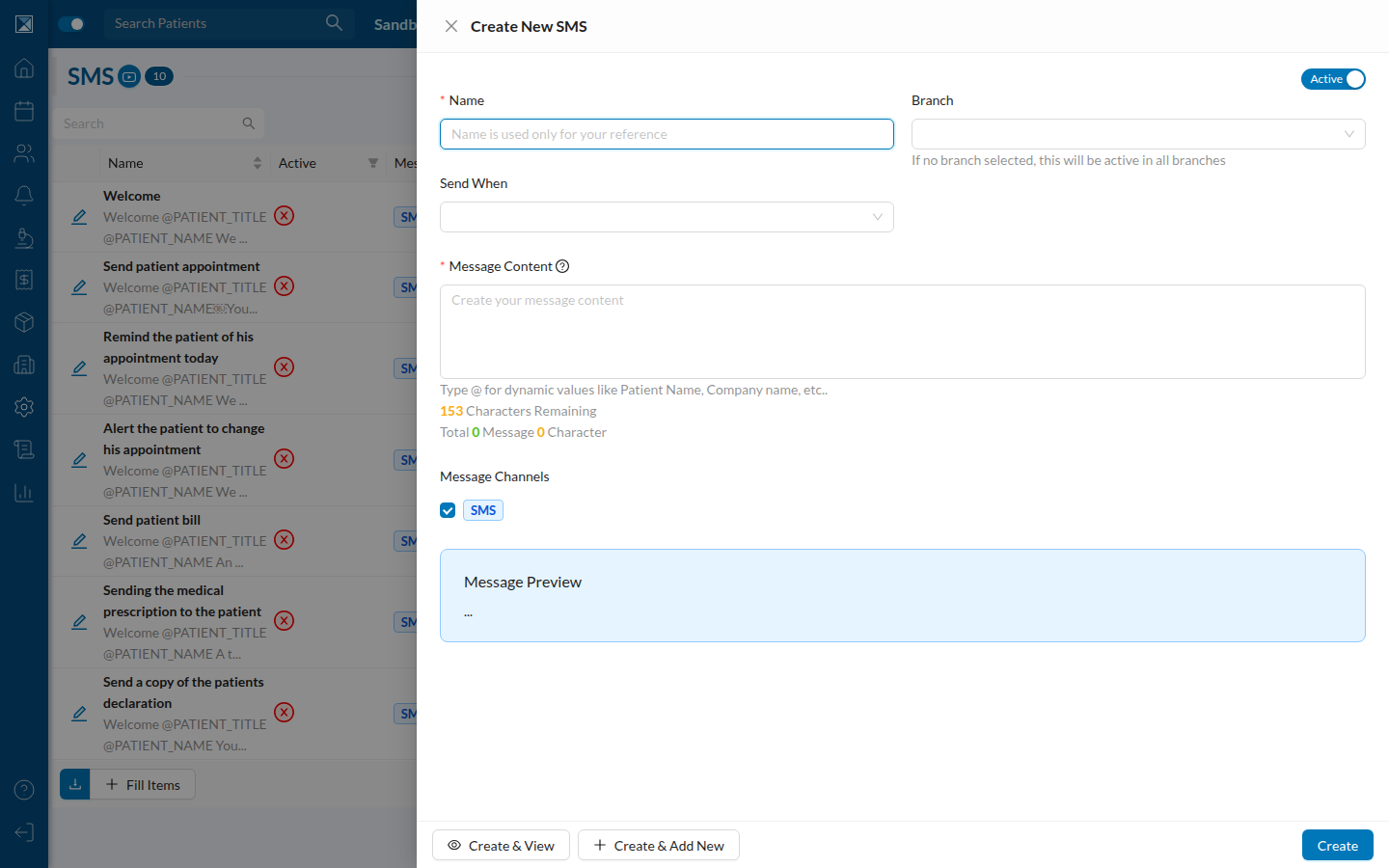
The Send Template feature searches this same pool of messages (searchMessages), but narrows it to only the ones carrying an approved WhatsApp template — see Which Templates Qualify.
4. The new screens (from the code)
Since no expired conversation could be opened live in this sandbox, this section describes the two new entry points exactly as implemented, rather than screenshotting them:
Mobile — WhatsAppChatHeader: once a conversation shows the red "Conversation Expired" text, a new Send Template button appears next to it (only when a conversation id was passed in) — packages/clinic-mobile/src/components/dashboard/WhatsApp/conversationMessages/WhatsAppChatHeader.js:39-53. Tapping it navigates to the new SendTemplateScreen (registered at packages/clinic-mobile/src/components/dashboard/DashboardStack.js:512), which shows:
- A description explaining why only a template can be sent now (
t('app.sendTemplateDescription')). - A search field to pick one of the eligible messages.
- A live preview of the message with the contact's name already filled in.
- A red warning line if the message needs anything besides a name, with the Send button in the header disabled
until an eligible message is selected (packages/clinic-mobile/src/components/dashboard/WhatsApp/conversationMessages/SendTemplateScreen.js:39,113-121).
Web — SendTemplateButton: the same button appears next to the "Conversation Expired" text in Chats.js (packages/clinic-web/src/components/dashboard/officialWhatsapp/conversations/Chats.js:143-148), opening a modal with the identical picker, preview, and validation (packages/clinic-web/src/components/dashboard/officialWhatsapp/conversations/SendTemplateButton.js:78-113).
Both screens call the same new sendWhatsappTemplate GraphQL mutation and share the same eligibility rules — see the next two pages for the full behavior.