On this page
Entry point: Inventory → ProcurementTab 1 — Reorder listTab 2 — MarketplaceTab 3 — OrdersWhat we couldn't screenshot: the seller portal (supplier-web)Walkthrough
This page is a guided tour of the buyer-side screens as they exist right now on the sandbox preview for this branch, logged in as the owner seed user at sandbox.
A note on what you'll see below: the sandbox for this branch has the clinic-web and pharmacy-web changes deployed, but no supplier (vendor) company has been provisioned with listings, and no test orders have been placed yet — so every screen below is showing its real, honest empty state. That's expected for a base milestone with no seed data, not a bug. We also could not reach the new supplier-web seller portal from this sandbox at all — see the callout at the bottom of this page for why, and the Seller Portal page for what that app looks like based on the code.
Entry point: Inventory → Procurement
The buyer-side feature is a new Procurement item under the existing Inventory menu in clinic-web (packages/clinic-web/src/components/dashboard/layout/Sidebar/Sidebar.js:447-452), sitting alongside Inventory Items, Orders, Transactions, Storages, and Stock.
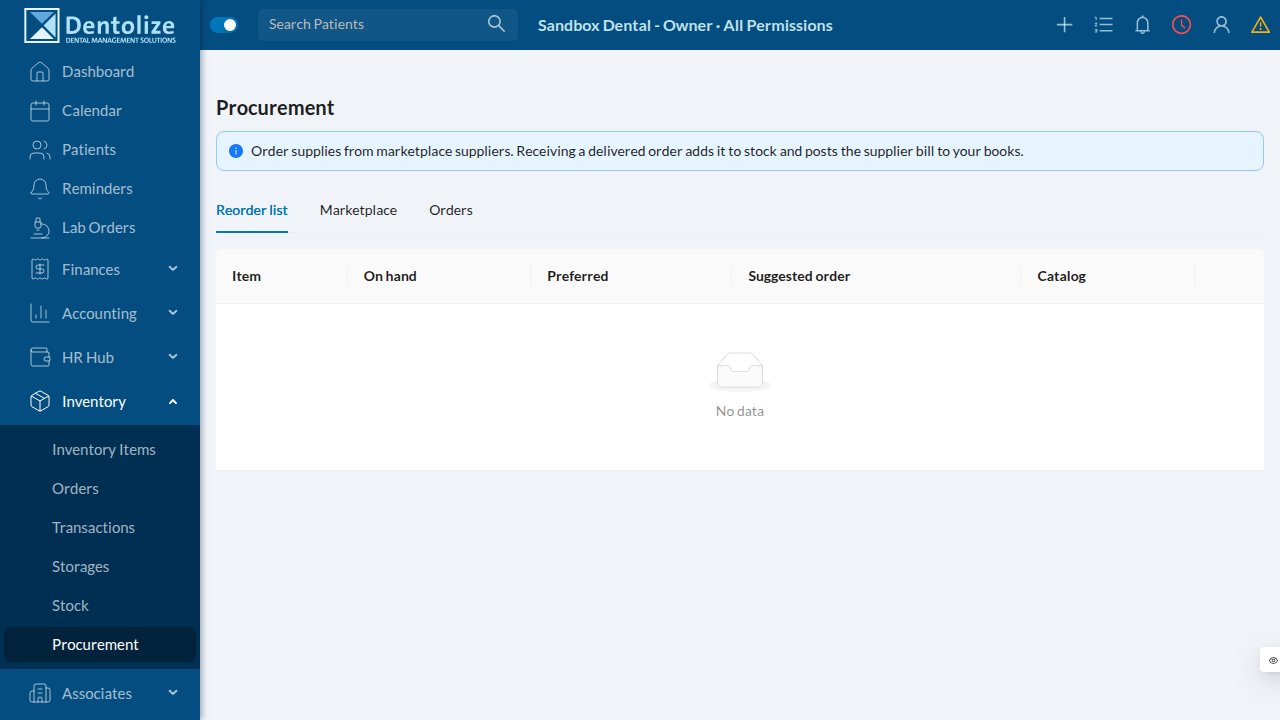
Clicking it opens /inventory/procurement — a single page with three tabs: Reorder list, Marketplace, and Orders. A banner at the top explains the whole flow in one sentence: "Order supplies from marketplace suppliers. Receiving a delivered order adds it to stock and posts the supplier bill to your books."
Tab 1 — Reorder list
The idea: instead of a staff member manually noticing "we're low on gloves," Dentolize computes it. This tab lists every stock line where amount (on hand) has fallen below preferredAmount, with a suggested order quantity of preferredAmount − onHand.
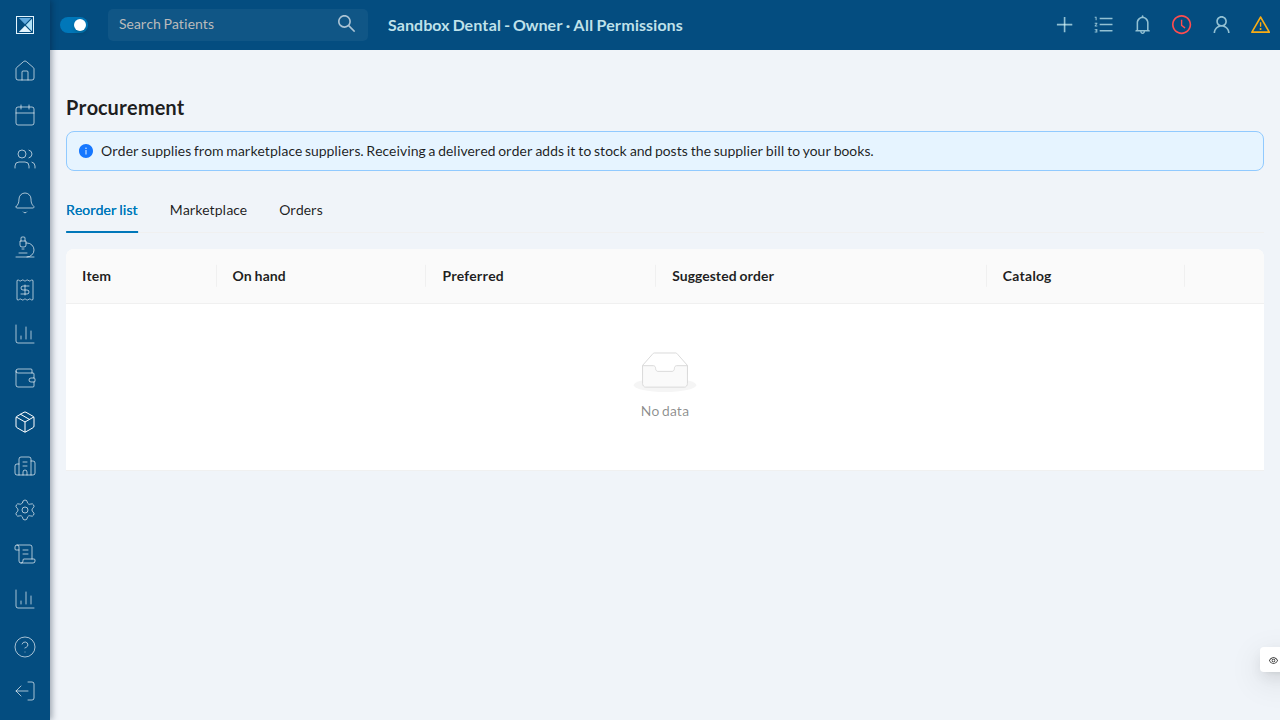
This clinic's stock is currently at or above its preferred levels for every item, so the table is empty ("No data") — which is itself the correct behavior. When a row is below its preferred level, each line also shows whether it's mapped to the shared product catalog (a green "mapped" tag) — only mapped items can jump straight to a "Find suppliers" search on the Marketplace tab, because that's how the marketplace prices the same product across different vendors.
Tab 2 — Marketplace
A minimal, functional shop: search for a listing, add it to a per-vendor cart, adjust quantity, and place the order.
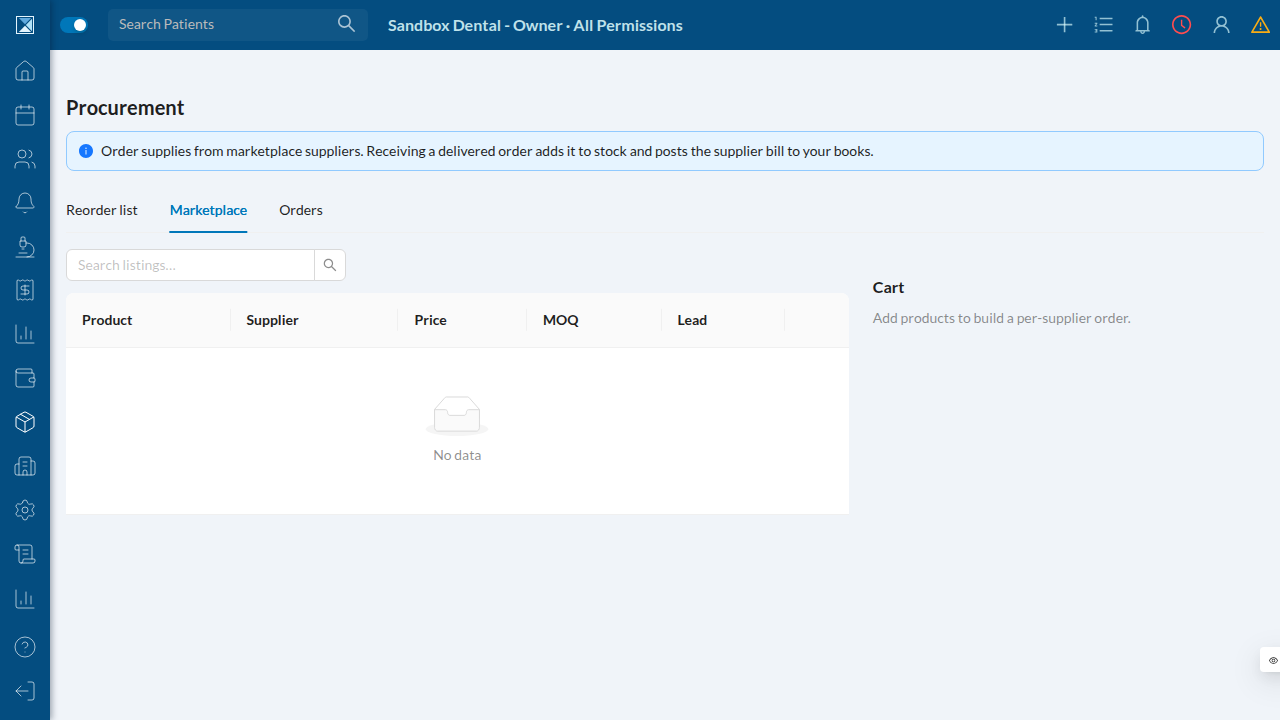
The table is empty here because no supplier company in this sandbox has published a Listing yet — that's created from the seller side (supplier-web), which isn't reachable in this preview (see below). Once listings exist, this tab lets a buyer search by product/SKU, see price/MOQ/lead time per vendor, and build a cart that's grouped per-vendor (an order can only go to one vendor at a time — see Buyer Procurement).
Tab 3 — Orders
Tracks every TradeOrder this clinic has placed, with a status tag and — once an order is SHIPPED or DELIVERED — a "Receive into stock" action.
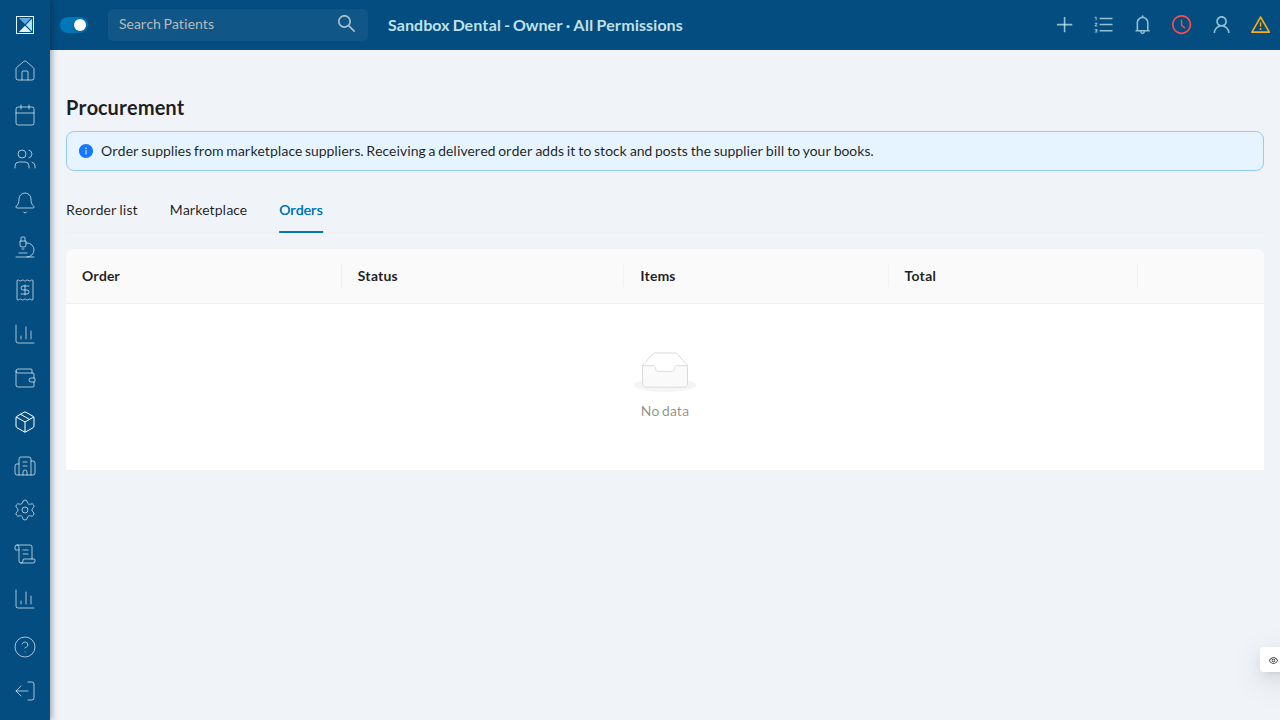
No orders exist yet in this sandbox. Once one is placed, this is where a staff member closes the loop: clicking "Receive into stock" turns the order into a real stock-in transaction and a posted supplier expense in one step (see Order Lifecycle & Accounting).
What we couldn't screenshot: the seller portal (supplier-web)
The PR adds an entirely new app, packages/supplier-web, for suppliers to manage their listings, orders, and RFQ responses — this is the other half of the feature. We looked for it at every subdomain pattern this sandbox uses for its other apps (https://supplier-feat-marketplace-suppliers.sandbox.anastawfik.com, .../sellers-..., .../vendor-...) and all returned HTTP 404. Reading packages/supplier-web/vite.config.ts and src/brand.ts confirms why: the app only has a local dev server config (port 3020, proxying /graphql to localhost:4000) and an explicitly empty hostnames: [] in its brand config, with a comment that the production domain is "pending registrar approval." In other words, this app hasn't been wired into any deployment pipeline yet, sandboxed or otherwise — that's a gap in the deployment/infra setup, not in the application code itself. The Seller Portal page describes it in detail from the source.