Walkthrough
The fix lives entirely behind an action that already existed, so the tour is short: this is where "Logout All Users" lives, and what happens when an owner clicks it. Nothing on screen has changed — the difference is what happens on the server afterward, which is covered in the feature breakdown.
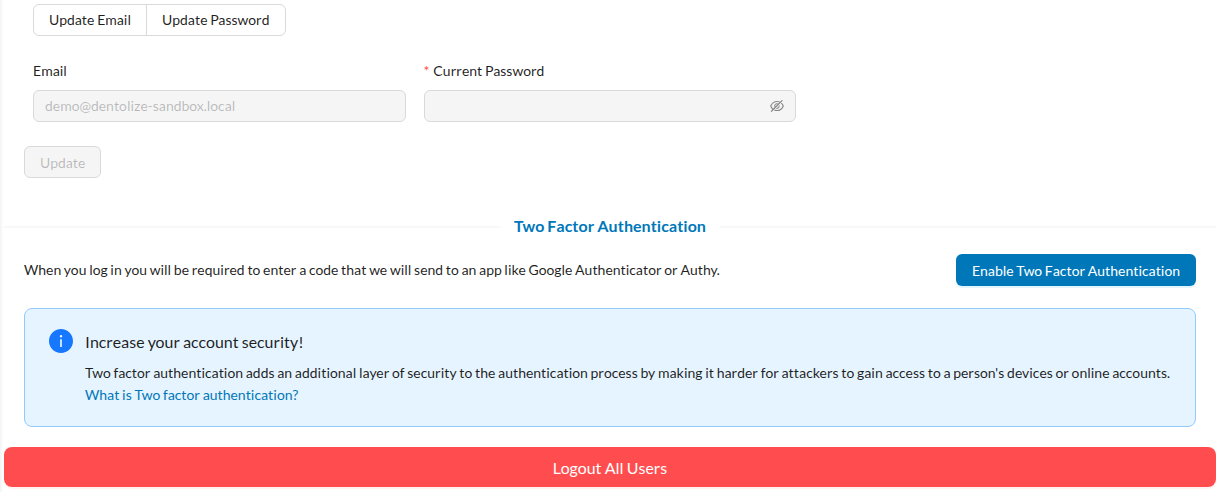
1. Settings → Security tab
Only a user with the "Do All" (owner-level) permission sees this button. It sits at the bottom of Settings → Account → Security, below Two-Factor Authentication.
2. Confirming the action
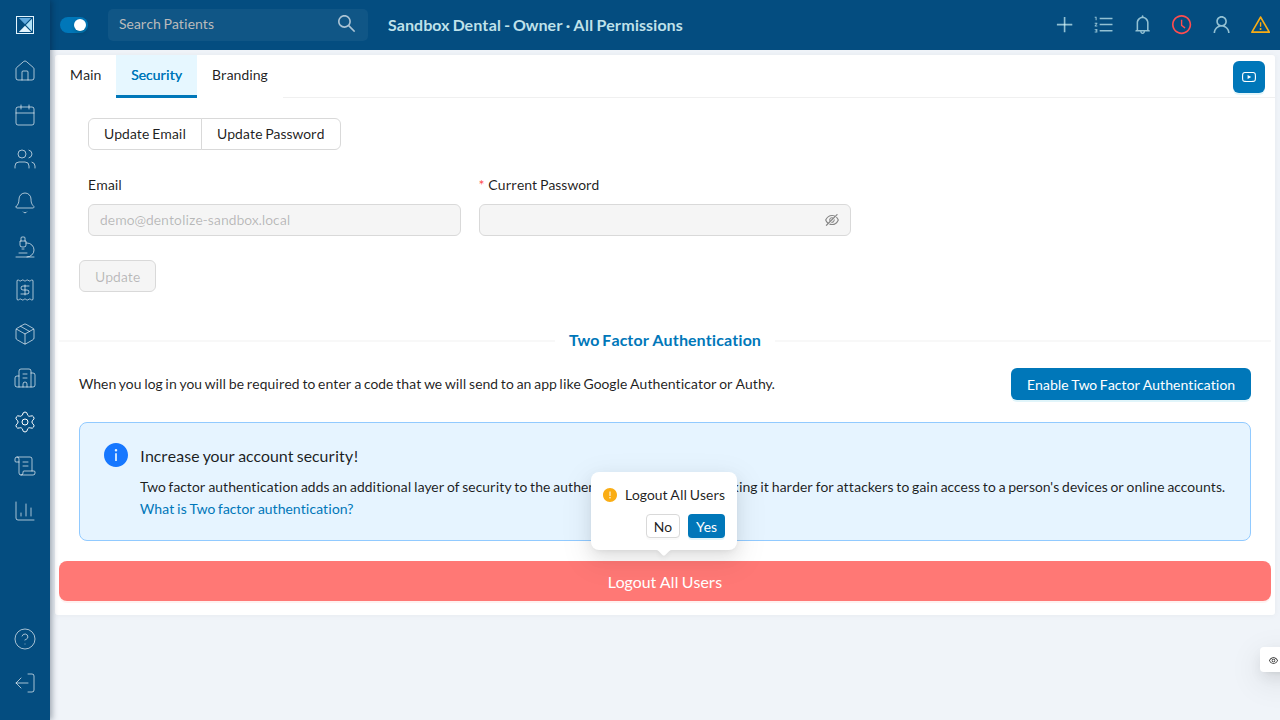
Clicking the button opens a confirmation popover — this is a destructive, company-wide action, so it's guarded by an explicit "Yes."
3. What happens on confirm
Once confirmed, the server (as of this PR):
- Looks up every staff user in the clinic's company.
- Deletes their active sessions (web and mobile) from Redis, so any signed-in
device is immediately booted to the login screen.
- New in this PR: clears the
pushNotificationstoken list for every one
of those users, so none of their devices keep receiving push alerts after being logged out.
- Removes the matching
UserSessionrecords from the database.
The owner who triggered it is redirected to /auth/login, same as before — this fix doesn't change anything the owner sees.
The mobile app (clinic-mobile) exposes the same action from the More menu, calling the identical logoutOutAllUsers mutation — there is no separate mobile-only screenshot because the fix is server-side and behaves identically regardless of which client triggered it.