On this page
1. User Calendar Settings — the break-time Update button2. Patient tags, and where they're keptWalkthrough
A tour of the two screens this PR touches, captured on the sandbox for this branch. Both fixes are behind-the-scenes — there's no new button or field to find, so the tour focuses on where each bug used to bite.
1. User Calendar Settings — the break-time Update button
Every user in Dentolize (doctors, hygienists, receptionists...) has a User Calendar Settings tab that controls their working hours, closed days, rooms, and — for each day — one or more breaks (e.g. a lunch break). Open it from Settings → Users → (pick a user) → User Calendar Settings.
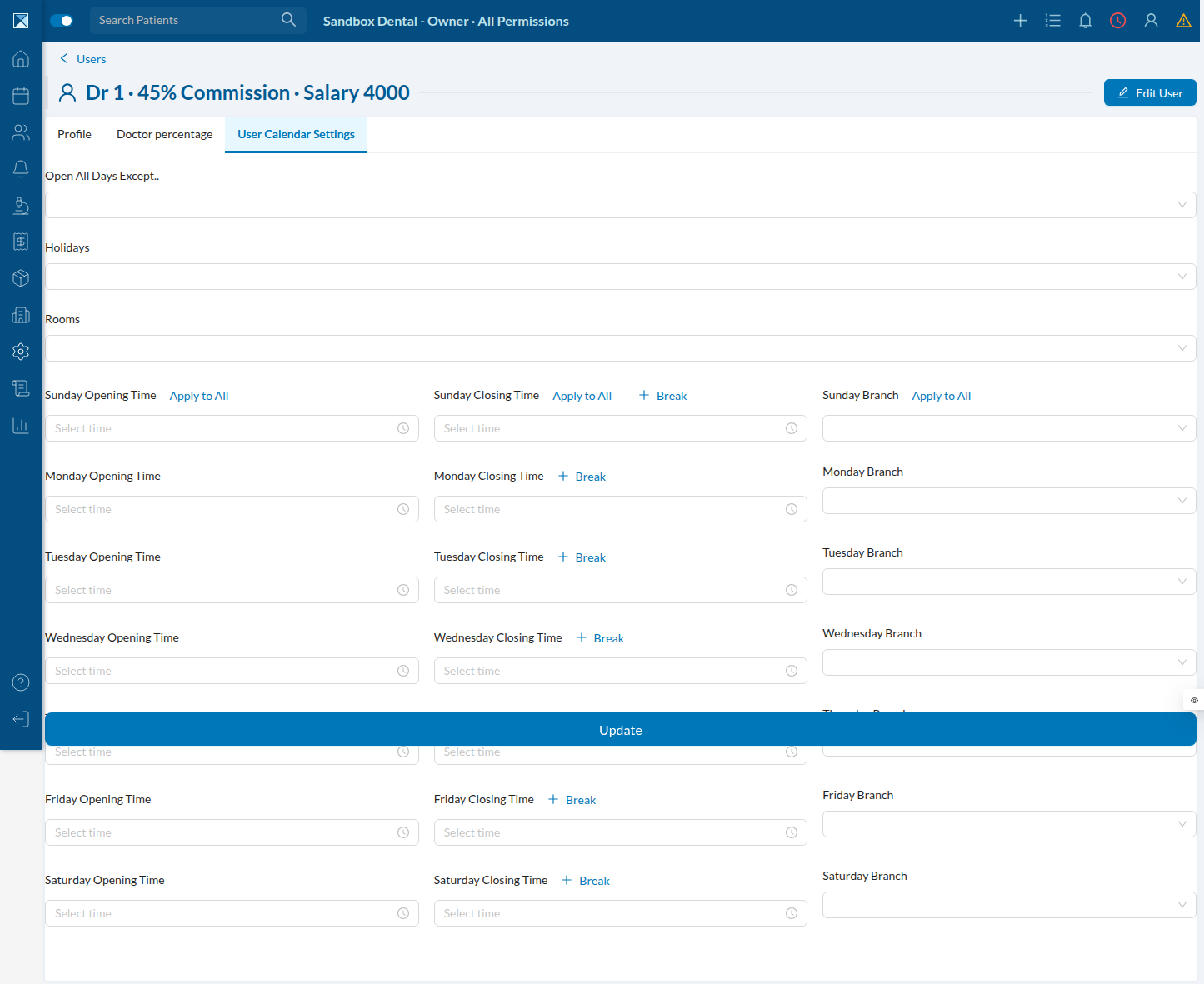
Clicking + Break next to any day's closing time adds a break-time range picker for that day:
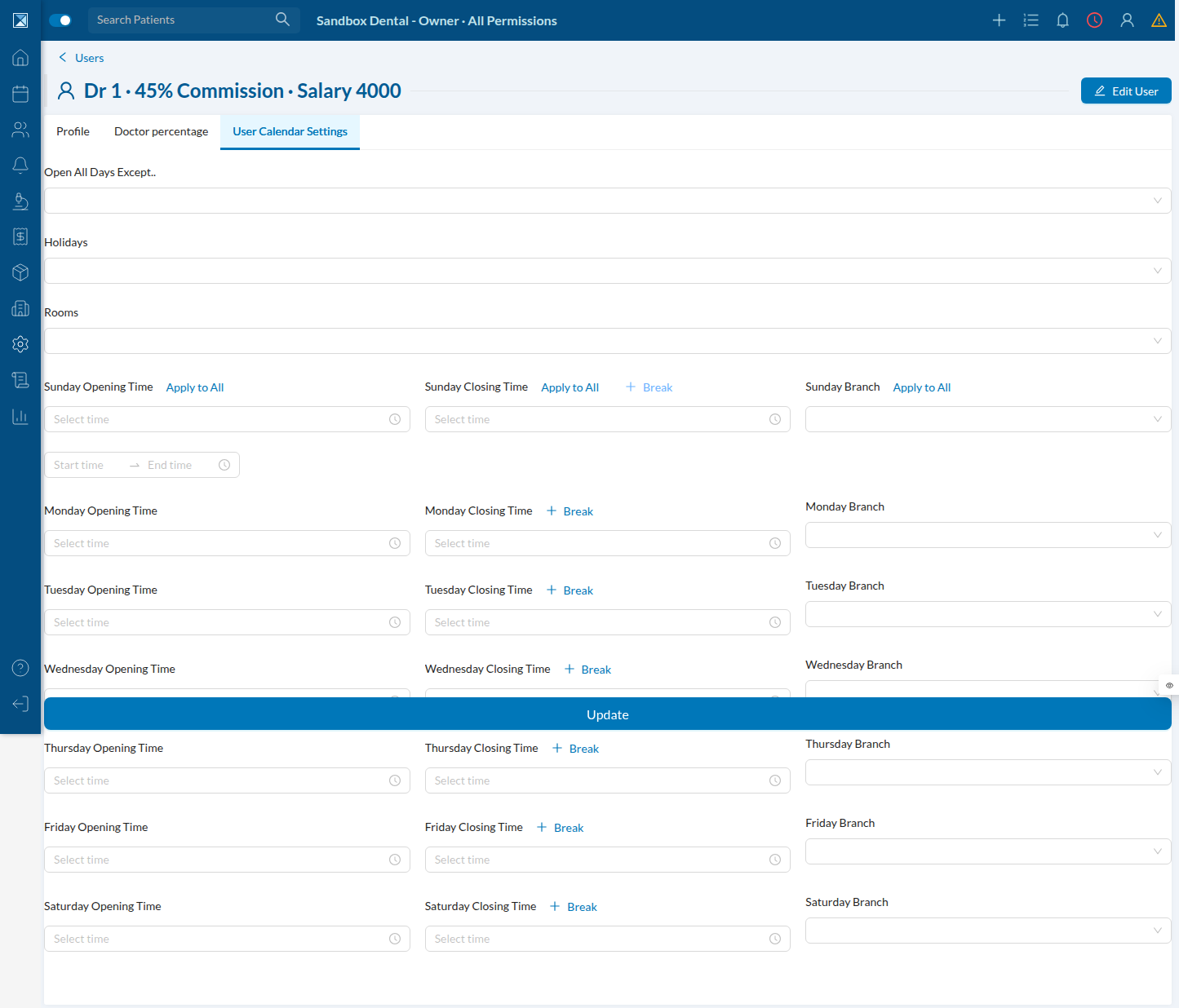
This is exactly the scenario the bug affected: breaks are tracked in their own bit of component state (breaks), separate from the Ant Design form that drives the rest of the tab. The Update button's enabled/disabled check used to compare those two independently-tracked things backwards, so adding or editing a break — with nothing else on the form touched — could leave Update disabled with no way to save the change. The screenshot above is the corrected behavior: after adding a break, Update is live and the change can be saved. Details and the exact line in Calendar Break Update Button.
2. Patient tags, and where they're kept
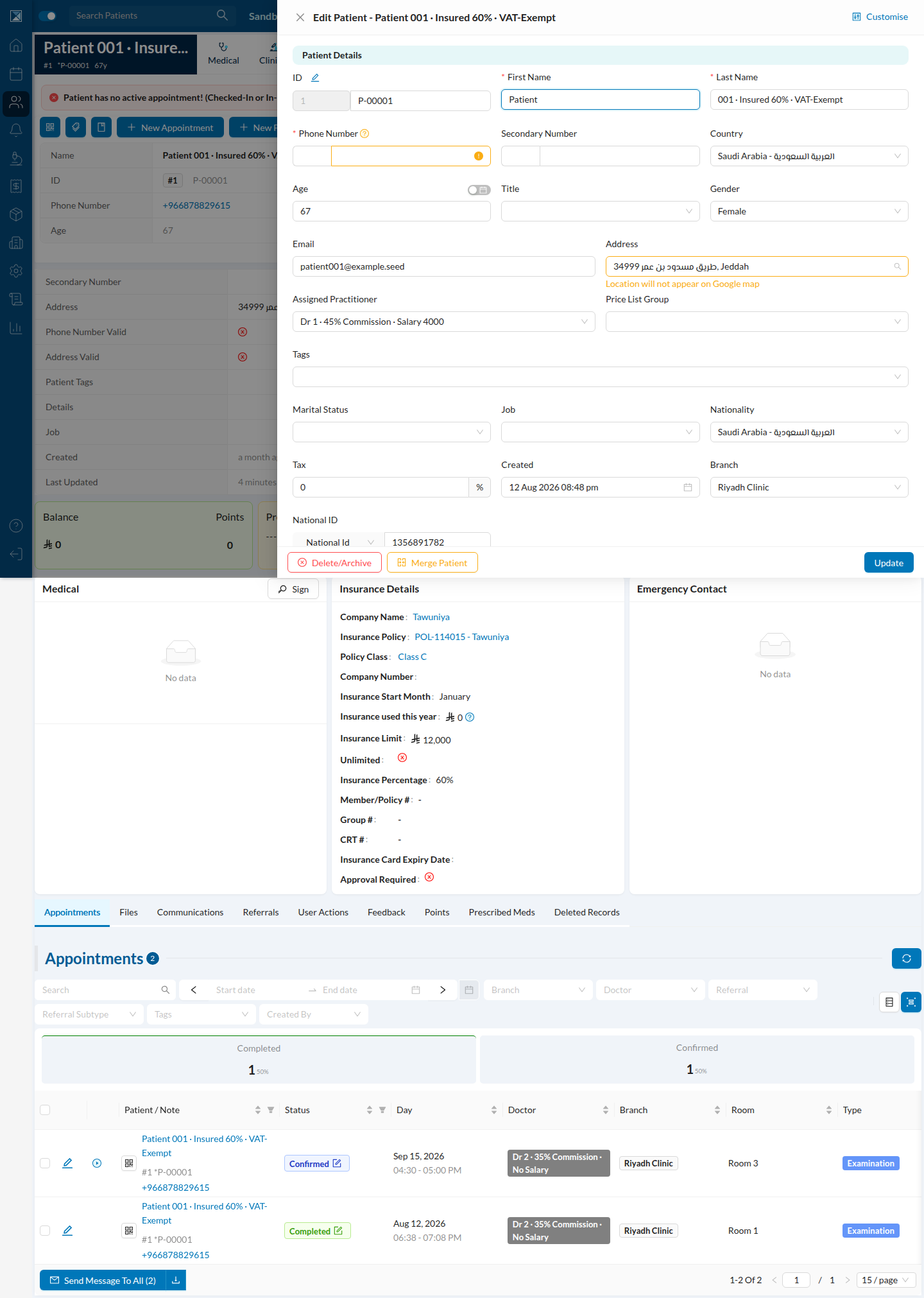
Both bugs in this PR revolve around Patient Tags — the labels staff put on a patient (e.g. "VIP", "Follow-up needed"). They're set from the patient's record via Edit Patient:
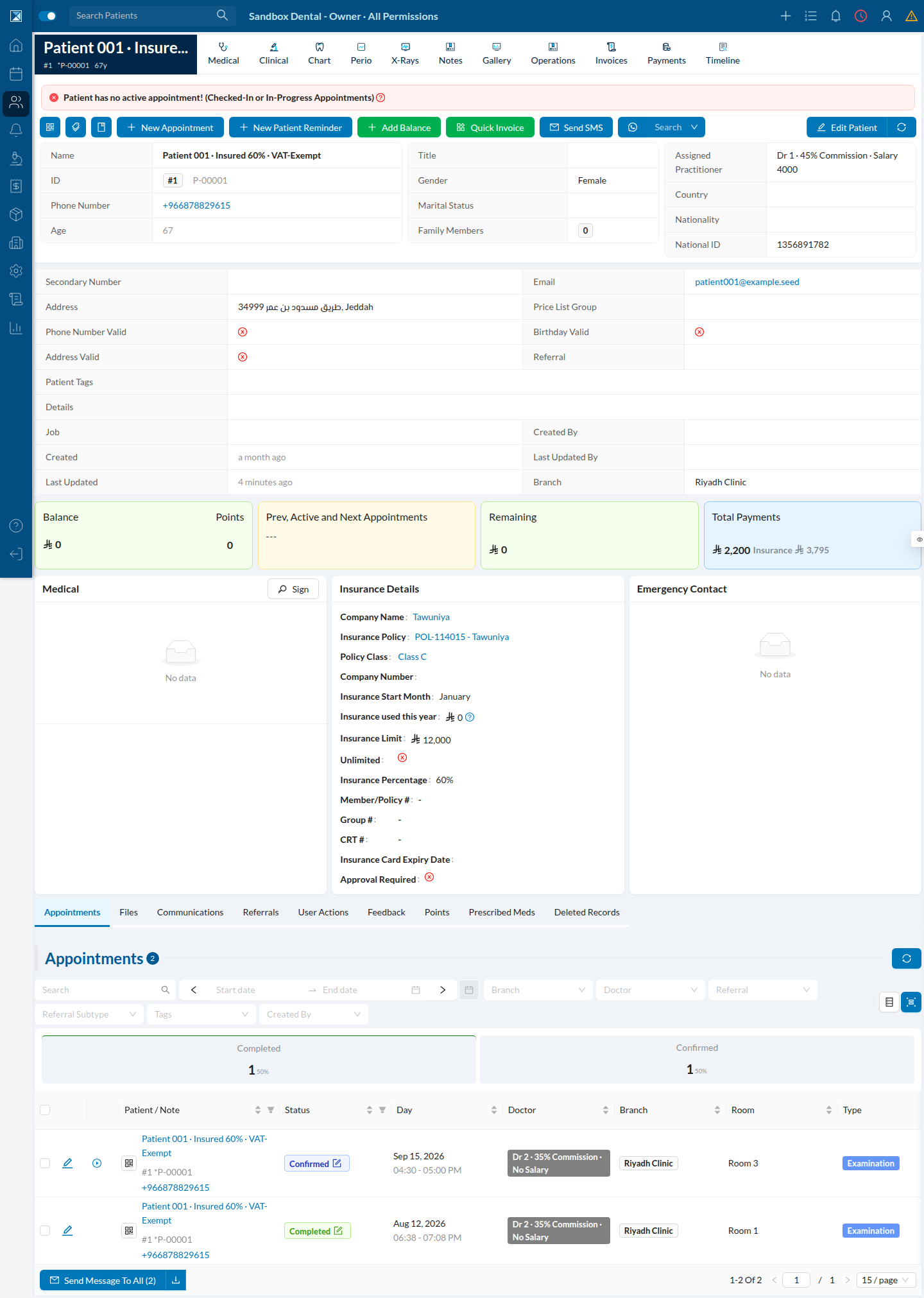
and shown back on the patient's profile page as Patient Tags:
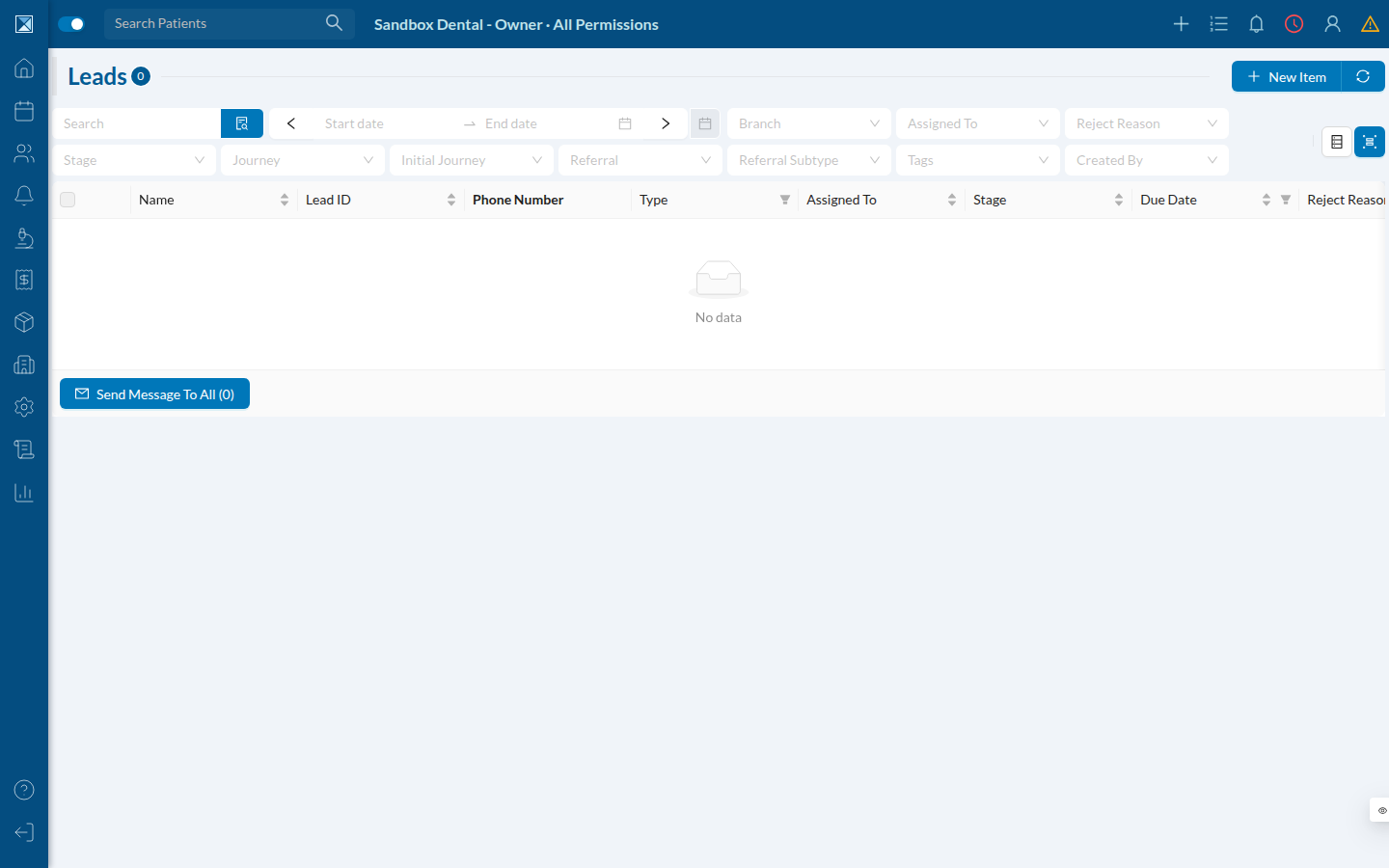
Leads carry the same tags, filterable from the leads table:
Whenever a patient is linked to a WhatsApp conversation (via the official WhatsApp integration), Dentolize keeps a second, independent copy of that patient's tags on the conversation record itself — that's what lets WhatsApp automation rules filter or route by tag without joining out to the patient on every message. This sandbox doesn't have the WhatsApp service enabled or any seeded conversations to screenshot directly (whatsapp: false in this branch's sandbox config), but the code path is straightforward to follow — see WhatsApp Conversation Tag Sync for the exact flow and file references. In short: editing a lead's tags, or creating a new patient from a WhatsApp chat, is now what actually keeps that second copy in sync — previously it silently never happened.