On this page
Finding it: the CRM menuThe lead pipeline ("Journey")Guided onboardingConnecting a platformThe Marketing HubInbox SLA settingsBuilding an automationReviewsThe accounting bridgeFeature Tour
A walk through the CRM as it actually appears in the beta sandbox. Every image below is a real screenshot captured from the feat-crm-module sandbox, logged in as the clinic Owner.
Pre-release note: these screens are behind beta feature flags and populated with demo data. The sandbox has Meta connectable but TikTok/Snapchat/Google disabled pending platform app review, so several screens show first-run / empty states — which is exactly what a new beta clinic sees.
Finding it: the CRM menu
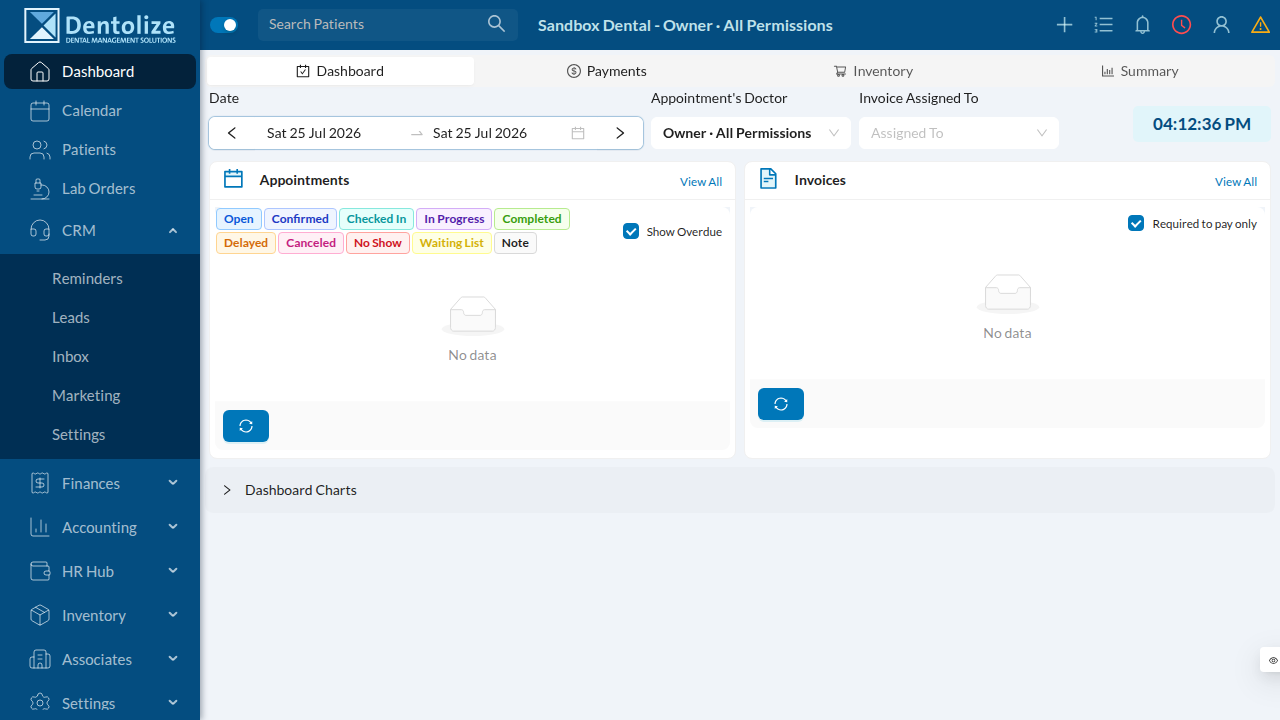
The CRM lives in the left sidebar with its own group: Reminders, Leads, Inbox, Marketing, Settings.
The lead pipeline ("Journey")
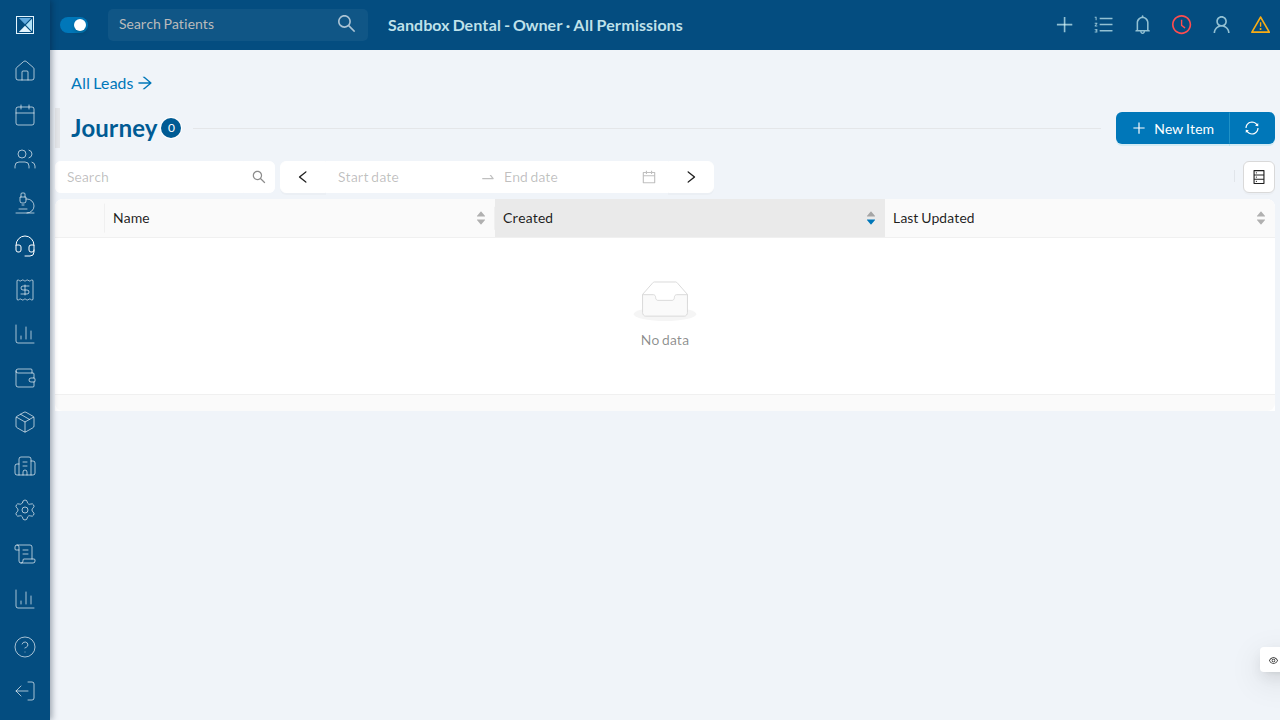
Leads flow through configurable pipeline stages. The Journey view is the working list of leads; a fresh clinic starts empty and fills as ads and conversations produce leads.
Guided onboarding
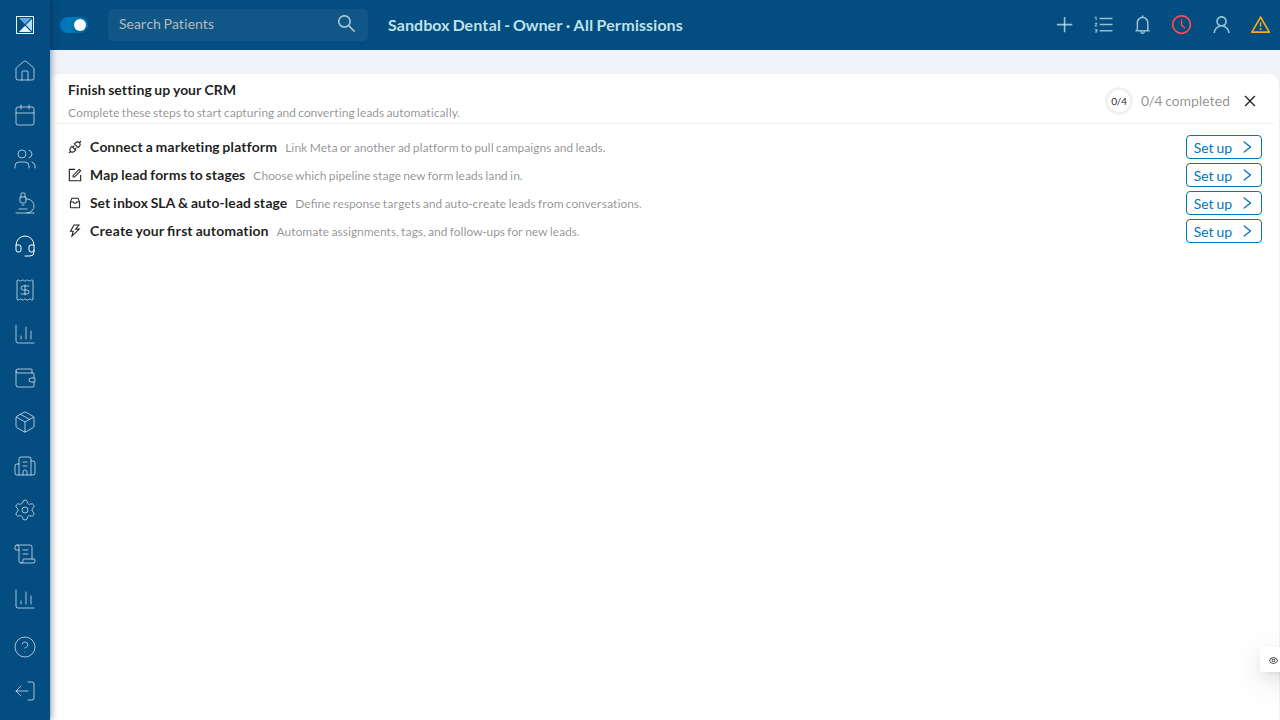
Open the Inbox (or Marketing) in a not-yet-configured clinic and the CRM greets you with a "Finish setting up your CRM" checklist — connect a platform, map lead forms to stages, set inbox SLAs, and create a first automation. Each step deep-links to the right settings screen.
Connecting a platform
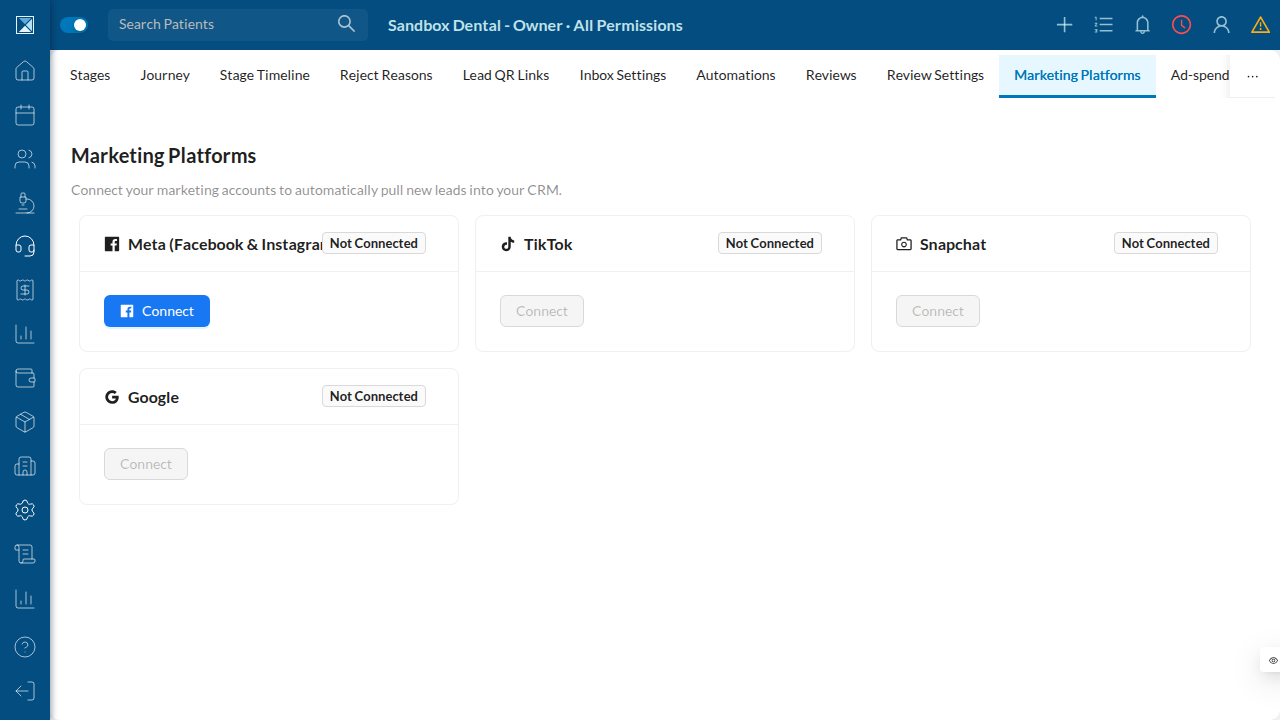
The Marketing Platforms screen is the front door. Meta is connectable via an in-page Facebook login popup; TikTok, Snapchat, and Google appear but are disabled until their platform apps are approved. (Connecting is web-only by design.)
The Marketing Hub
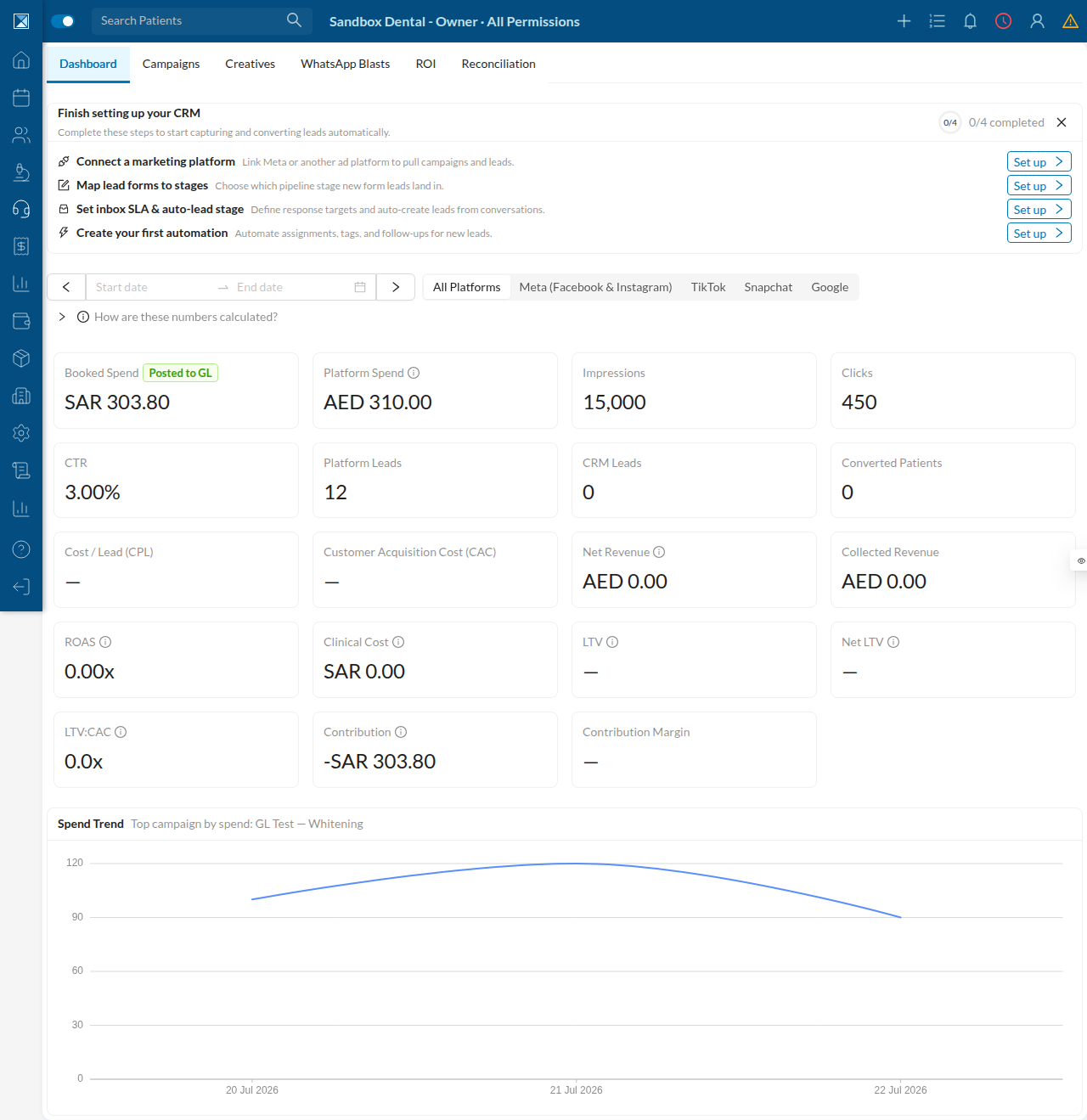
Once campaigns sync, the Marketing Hub dashboard shows the full performance and ROI picture: spend (platform vs GL-booked), impressions, clicks, CTR, platform vs CRM leads, converted patients, and the money metrics — CPL, CAC, ROAS, contribution, LTV, LTV:CAC — plus a spend-trend chart. Tabs across the top: Dashboard, Campaigns, Creatives, WhatsApp Blasts, ROI, Reconciliation.
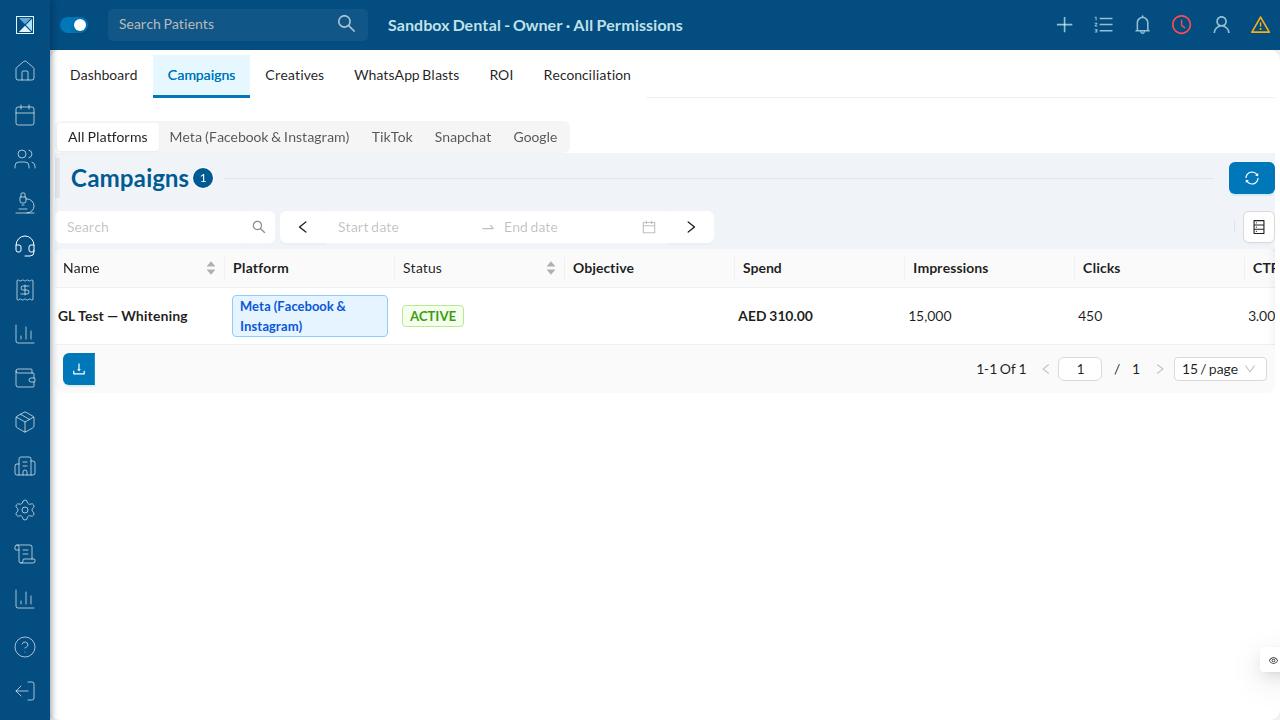
The Campaigns tab lists synced campaigns with their platform, status, spend, impressions, clicks, and CTR.
Inbox SLA settings
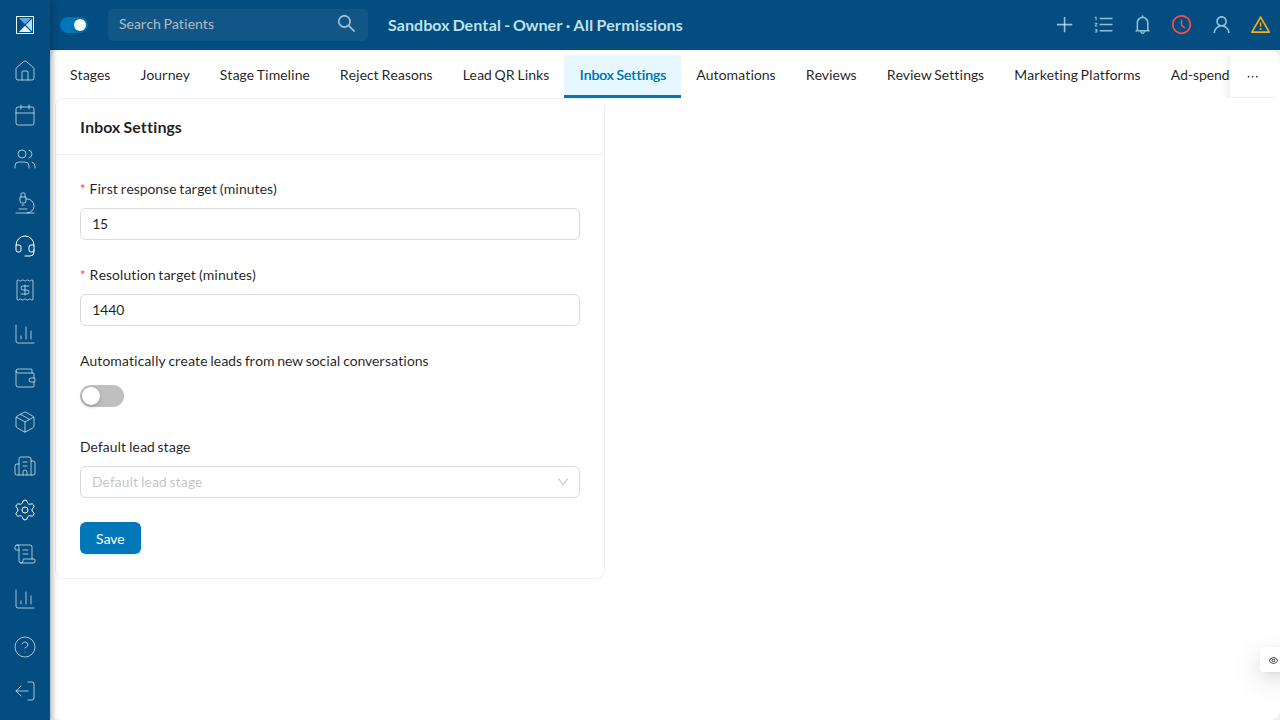
Response-time targets are configurable: a first-response target (default 15 minutes), a resolution target (default 1440 minutes = 24 hours), and a toggle to auto-create leads from new social conversations, with a default lead stage.
Building an automation
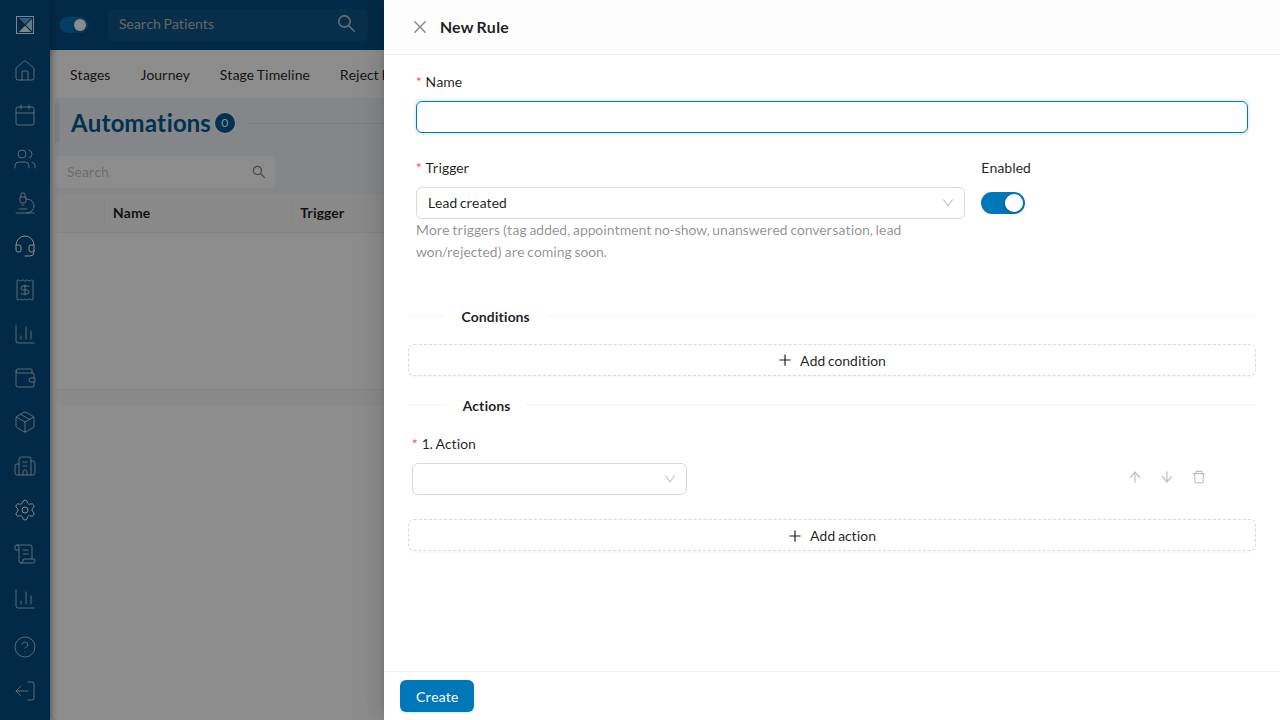
Automations read as trigger → conditions → actions. The builder takes a name, a trigger ("Lead created" here; more triggers marked "coming soon"), optional conditions, and an ordered list of actions.
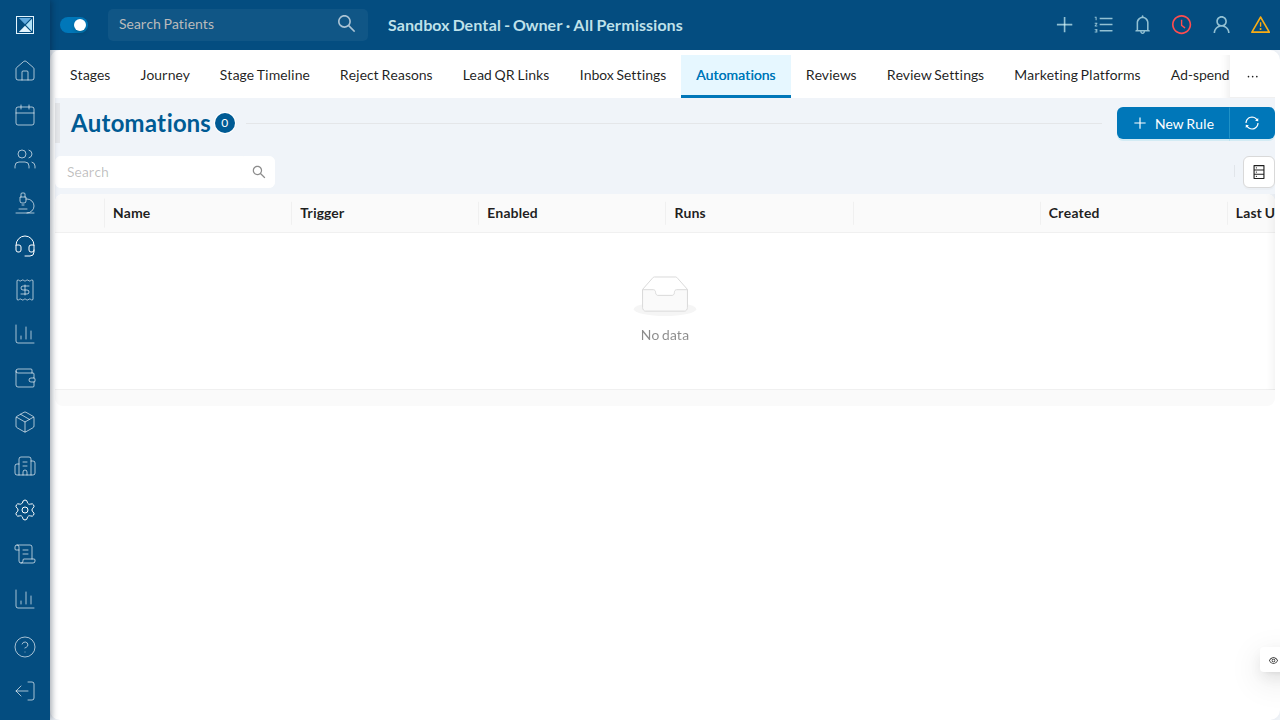
The automations list shows each rule's trigger, enabled state, run count, and history.
Reviews
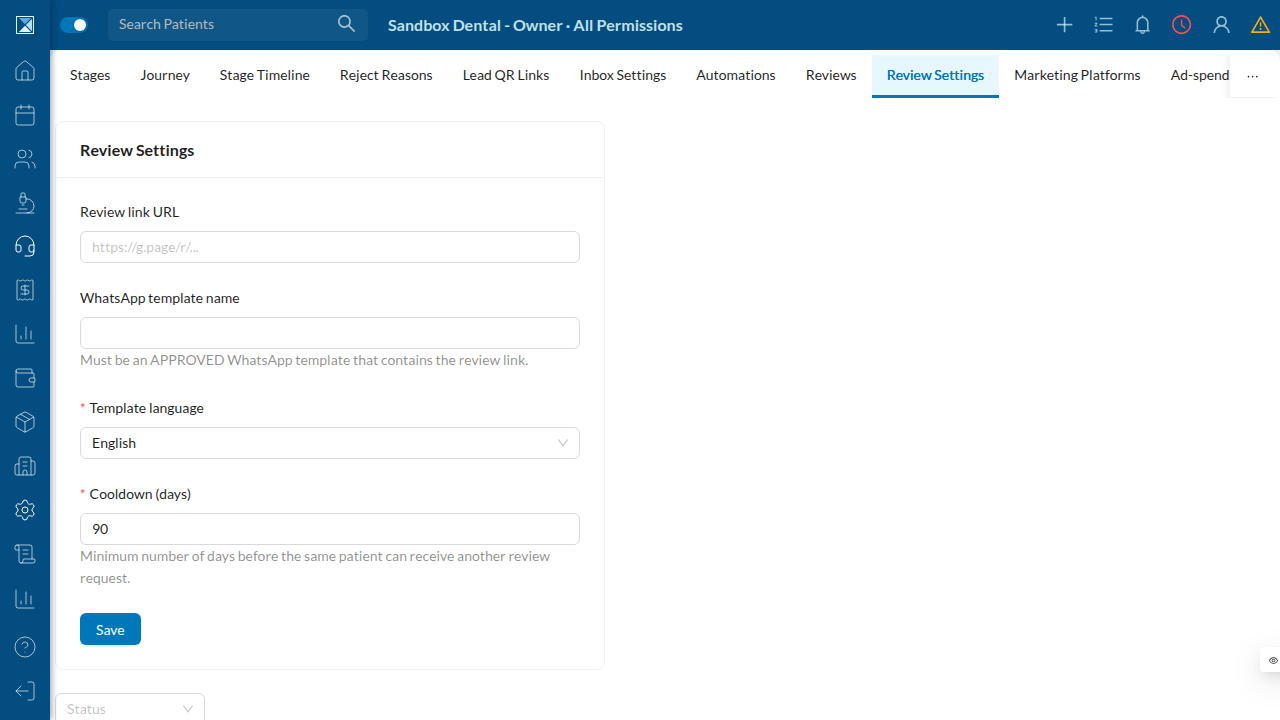
The Review Settings screen configures the public review link, the approved WhatsApp template, its language, and the cooldown (default 90 days) before the same patient can be asked again.
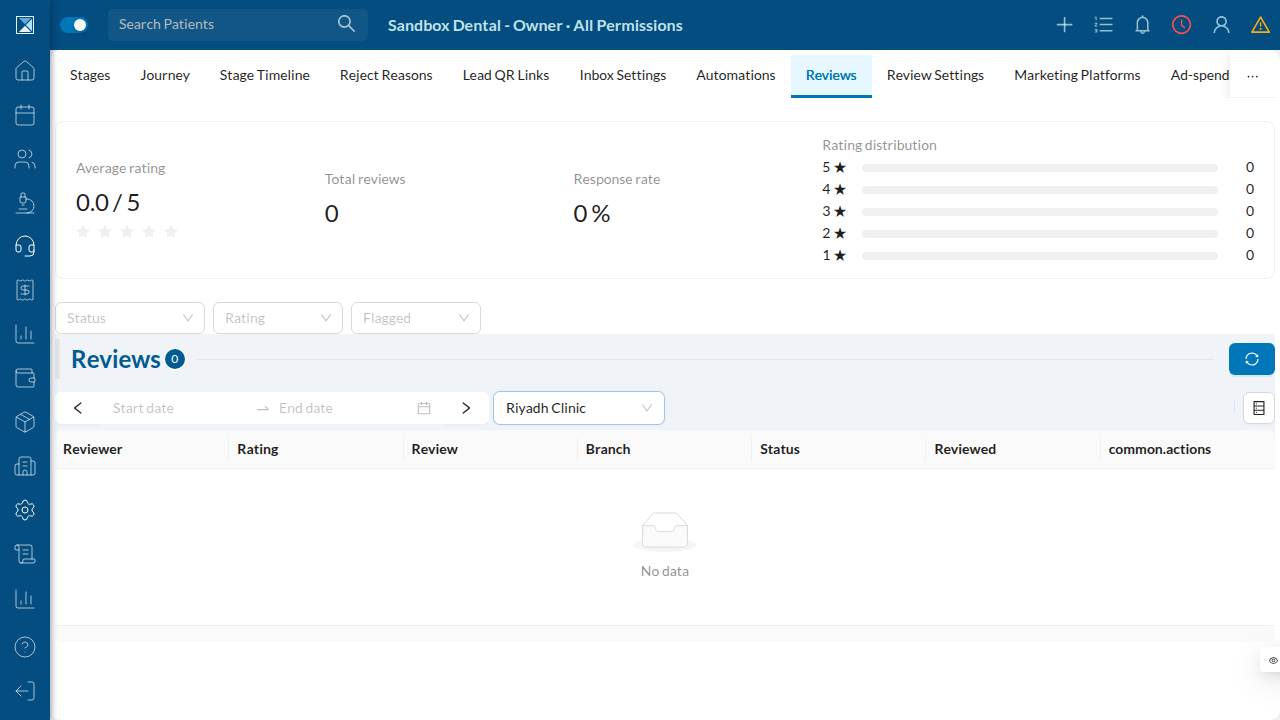
The Reviews dashboard aggregates average rating, total reviews, response rate, and a star-rating distribution, filterable by branch, status, rating, and flag.
The accounting bridge
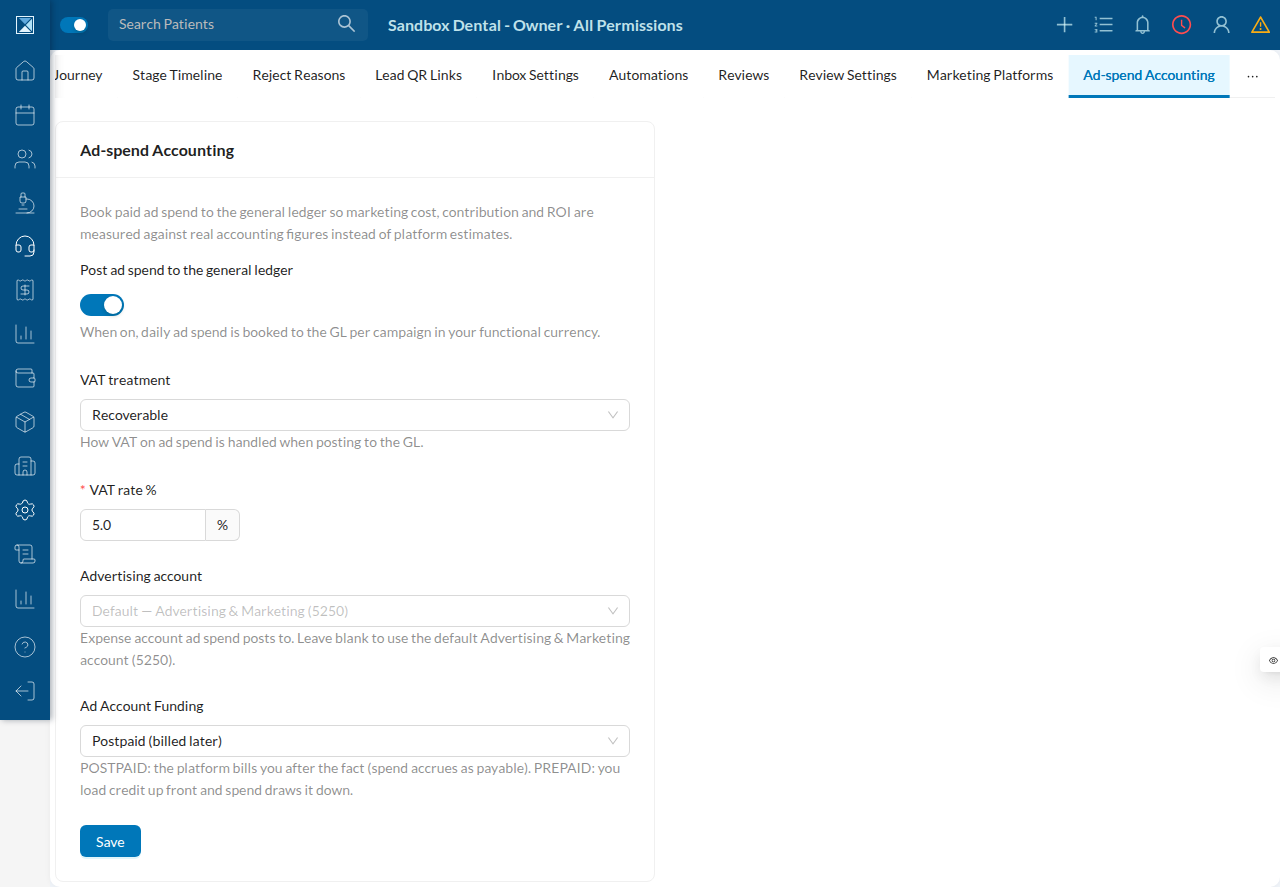
Optionally, a clinic can post daily ad spend to the general ledger so marketing cost feeds real financial statements — choosing VAT treatment, VAT rate, the target expense account (default Advertising & Marketing, 5250), and postpaid vs prepaid ad-account funding.